

Multimedia & graphics Windows
Letasoft Sound Booster for Windows
Boost quiet Windows audio beyond the system volume setting with a tray slider and hotkeys. Letasoft Sound Booster is paid software with a restricted 14-day trial.
- Operating system
- Windows 11, 10, 8 and 7
- Architecture
- 32-bit and 64-bit Windows
- Download package
- EXE installer
Publisher download requirements list 1.0 GHz CPU, 256 MB RAM and 10 MB free disk space. The linked installer was checked by HEAD only; it was not downloaded or run.
Link checked · Download guidance
What is Letasoft Sound Booster?
Letasoft Sound Booster amplifies audio from Windows applications before it reaches the sound card. It is intended for quiet videos, voice calls, music or games when the normal Windows volume control is already at maximum. The publisher advertises boosting up to 500%; the useful level depends on the audio and your speakers.
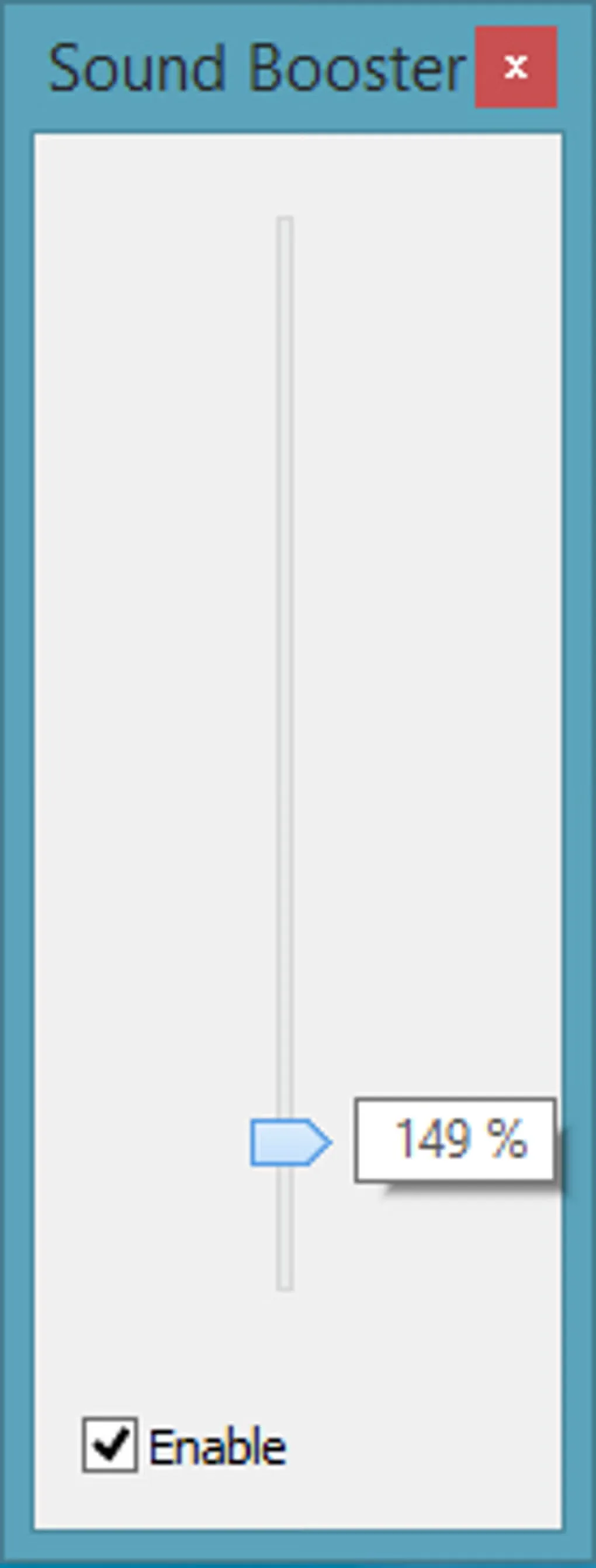
A pop-up slider in the system tray controls the boost level. You can assign separate keyboard shortcuts to raise and lower it, and choose whether the program starts with Windows. Sound Booster offers code-injection and APO-effect boost methods, plus an optional SuperBoost setting.
This is a commercial application, not a permanently free volume booster. The trial lasts 14 days and pauses amplification for five seconds every five minutes. A purchased license and activation are required to keep using it after the trial. Extra gain can also distort sound when speakers cannot handle the increased output; lowering the boost is the publisher’s recommended response. SuperBoost can introduce additional distortion.
What it offers
- Amplify Windows application audio by up to 500%, according to the publisher.
- Adjust the boost using a system-tray pop-up slider.
- Assign separate system-wide hotkeys to increase and decrease the boost level.
- Configure automatic startup with Windows.
- Choose code-injection or APO-effect boosting, with an optional SuperBoost mode.
Good to know
- The 14-day trial stops amplifying for five seconds every five minutes; continued use after the trial requires a purchased license and activation.
- High boost levels can cause distortion if speakers cannot handle the output; SuperBoost may also introduce distortion.
Product images
Sources
References used for this listing. Retrieval dates do not indicate hands-on testing.
- Letasoft Sound Booster - Increase audio volume above maximum ↗Retrieved
- Letasoft Sound Booster - Features ↗Retrieved
- Letasoft Sound Booster - Download ↗Retrieved
- Letasoft Sound Booster - Help ↗Retrieved
- Letasoft Sound Booster - News ↗Retrieved
- Letasoft Sound Booster - Download ↗Retrieved
More in multimedia & graphics
View category ↗
1by1 2.17
Play music directly from folders with 1by1, a free Windows audio player with resume, gapless playback and file tools. Formats beyond MP3 need additional decoders.
3DVista Virtual Tour Pro
Build interactive 360° virtual tours from panoramas, videos and 3D models with 3DVista Virtual Tour Pro for Windows. Commercial software with a 30-day trial.

4DDiG Video Repair
Repair corrupted or unplayable videos in batches with the Video Repair tool in 4DDiG File Repair for Windows. A free trial is available; advanced features require a paid license.