

Multimedia & graphics Windows
LibreSprite for Windows
Draw pixel art and animate sprites with LibreSprite, a free, open-source editor with layers, frames, onion skinning and tiled drawing. This download is the Windows x64 installer.
- Operating system
- Windows
- Architecture
- x64 (x86_64)
- Download package
- EXE installer
Publisher also offers a separate Windows x64 ZIP. Minimum Windows version is not established by the cited publisher release metadata.
Link checked · Download guidance
What is LibreSprite?
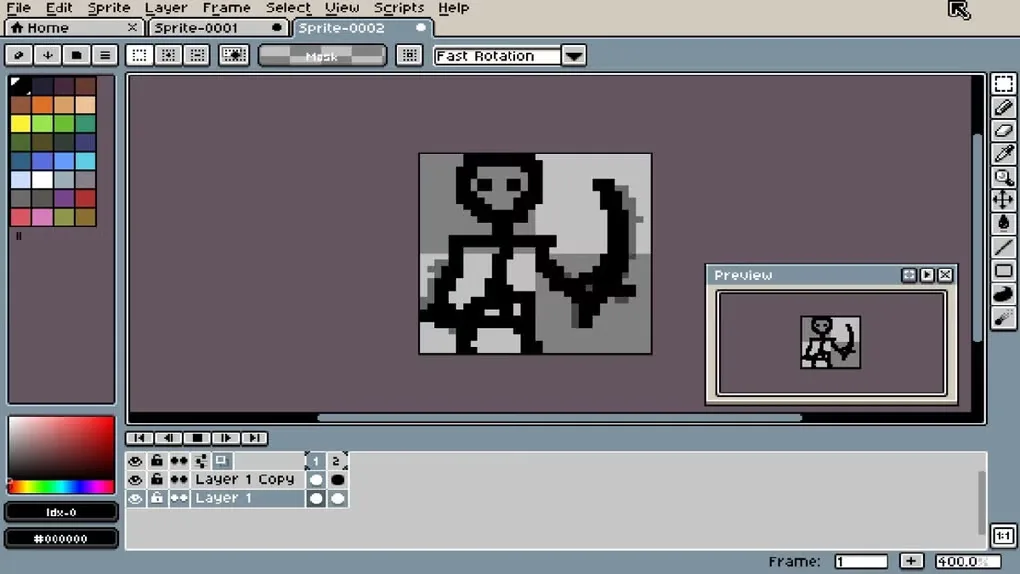
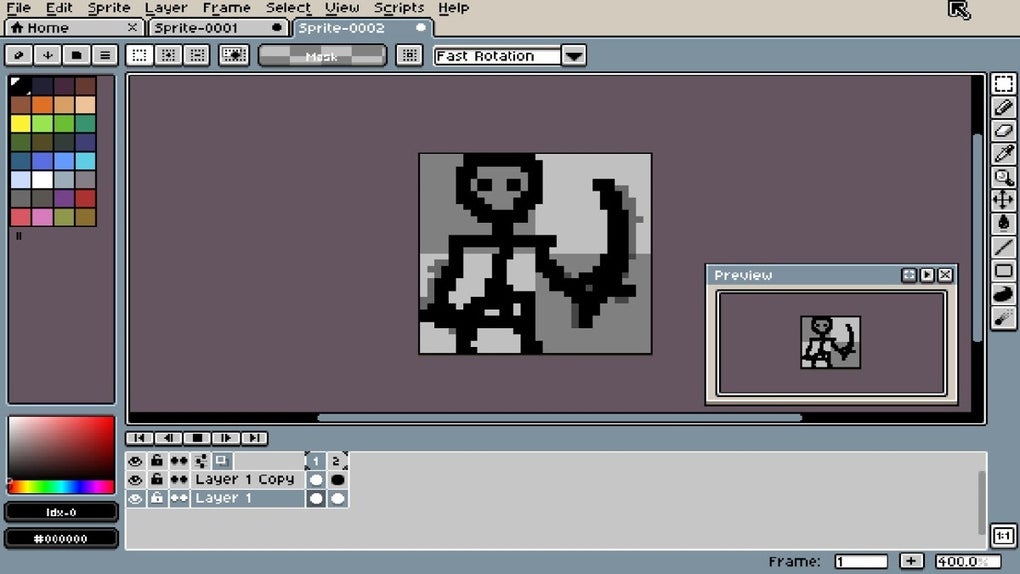
LibreSprite creates pixel-art sprites and frame-by-frame animations. Its layers separate parts of a drawing, while frames hold the animation sequence. Onion skinning provides a reference between frames, and real-time previews let you view the animation as you work. Ready-made and custom palettes help keep colors consistent across a sprite.
For repeating artwork, tiled drawing mode supports patterns and textures. Pixel-precise tools include polygons, filled contours and shading mode, and multiple sprites can be edited at once. LibreSprite originated from the GPLv2 version of Aseprite and is developed independently.
This entry links to the publisher's version 1.3 Windows x64 EXE installer. Take care when opening Aseprite projects with grouped layers: LibreSprite does not support layer groups, and version 1.3 flattens them on load. Do not expect the original group structure to remain available for editing.
What it offers
- Organize sprite artwork into layers and animation frames.
- Use onion skinning and real-time animation previews.
- Draw repeating patterns and textures in tiled mode.
- Work with built-in or custom palettes and pixel-precise drawing tools.
- Edit multiple sprites at the same time.
Good to know
- Layer groups are not supported; version 1.3 flattens groups when loading Aseprite .ase files.
Product images
Sources
References used for this listing. Retrieval dates do not indicate hands-on testing.
- LibreSprite v1.3 README — publisher features, history and license ↗Retrieved
- LibreSprite v1.3 — publisher release metadata and assets ↗Retrieved
- Publisher change 661 — flatten layer groups when loading .ase files ↗Retrieved
- LibreSprite - Download — normally observed Windows source page and gallery ↗Retrieved
More in multimedia & graphics
View category ↗
1by1 2.17
Play music directly from folders with 1by1, a free Windows audio player with resume, gapless playback and file tools. Formats beyond MP3 need additional decoders.
3DVista Virtual Tour Pro
Build interactive 360° virtual tours from panoramas, videos and 3D models with 3DVista Virtual Tour Pro for Windows. Commercial software with a 30-day trial.

4DDiG Video Repair
Repair corrupted or unplayable videos in batches with the Video Repair tool in 4DDiG File Repair for Windows. A free trial is available; advanced features require a paid license.