

Multimedia & graphics Windows
LiveFaceSwap AI for Windows
Swap faces in live video on Windows 11 and send the cloud-processed output to OBS or video calls through LiveFaceSwap Camera. Live AI output uses credits and requires internet access.
- Operating system
- Windows 11
- Architecture
- x64
- Download package
- EXE installer
Publisher lists 108.5 MB. Requires a video input, account and stable internet; cloud AI uses credits. No dedicated local GPU required.
Link checked · Download guidance
What is LiveFaceSwap AI?
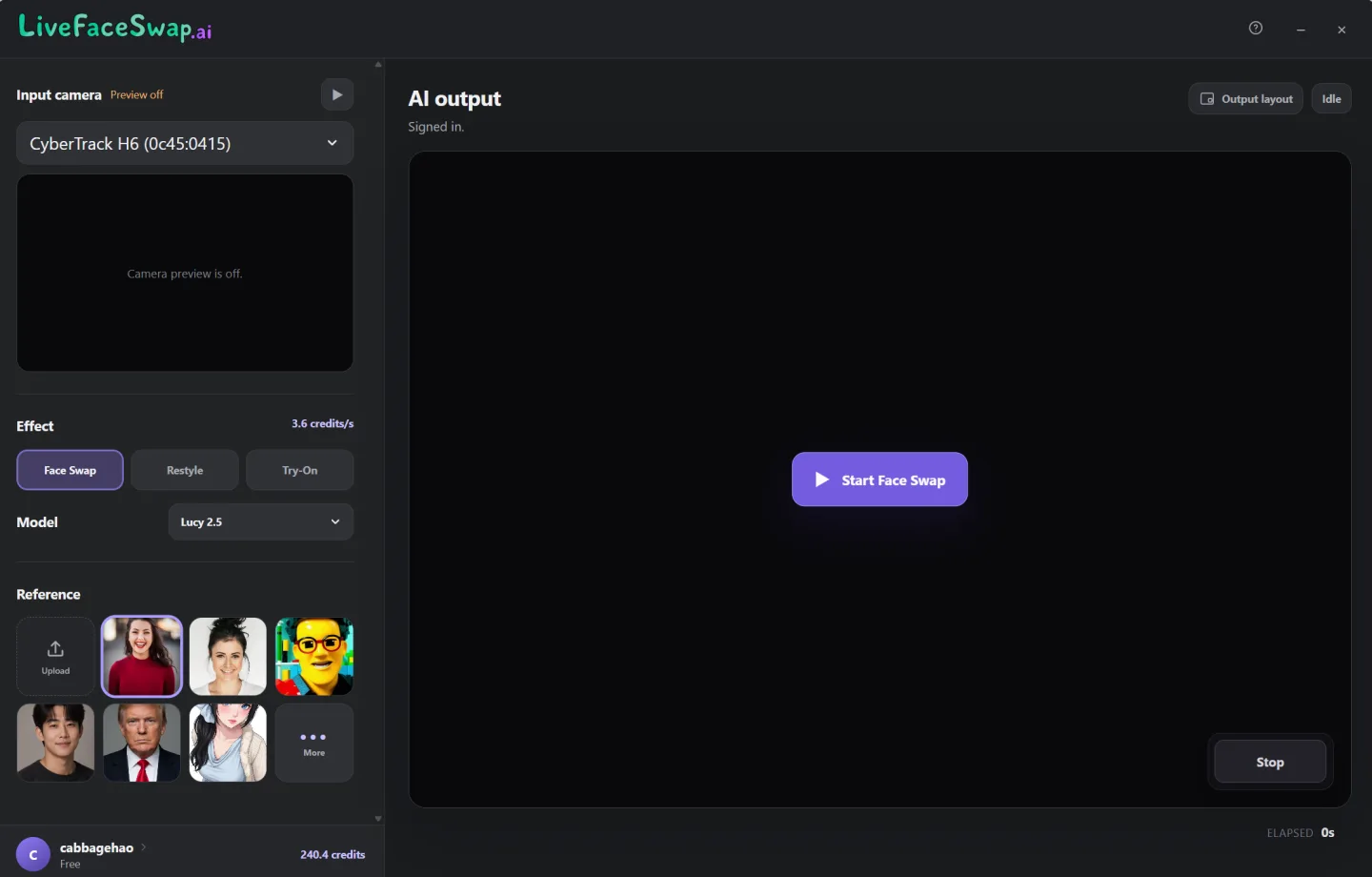
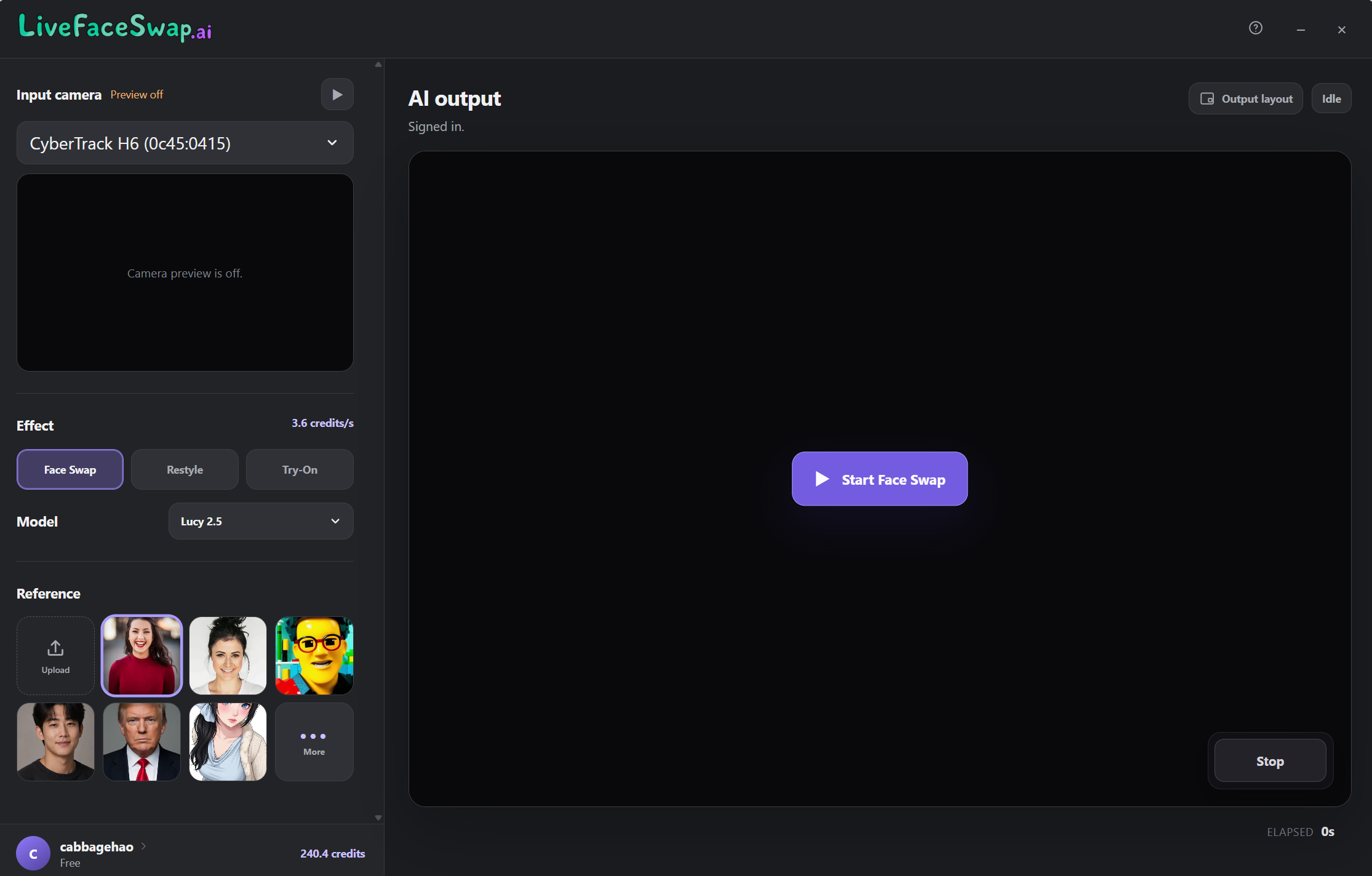
LiveFaceSwap AI's desktop app turns a camera feed into real-time face-swapped video. Choose a camera, the Face Swap effect, an AI model and a reference image, then start a session. The app provides an output preview and a virtual camera named LiveFaceSwap Camera, which can be selected in OBS, Zoom, Microsoft Teams and other software that accepts a video device.
AI processing runs in the cloud rather than on a dedicated local GPU. That makes a stable internet connection essential: this is not an offline face-swap tool. The desktop app shares the website's account and credit balance, and credits are consumed while live AI output runs. Check the displayed model rate before starting and stop the session when finished.
The publisher currently lists Windows 11 support and version 0.2.17. Its terms warn that real-time output can have delays, visual artifacts or instability. Use only faces and media you own or have informed permission to process; the service prohibits deceptive impersonation and other abusive uses.
What it offers
- Choose a physical camera input, Face Swap effect, AI model and reference image in one desktop workspace.
- Preview the AI output and start or stop the real-time session from the app.
- Route processed video through LiveFaceSwap Camera to OBS, meeting apps or other compatible video software.
- Use cloud AI processing without a dedicated local GPU or a separate local AI model.
Good to know
- Requires a stable internet connection for cloud processing; it does not provide offline AI face swapping.
- Requires a LiveFaceSwap account, and live AI output consumes credits at the selected model's displayed rate.
- The publisher lists Windows 11 support; Windows 10 and earlier are not confirmed supported by this entry.
- Real-time output can include delays, artifacts or instability; the publisher does not guarantee zero latency or a particular likeness.
- Users must be at least 18 and have rights or informed permission for the faces and media they process.
Product images
Sources
References used for this listing. Retrieval dates do not indicate hands-on testing.
More in multimedia & graphics
View category ↗
1by1 2.17
Play music directly from folders with 1by1, a free Windows audio player with resume, gapless playback and file tools. Formats beyond MP3 need additional decoders.
3DVista Virtual Tour Pro
Build interactive 360° virtual tours from panoramas, videos and 3D models with 3DVista Virtual Tour Pro for Windows. Commercial software with a 30-day trial.

4DDiG Video Repair
Repair corrupted or unplayable videos in batches with the Video Repair tool in 4DDiG File Repair for Windows. A free trial is available; advanced features require a paid license.