

Multimedia & graphics Windows
Luminance HDR for Windows
Merge bracketed photos into HDR images and adjust tone mapping with Luminance HDR, a free, open-source photo tool for Windows.
- Operating system
- Windows; supported Windows version range not verified
- Architecture
- 64-bit
- Download package
- EXE installer
Selected publisher archive: Luminance-HDR_v.2.6.0_Windows_64.exe, dated June 10, 2019. No installation or current-Windows compatibility test performed.
Link checked · Download guidance
What is Luminance HDR?
Luminance HDR combines differently exposed photos of the same scene into a high-dynamic-range image. It also opens existing HDR files and provides tone-mapping operators for producing a lower-dynamic-range result. The Qt-based interface puts image previews and tone-mapping controls in one workspace.
JPEG, TIFF and RAW input support make it useful for working with bracketed camera shots. Supported HDR formats include OpenEXR, Radiance RGBE and PFS; output options include JPEG and 8-bit or 16-bit TIFF. Batch HDR merging, batch tone mapping and a command-line interface cover repeated processing tasks.
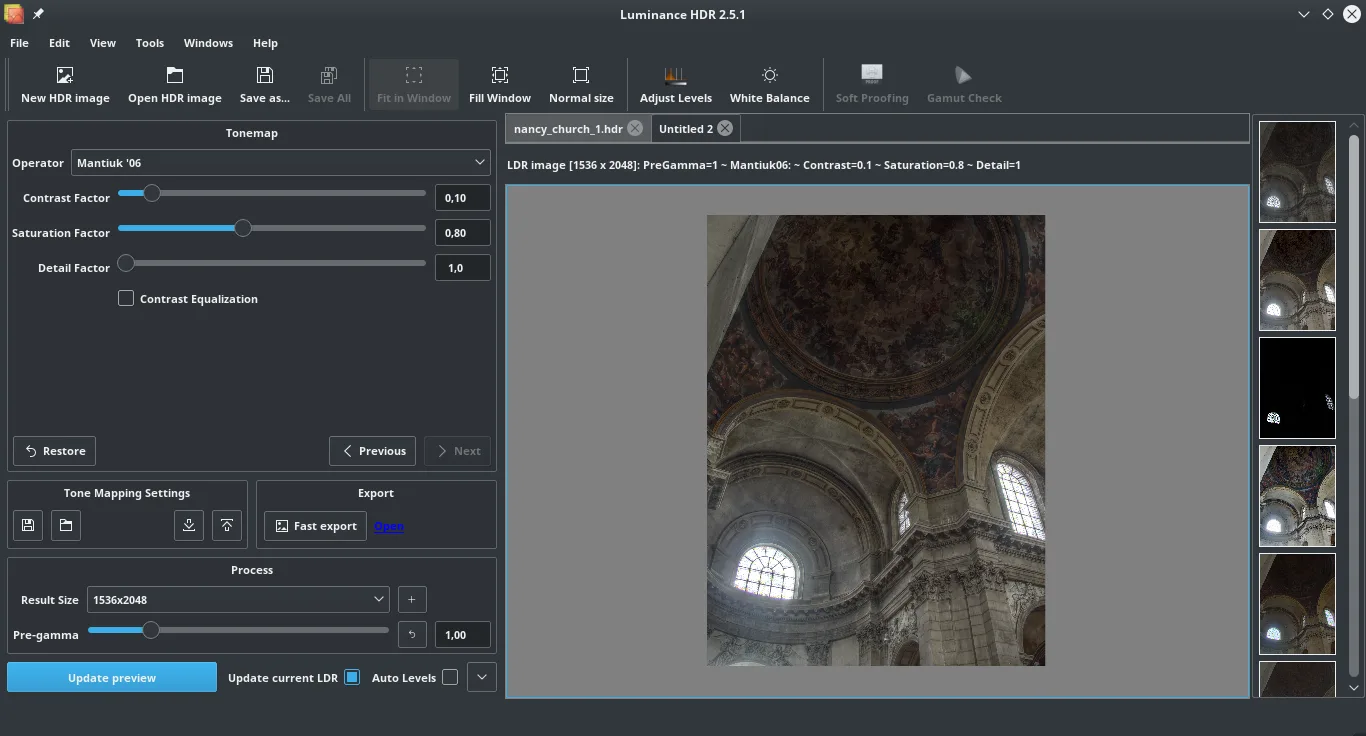
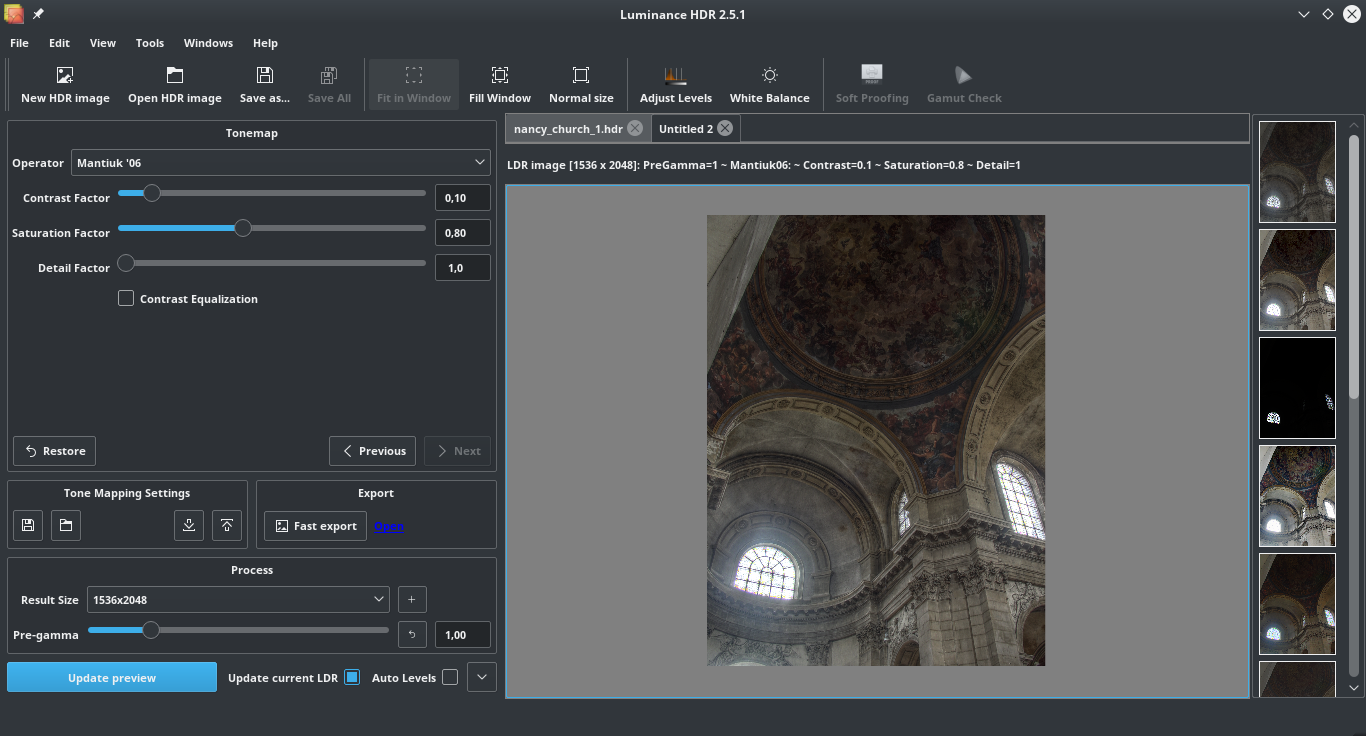
The linked Windows download is the 64-bit 2.6.0 EXE listed in the publisher’s SourceForge archive, dated June 10, 2019. Later source archives are not evidence of a newer Windows installer. Compatibility with current Windows releases has not been verified. The gallery image shows the publisher’s older 2.5.1 desktop interface, not an installed Windows 2.6.0 session.
What it offers
- Merge multiple exposures of the same scene into an HDR image.
- Choose among tone-mapping operators and adjust the result in the graphical interface.
- Read JPEG, TIFF and RAW images, plus HDR formats including OpenEXR and Radiance RGBE.
- Save output in formats including JPEG and 8-bit or 16-bit TIFF.
- Process groups of images with batch HDR merging, batch tone mapping or the command-line interface.
Good to know
- The selected Windows 64-bit package is version 2.6.0 from June 2019; compatibility with current Windows releases has not been verified.
- The publisher gallery screenshot depicts version 2.5.1 with Linux-style window controls; it illustrates the application workflow, not the exact Windows 2.6.0 appearance.
Product images
Sources
References used for this listing. Retrieval dates do not indicate hands-on testing.
More in multimedia & graphics
View category ↗
1by1 2.17
Play music directly from folders with 1by1, a free Windows audio player with resume, gapless playback and file tools. Formats beyond MP3 need additional decoders.
3DVista Virtual Tour Pro
Build interactive 360° virtual tours from panoramas, videos and 3D models with 3DVista Virtual Tour Pro for Windows. Commercial software with a 30-day trial.

4DDiG Video Repair
Repair corrupted or unplayable videos in batches with the Video Repair tool in 4DDiG File Repair for Windows. A free trial is available; advanced features require a paid license.