
Multimedia & graphics Windows
MagicScore Maestro
Write, play back and print sheet music with MagicScore Maestro for Windows. Enter notes with a keyboard, mouse or MIDI device and exchange scores through MusicXML.
- Operating system
- Windows 10, 8 and 7 (publisher-listed)
- Architecture
- Not specified by the cited sources
- Download package
- ZIP archive (publisher free trial)
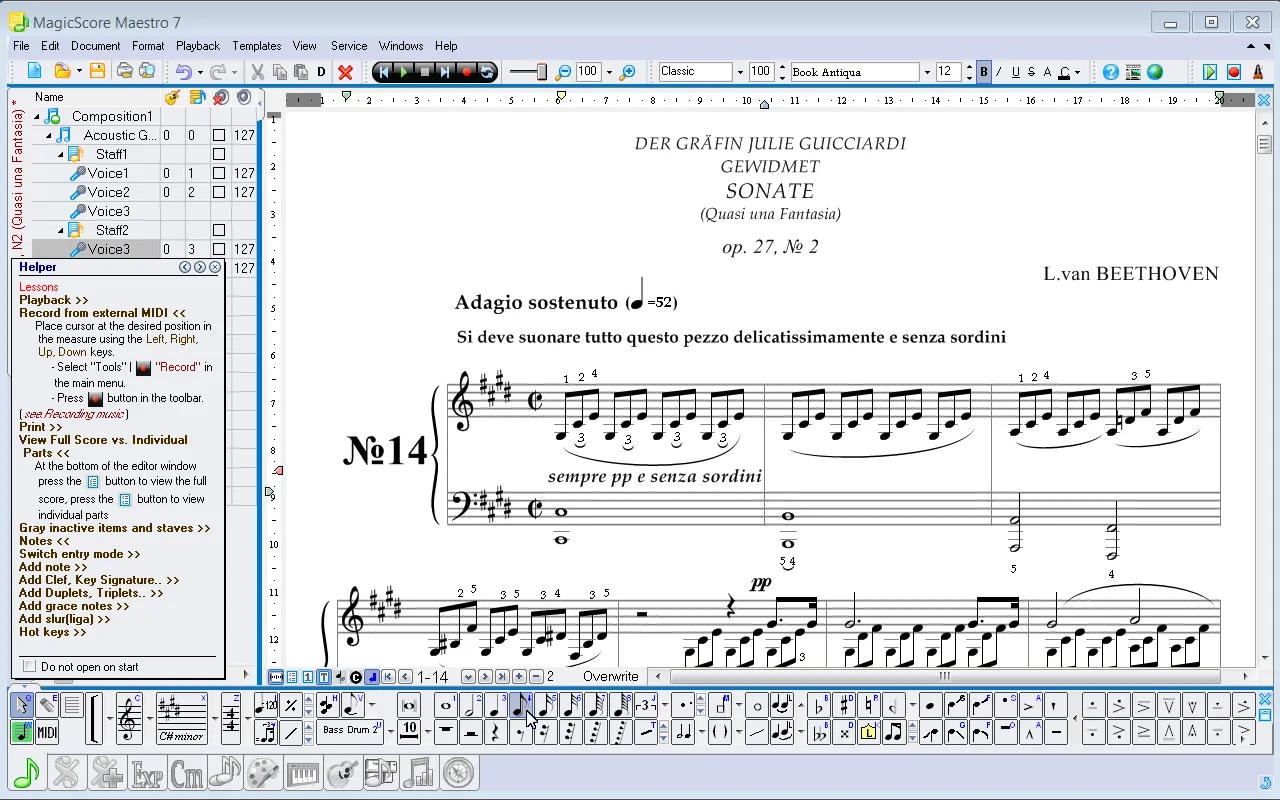
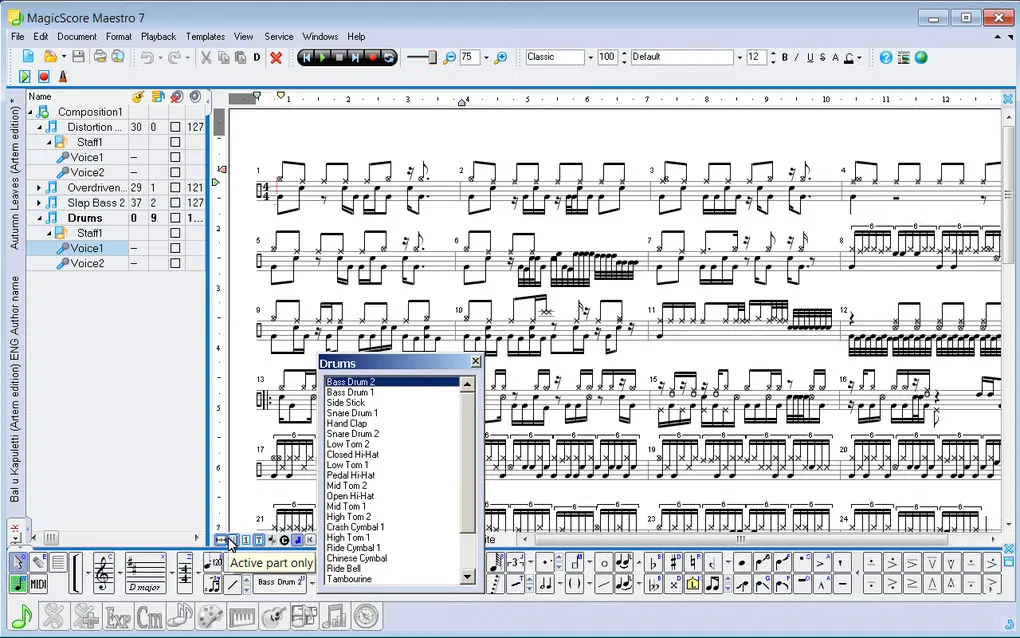
Publisher identifies Maestro 8; exact package build and Windows 11 support are unconfirmed. Screenshots show the historical Maestro 7 interface.
Link checked · Download guidance
What is MagicScore Maestro?
MagicScore Maestro is a music notation editor for composing scores, preparing individual instrumental parts and creating teaching materials. Notes can be entered from the computer keyboard or mouse, a MIDI keyboard, an on-screen piano or a virtual guitar fretboard. Layout controls let you position notation elements and format parts before printing.
The publisher describes playback controls for individual notes and exports for sharing both the score and its sound. MusicXML and MIDI support help move music between applications; PDF and image export provide ways to distribute readable sheet music, while MP3 and WAV export produce audio files.
The linked publisher package is the Maestro 8 free trial, not a free full license. The publisher lists Windows 10, 8 and 7; Windows 11 support and the package architecture are not established by these sources. The screenshots show the older Maestro 7 interface retained in the publisher and Softonic galleries, so they illustrate the notation workspace rather than prove the appearance of Maestro 8.
What it offers
- Enter notes using keyboard or mouse, a MIDI keyboard, an on-screen piano or a virtual guitar fretboard.
- Position score elements, transpose music and extract individual instrumental parts for printing.
- Adjust note playback details and export audio as MP3 or WAV.
- Exchange scores through MusicXML and MIDI, or save them in the native SFD format.
- Export scores as PDF or image files and copy score excerpts as pictures for teaching materials.
Good to know
- The publisher offers a commercial product with a free trial; the cited product page does not establish the trial duration or precise trial restrictions.
- The publisher lists Windows 10, 8 and 7, but Windows 11 compatibility and package architecture are unconfirmed. Gallery screenshots depict Maestro 7, not a verified Maestro 8 installation.
Product images
Sources
References used for this listing. Retrieval dates do not indicate hands-on testing.
More in multimedia & graphics
View category ↗
1by1 2.17
Play music directly from folders with 1by1, a free Windows audio player with resume, gapless playback and file tools. Formats beyond MP3 need additional decoders.
3DVista Virtual Tour Pro
Build interactive 360° virtual tours from panoramas, videos and 3D models with 3DVista Virtual Tour Pro for Windows. Commercial software with a 30-day trial.

4DDiG Video Repair
Repair corrupted or unplayable videos in batches with the Video Repair tool in 4DDiG File Repair for Windows. A free trial is available; advanced features require a paid license.