
Multimedia & graphics Windows
Mass Watermark
Add text or logo watermarks to batches of photos on Windows, with resizing, image adjustments and optional EXIF information in the same workflow. A free trial is available; continued use requires a paid license.
- Operating system
- Windows 7, Windows 8, Windows 10 and Windows 11
- Architecture
- Not specified by the publisher
- Download package
- EXE installer
Publisher-linked Windows trial installer. CPU architecture and exact trial restrictions are not specified in the inspected pages.
Link checked · Download guidance
What is Mass Watermark?
Mass Watermark applies text or image watermarks to groups of photos. It suits preparing a photo collection with a consistent name, logo or copyright notice rather than editing each picture separately. The built-in watermark designer combines custom text and a logo, while placement and scaling controls help adapt the mark to different images. Tiled text and logo modes can repeat a watermark across a photo.
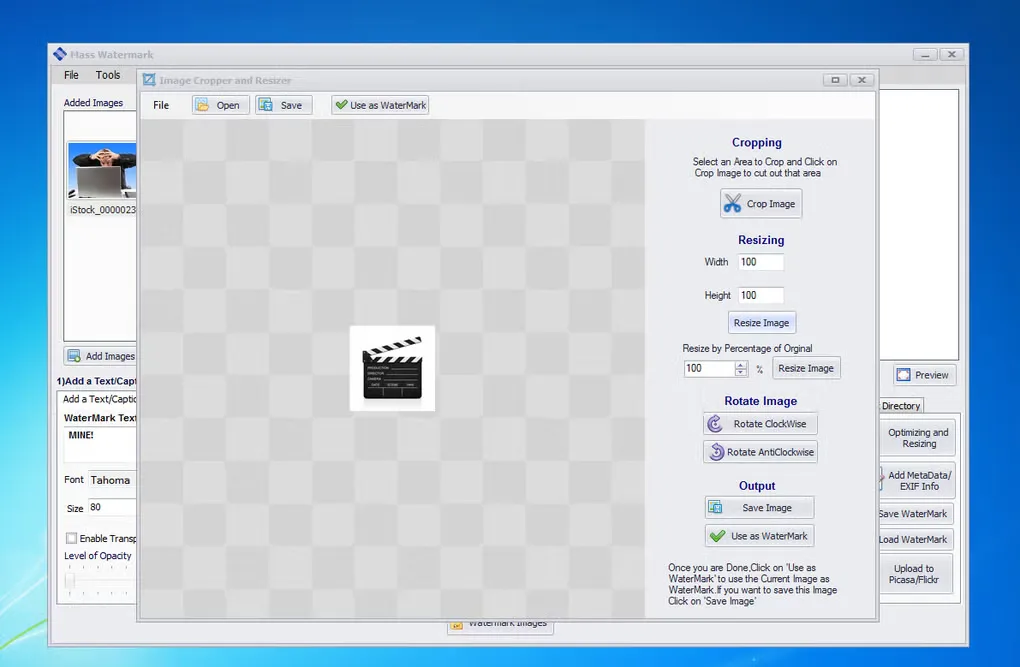
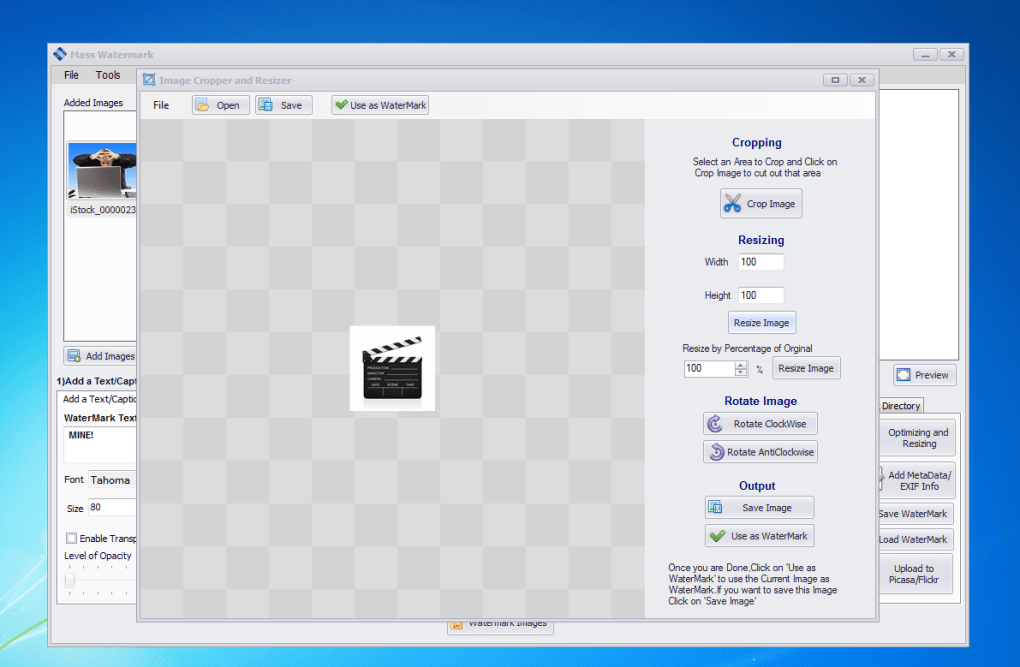
The workflow also includes resizing, cropping, rotation, brightness and contrast adjustments, and optional EXIF fields such as author and copyright. The publisher lists Windows 7, 8, 10 and 11 for version 2.2. This is commercial software with a trial, not freeware: the Windows purchase covers one machine. The gallery image shows an older Windows interface and its crop/resize dialog; it is not evidence of the exact appearance of version 2.2.
What it offers
- Apply text or image watermarks to batches of photos.
- Design a watermark using custom text and a logo, with placement and scaling controls.
- Repeat text or logo watermarks across an image with tiled watermarking modes.
- Resize, crop, rotate and adjust images as part of the watermarking workflow.
- Optionally add EXIF information such as copyright, comments and author.
Good to know
- The download is a trial of paid software, not a free perpetual edition; the publisher's Windows license covers a single machine.
Product images
Sources
References used for this listing. Retrieval dates do not indicate hands-on testing.
More in multimedia & graphics
View category ↗
1by1 2.17
Play music directly from folders with 1by1, a free Windows audio player with resume, gapless playback and file tools. Formats beyond MP3 need additional decoders.
3DVista Virtual Tour Pro
Build interactive 360° virtual tours from panoramas, videos and 3D models with 3DVista Virtual Tour Pro for Windows. Commercial software with a 30-day trial.

4DDiG Video Repair
Repair corrupted or unplayable videos in batches with the Video Repair tool in 4DDiG File Repair for Windows. A free trial is available; advanced features require a paid license.