

Multimedia & graphics Windows
Metatogger for Windows
Edit music tags in batches, identify tracks with acoustic fingerprints and organize audio files by their metadata with Metatogger for Windows.
- Operating system
- Windows 10 or later
- Architecture
- 64-bit
- Download package
- EXE installer
The publisher EXE installs required C++ runtime dependencies. The separate MSI package requires dependencies to be installed beforehand.
Link checked · Download guidance
What is Metatogger?
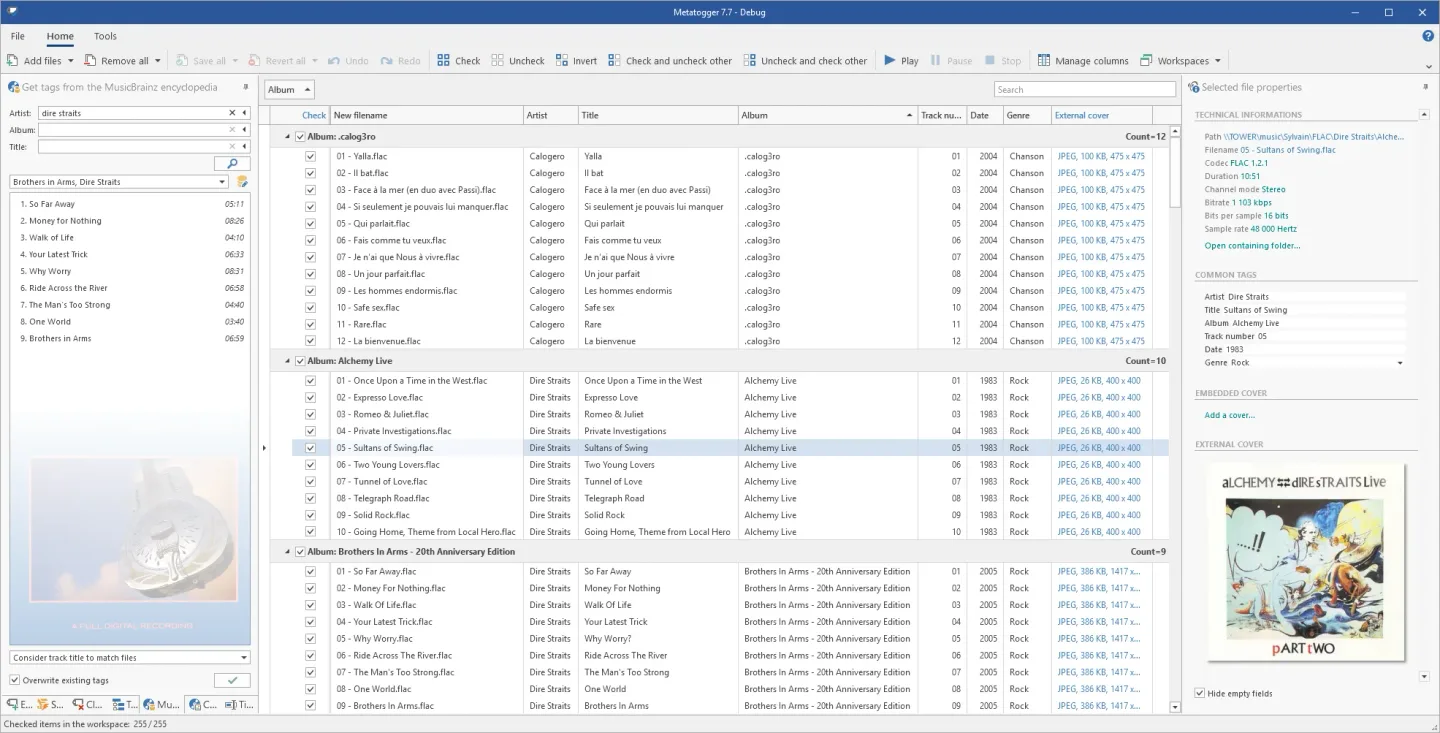
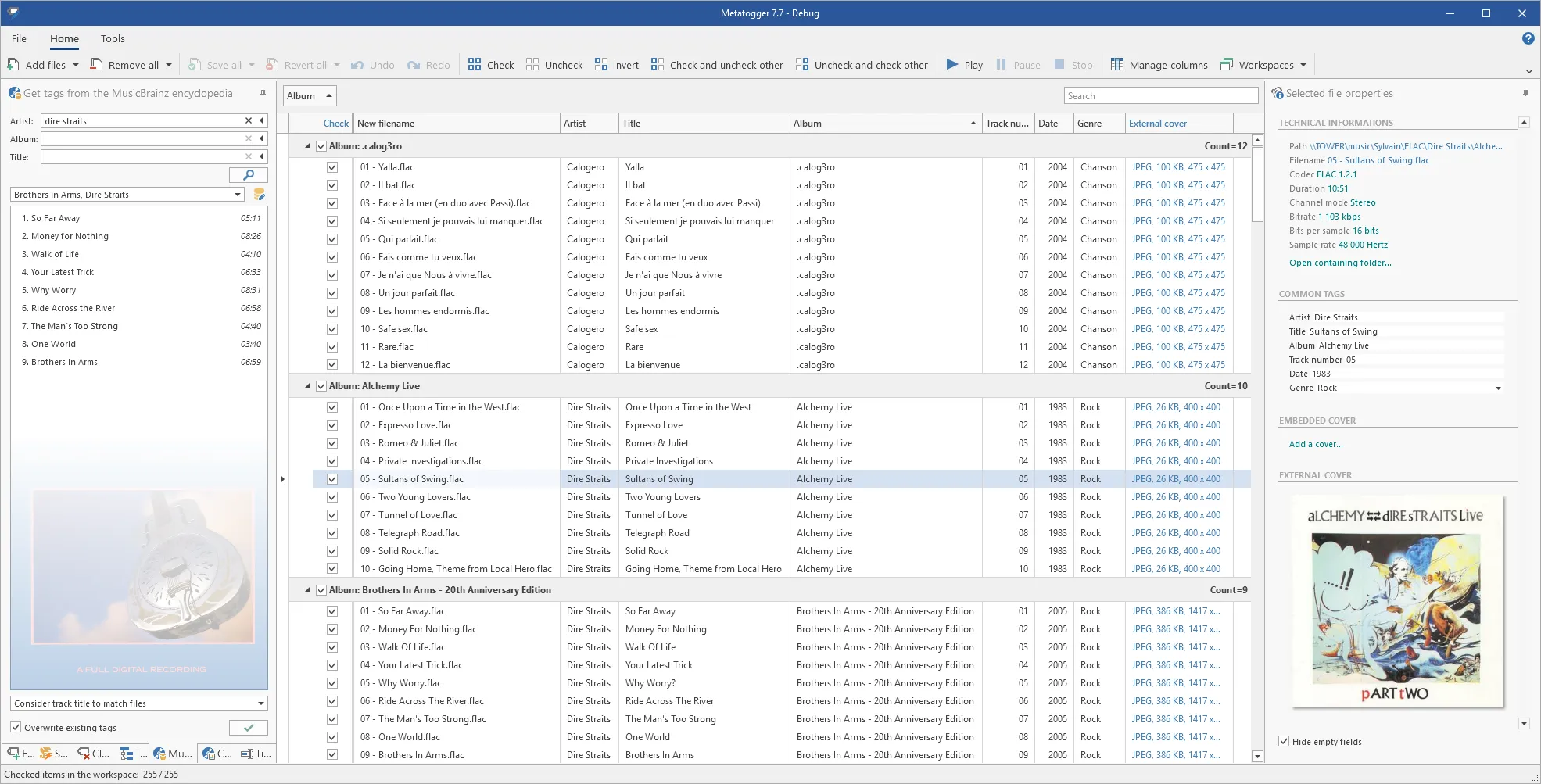
Metatogger is a free Windows audio tag editor for correcting and organizing a local music collection. Load several tracks to update artist, album, title and other metadata together, or extract tags from existing file names and paths. It supports MP3, FLAC, Ogg Vorbis, Opus, M4A with AAC or ALAC audio, and WMA. Changes remain pending until you save them, so you can review edits before writing them to your files.
For incomplete collections, Metatogger can retrieve metadata from a local MusicBrainz-derived database and identify artists and song titles through AcoustID acoustic fingerprints. It can also find potentially duplicated recordings and search for cover artwork. Tag values can drive file renaming, copying and folder organization; C# scripts handle repeatable text changes such as replacing characters or changing capitalization.
Metatogger requires 64-bit Windows 10 or later. The linked publisher EXE installer handles its C++ runtime dependencies; the separate MSI package assumes those dependencies are already installed. WebP and AVIF cover support requires the corresponding Microsoft image extensions and is read-only, not a way to convert artwork into those formats.
What it offers
- Batch-edit tags across MP3, FLAC, Ogg Vorbis, Opus, M4A and WMA files, with pending changes reviewed before saving.
- Use MusicBrainz-derived metadata and AcoustID fingerprints to help identify tracks and possible duplicate recordings.
- Find cover artwork and store it in tags or alongside audio files.
- Extract tags from paths and rename, copy or move files using their metadata.
- Automate repeatable tag changes with C# scripts.
Good to know
- Requires 64-bit Windows 10 or later; it is not a 32-bit Windows application.
- WebP and AVIF cover support needs the relevant Microsoft image extensions and is read-only; artwork cannot be re-encoded into those formats.
Product images
Sources
References used for this listing. Retrieval dates do not indicate hands-on testing.
More in multimedia & graphics
View category ↗
1by1 2.17
Play music directly from folders with 1by1, a free Windows audio player with resume, gapless playback and file tools. Formats beyond MP3 need additional decoders.
3DVista Virtual Tour Pro
Build interactive 360° virtual tours from panoramas, videos and 3D models with 3DVista Virtual Tour Pro for Windows. Commercial software with a 30-day trial.

4DDiG Video Repair
Repair corrupted or unplayable videos in batches with the Video Repair tool in 4DDiG File Repair for Windows. A free trial is available; advanced features require a paid license.