

Multimedia & graphics Windows
Monkey's Audio for Windows
Compress music into lossless APE files, restore the original audio and check file integrity with Monkey's Audio for Windows.
- Operating system
- Windows 11, 10 and 8
- Architecture
- x64
- Download package
- EXE installer
Publisher lists separate x86 and ARM64 installers. Compatibility is publisher-stated, not installation-tested.
Link checked · Download guidance
What is Monkey's Audio?
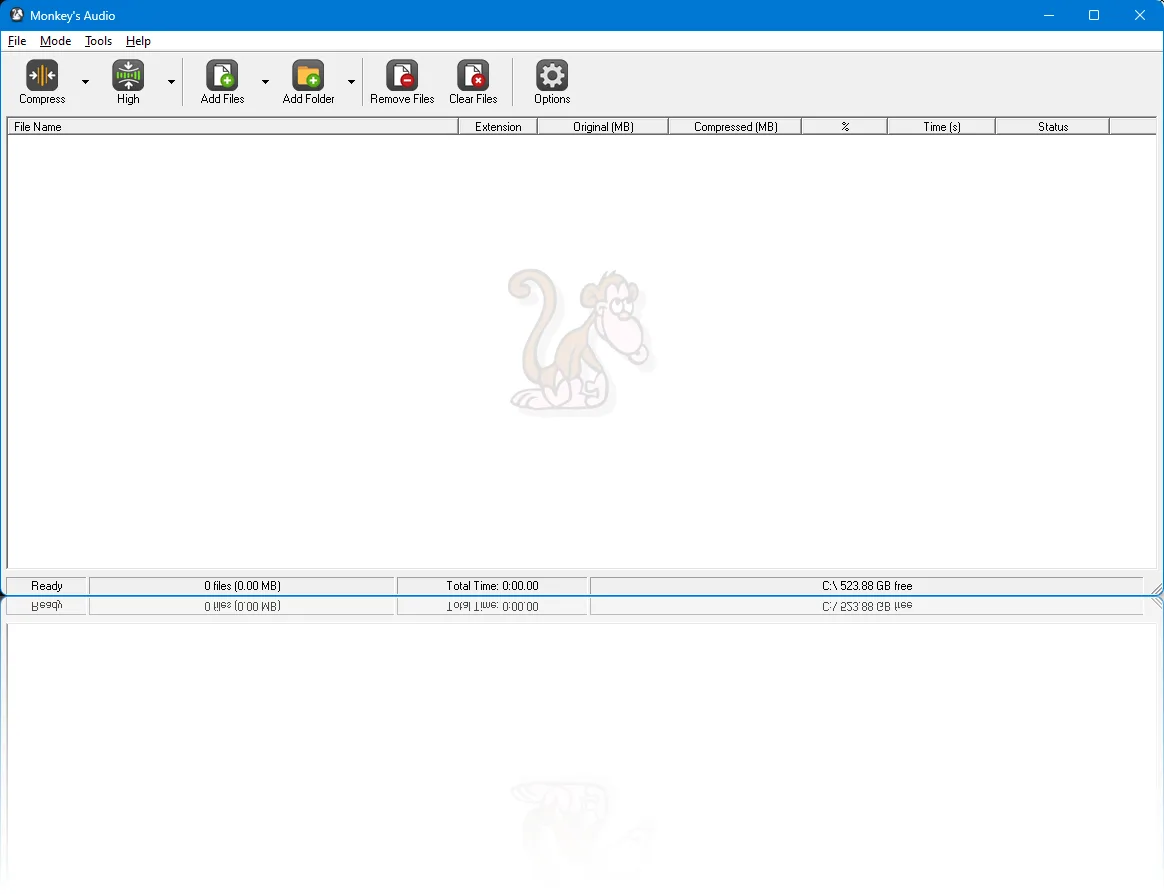
Monkey's Audio compresses digital music into APE files without discarding audio data. It is useful for keeping a lossless music archive: supported source files can be compressed and later decompressed back to their original form. The Windows interface offers separate Compress, Decompress, Verify and Convert modes, with a file queue for processing multiple tracks.
The program supports inputs including WAV, AIFF, W64, SND, AU, CAF and RF64. APE tags store collection metadata, and verification checks help detect changed or damaged files. External encoders let the interface work with additional formats, including FLAC, WavPack and ALAC.
Compression level is a trade-off rather than a quality setting: the publisher notes that Extra High and Insane take more time for a relatively small reduction in file size. This entry links to the Windows x64 installer; the publisher lists separate x86 and ARM64 downloads.
What it offers
- Compress supported audio into lossless APE files and decompress it back to the original form.
- Choose Compress, Decompress, Verify or Convert mode in the Windows interface.
- Store music metadata with APE tags and check APE file integrity with verification modes.
- Use external encoders for additional formats such as FLAC, WavPack and ALAC.
Good to know
- Higher compression levels trade processing time for smaller files; the publisher describes Extra High and Insane as taking extra time for only a few percent smaller output.
- This download is the x64 build for Windows 11, 10 and 8. Other architectures require a separate publisher package.
Product images
Sources
References used for this listing. Retrieval dates do not indicate hands-on testing.
More in multimedia & graphics
View category ↗
1by1 2.17
Play music directly from folders with 1by1, a free Windows audio player with resume, gapless playback and file tools. Formats beyond MP3 need additional decoders.
3DVista Virtual Tour Pro
Build interactive 360° virtual tours from panoramas, videos and 3D models with 3DVista Virtual Tour Pro for Windows. Commercial software with a 30-day trial.

4DDiG Video Repair
Repair corrupted or unplayable videos in batches with the Video Repair tool in 4DDiG File Repair for Windows. A free trial is available; advanced features require a paid license.