
Multimedia & graphics Windows
Movavi Slideshow Maker
Turn photos, video clips and music into a slideshow with a guided wizard or manual editing tools. The Windows trial adds a watermark and limits exported audio.
Version 25.0 · Direct publisher file
Link checked · Download guidance
What is Movavi Slideshow Maker?
Movavi Slideshow Maker combines photos, video clips and music into video slideshows. Its Slideshow Wizard guides you through choosing media, a template and a soundtrack; Manual Mode gives you more control over the edit. It suits family photo collections, holiday videos and event presentations that need transitions, titles and music rather than static slides.
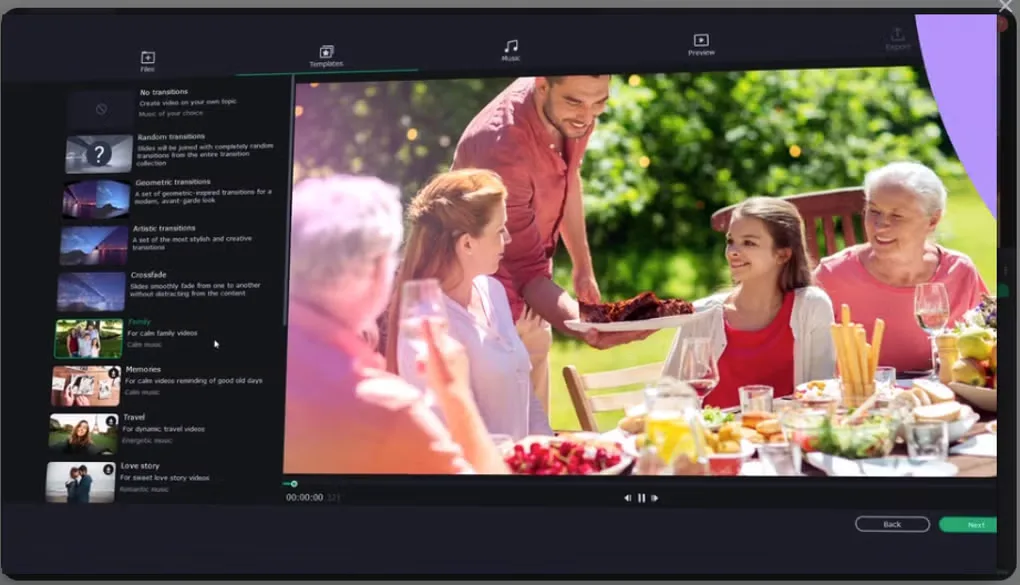
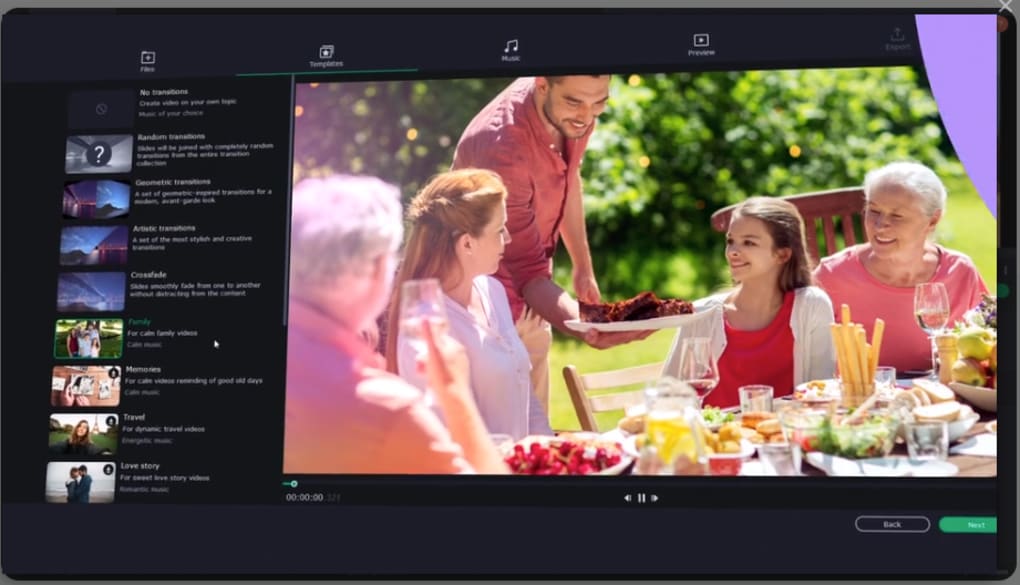
The editor includes a timeline for arranging clips, frame-precise cutting tools, filters and color adjustments. Templates provide a starting point, while titles, stickers and transitions help explain or connect the images. The gallery screenshot shows the wizard’s template chooser and preview, not a hands-on test of the software.
This is commercial software with a limited trial, not an unrestricted free slideshow maker. Softonic describes a seven-day trial that watermarks exported slideshows and saves only half the audio length. Movavi’s main slideshow landing page now promotes Movavi Video Editor; the download here instead uses the separate Slideshow Maker installer linked from the publisher’s Slideshow Maker release notes.
What it offers
- Build a slideshow with the guided Slideshow Wizard or use Manual Mode for more control.
- Combine photos, video clips and music in one slideshow project.
- Start from templates and add transitions, titles, filters and stickers.
- Arrange and split clips on the timeline, with frame-precise cutting and color adjustment tools.
Good to know
- The seven-day trial adds a watermark to output and saves only half the audio length, according to the Softonic product page.
- The main publisher slideshow page now promotes Movavi Video Editor; this entry links to the separate Slideshow Maker package from the publisher’s release notes.
Product images
Sources
References used for this listing. Retrieval dates do not indicate hands-on testing.
More in multimedia & graphics
View category ↗
1by1 2.17
Play music directly from folders with 1by1, a free Windows audio player with resume, gapless playback and file tools. Formats beyond MP3 need additional decoders.
3DVista Virtual Tour Pro
Build interactive 360° virtual tours from panoramas, videos and 3D models with 3DVista Virtual Tour Pro for Windows. Commercial software with a 30-day trial.

4DDiG Video Repair
Repair corrupted or unplayable videos in batches with the Video Repair tool in 4DDiG File Repair for Windows. A free trial is available; advanced features require a paid license.