
Multimedia & graphics Windows
MP3 Diags
Inspect MP3 files for tag, header and audio-stream problems, apply selected repairs and edit track information with MP3 Diags for Windows.
- Operating system
- Windows; current Windows 10/11 compatibility not confirmed
- Architecture
- 32-bit (x86), as described by the publisher
- Download package
- EXE installer
Stable-branch Windows installer selected. A separate ZIP package and unstable branch exist. Publisher documentation contains outdated platform notes; no installer was downloaded or executed.
Link checked · Download guidance
What is MP3 Diags?
MP3 Diags helps you investigate an MP3 collection before deciding what to change. Its main window lists files alongside diagnostic notes and exposes the tags, headers and audio streams inside a selected file. It can identify issues such as duplicate tags, missing VBR headers, incorrect duration information and missing cover art.
For files that need attention, you can apply specific transformations, edit track information and album images, or rename files using their tags. It is intended for people willing to inspect technical details, rather than a single-button repair workflow. The linked download is the publisher's stable-branch 1.4.01 Windows installer, not the separately listed unstable branch.
Back up your music before making changes: the publisher explicitly warns that mistakes or program bugs can cause data loss. Repairs cannot restore audio detail lost in a low-bitrate recording, and automatic tagging is not implemented. The documentation also says MusicBrainz and Discogs integration is disabled; do not choose this version expecting online album lookup.
What it offers
- Inspect diagnostic notes and the tags, headers and audio streams inside MP3 files.
- Identify broken or duplicate tags, missing VBR headers and missing track information or cover art.
- Apply selected repairs for incorrect duration or seeking behavior where supported.
- Edit track information and cover art, adjust text case and rename files from tag fields.
Good to know
- File-changing operations can cause data loss; the publisher recommends making backups first.
- Not a one-click repair tool, and automatic tagging is not implemented.
- Cannot reconstruct audio quality lost through low-bitrate encoding.
- MusicBrainz and Discogs integration is disabled according to the publisher's build notes.
Product images
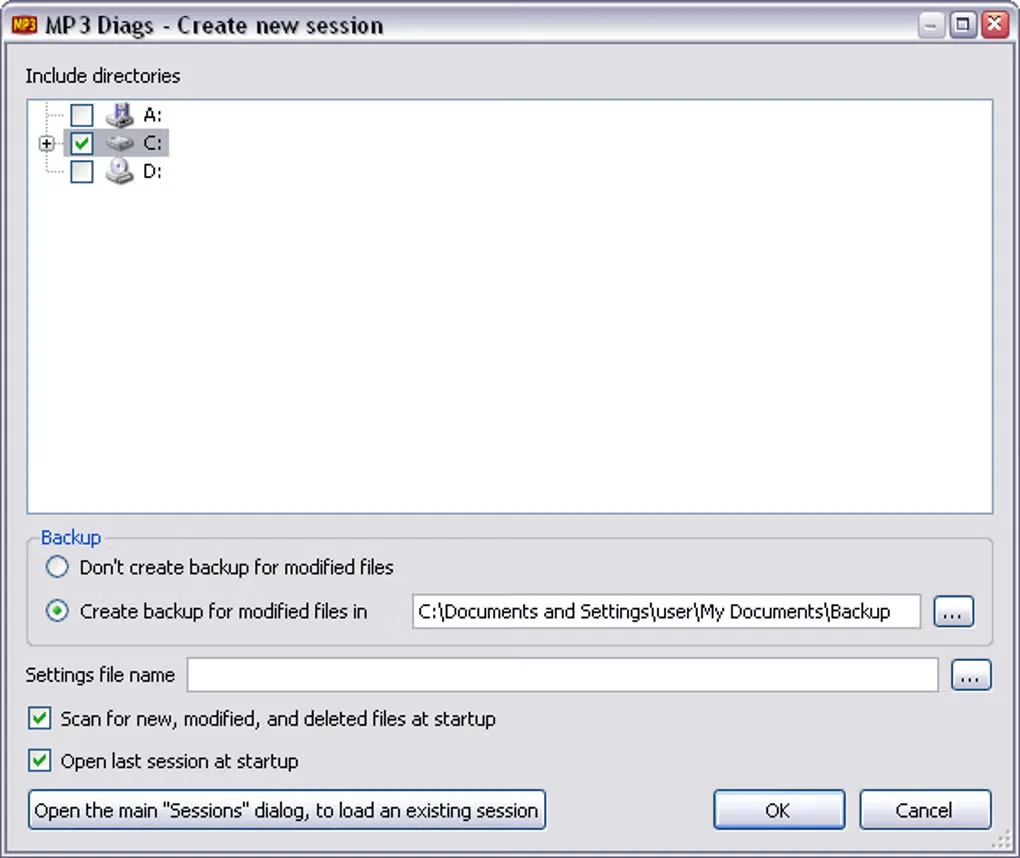
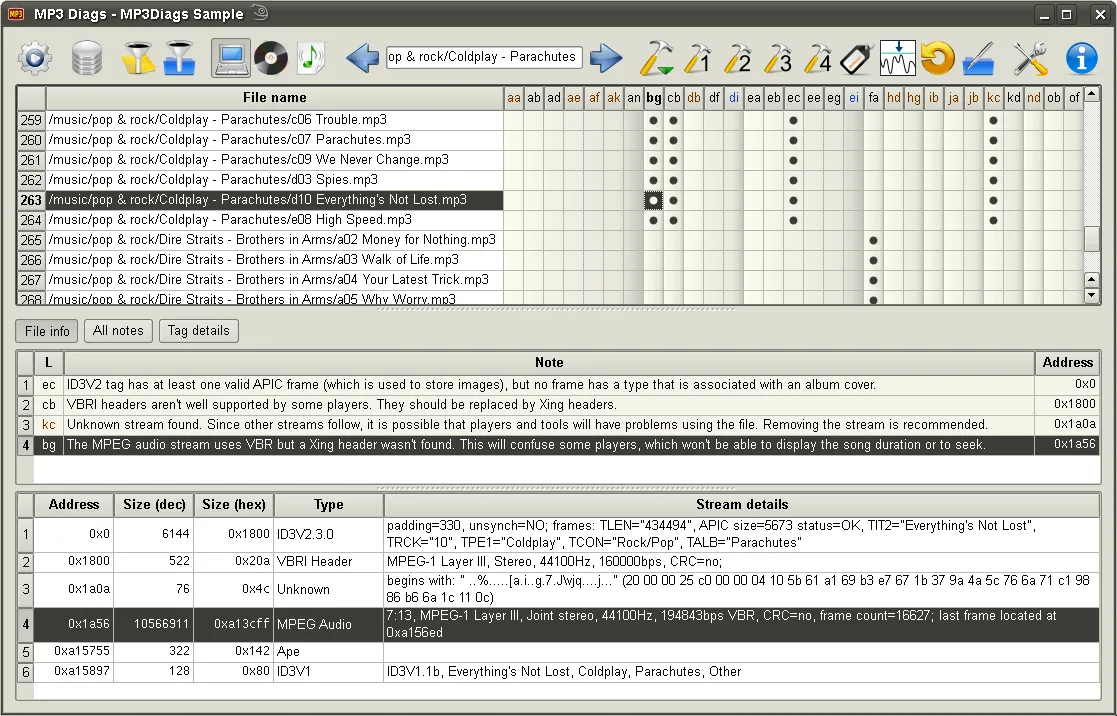
Sources
References used for this listing. Retrieval dates do not indicate hands-on testing.
- MP3 Diags — publisher overview and warning ↗Retrieved
- MP3 Diags — Getting MP3 Diags ↗Retrieved
- MP3 Diags — stable Windows installer file listing ↗Retrieved
- MP3 Diags — stable changelog ↗Retrieved
- MP3 Diags — Licence and acknowledgements ↗Retrieved
- MP3 Diags - Download — normal browser Windows page and gallery ↗Retrieved
- MP3 Diags - Screenshot 1 — publisher reference image ↗Retrieved
More in multimedia & graphics
View category ↗
1by1 2.17
Play music directly from folders with 1by1, a free Windows audio player with resume, gapless playback and file tools. Formats beyond MP3 need additional decoders.
3DVista Virtual Tour Pro
Build interactive 360° virtual tours from panoramas, videos and 3D models with 3DVista Virtual Tour Pro for Windows. Commercial software with a 30-day trial.


4DDiG Video Repair
Repair corrupted or unplayable videos in batches with the Video Repair tool in 4DDiG File Repair for Windows. A free trial is available; advanced features require a paid license.