
Multimedia & graphics Windows
mp3DirectCut for Windows
Cut, split and join MP3 or AAC audio without re-encoding with mp3DirectCut, a free Windows editor with MP3 fades, cue sheets and recording tools.
Version 2.40 · Direct publisher file
Link checked · Download guidance
What is mp3DirectCut?
mp3DirectCut edits encoded MP3 and AAC audio directly. Use it to trim a recording, remove an unwanted section or split a long track without re-encoding the retained audio. Cue sheets, pause detection and time-based Auto cue help divide recordings into separate files, while batch processing handles repeated work.
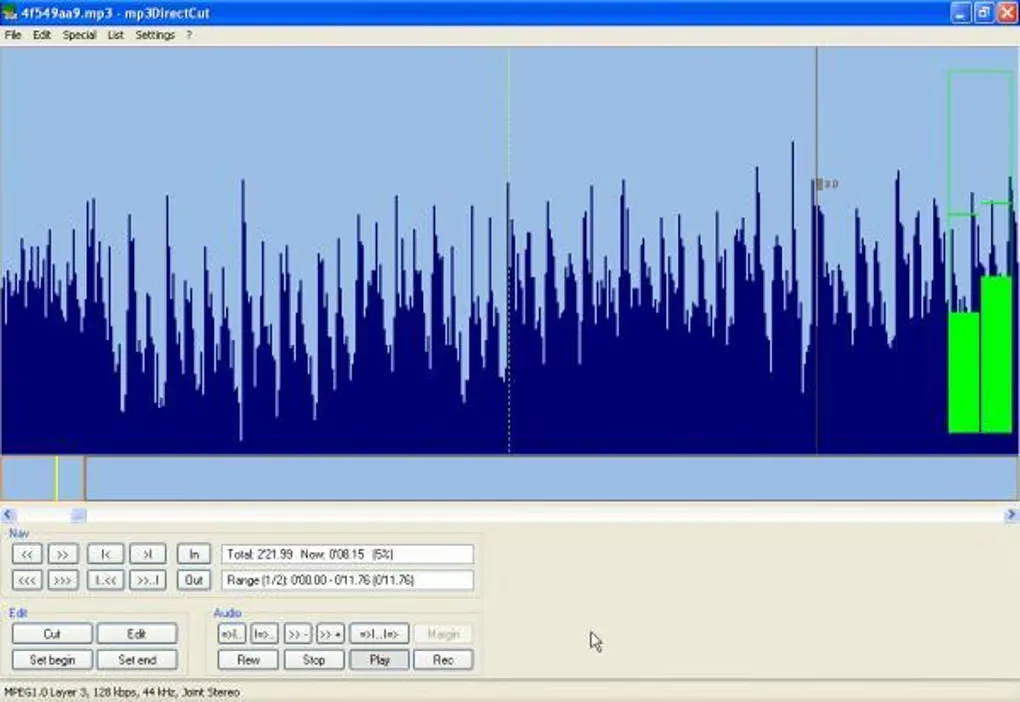
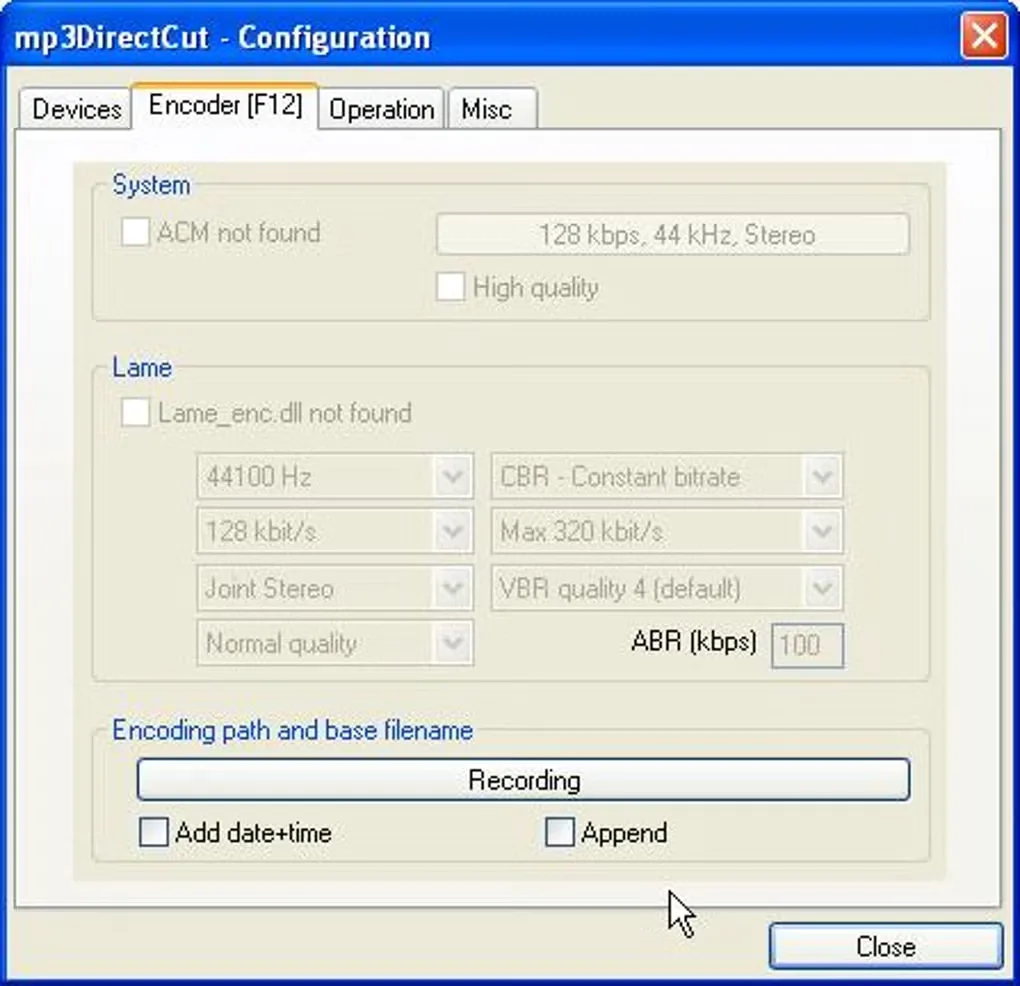
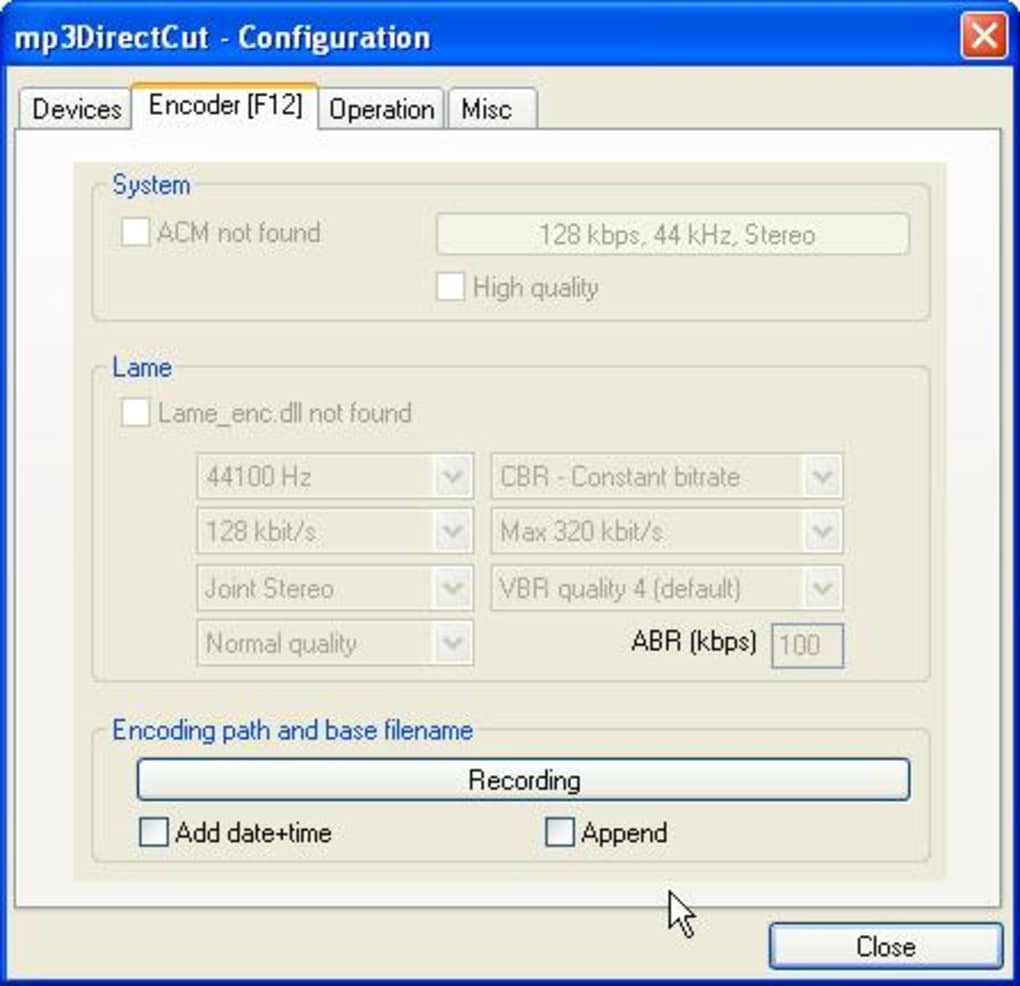
For MP3 files, the editor also offers volume changes, normalization and fades. Its recorder creates MP3 using a compatible encoding ACM codec or a 32-bit LAME encoder DLL. The navigation graph represents compressed audio data rather than a conventional decoded PCM waveform, so its shape is not a reliable picture of the actual playback level; the separate level meter shows that during playback.
Format support has specific limits. AAC playback and editing require the 32-bit libfaad2.dll, and MP4 or M4A audio must first be demultiplexed to AAC through a configured ffmpeg.exe. The edited AAC is not put back into an MP4 container. Gain changes apply to MP3, not AAC or MP2, and files being joined must have matching audio parameters.
The linked Windows download is the publisher-listed TechSpot mirror for version 2.40. The publisher distributes it as a self-extracting ZIP installer. The gallery images show an older Windows interface supplied on the source listing, not a verified capture of version 2.40.
What it offers
- Cut, copy, crop, split and join encoded MP3 and AAC without re-encoding.
- Apply fades, normalization and level changes to MP3 audio.
- Split long recordings with cue sheets, pause detection or time-based Auto cue.
- Record MP3 with an encoding ACM codec or a compatible 32-bit LAME encoder DLL.
- Use batch processing, command-line operations and ID3 tag tools.
Good to know
- AAC editing requires 32-bit libfaad2.dll. MP4 and M4A input needs ffmpeg.exe to extract AAC, and the output is not remultiplexed to MP4.
- Gain adjustment, including fades and normalization, is available for MP3, not AAC or MP2.
- Joined files must match in format, sample rate, stereo mode and CRC settings.
- The navigation graph displays compressed audio data rather than decoded PCM; its apparent height can differ from the actual playback level.
Product images
Sources
References used for this listing. Retrieval dates do not indicate hands-on testing.
More in multimedia & graphics
View category ↗
1by1 2.17
Play music directly from folders with 1by1, a free Windows audio player with resume, gapless playback and file tools. Formats beyond MP3 need additional decoders.
3DVista Virtual Tour Pro
Build interactive 360° virtual tours from panoramas, videos and 3D models with 3DVista Virtual Tour Pro for Windows. Commercial software with a 30-day trial.

4DDiG Video Repair
Repair corrupted or unplayable videos in batches with the Video Repair tool in 4DDiG File Repair for Windows. A free trial is available; advanced features require a paid license.