

Multimedia & graphics Windows
MP3Gain for Windows
Adjust MP3 files to a more consistent listening volume without re-encoding. MP3Gain for Windows uses Replay Gain analysis rather than simply matching audio peaks.
- Operating system
- Windows; publisher FAQ discusses legacy Windows versions
- Architecture
- Not specified in the retrieved publisher documentation
- Download package
- EXE installer (normal package)
Publisher lists Windows Stable 1.2.5 separately from Beta 1.3.4. Normal installer excludes Visual Basic runtime files. No Windows 10/11 compatibility or installation result is claimed.
Link checked · Download guidance
What is MP3Gain?
MP3Gain analyzes how loud MP3 files sound and adjusts their volume directly, without decoding and re-encoding the audio. It is useful when songs in a collection play at noticeably different levels. Its Replay Gain analysis estimates perceived loudness instead of treating the highest peak as the measure of a track's volume.
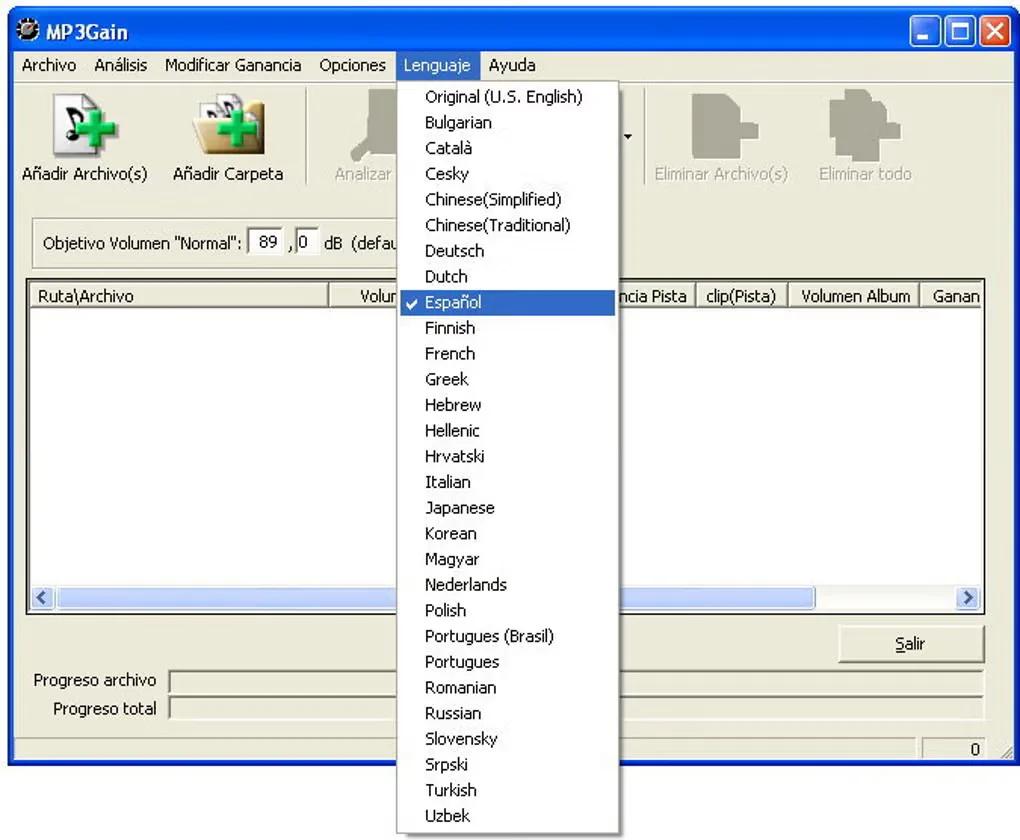
The Windows interface provides file and folder selection, track and album analysis, and a target-volume setting. MP3Gain can store analysis and undo information in APEv2 tags. Some players misread those tags; disabling tag writing avoids adding them but removes automatic undo for subsequent changes.
This download is the publisher's Windows Stable 1.2.5 normal installer, not the separate beta branch or the unrelated Mp3Gain PRO product. The normal installer does not include the Microsoft Visual Basic runtime files; the publisher offers a separate Full package containing them. The retrieved publisher documentation does not establish Windows 10 or 11 compatibility, and no installation or runtime check was performed.
What it offers
- Analyze perceived MP3 loudness with the Replay Gain algorithm rather than peak normalization.
- Adjust MP3 volume directly without an audio decoding and re-encoding step.
- Add files or folders and use track or album analysis in the Windows interface.
- Store analysis and undo information in APEv2 tags.
Good to know
- Some MP3 players misread MP3Gain's APEv2 tags. Ignoring tags prevents automatic undo of subsequent changes.
- The normal Windows installer excludes Visual Basic runtime files; the publisher's separate Full package includes them.
- Windows 10 and 11 compatibility is not established by the retrieved publisher documentation; the application was not installed or run.
Product images
Sources
References used for this listing. Retrieval dates do not indicate hands-on testing.
- MP3Gain — publisher overview ↗Retrieved
- MP3Gain Downloads ↗Retrieved
- MP3Gain FAQ ↗Retrieved
- MP3Gain - Download ↗Retrieved
More in multimedia & graphics
View category ↗
1by1 2.17
Play music directly from folders with 1by1, a free Windows audio player with resume, gapless playback and file tools. Formats beyond MP3 need additional decoders.
3DVista Virtual Tour Pro
Build interactive 360° virtual tours from panoramas, videos and 3D models with 3DVista Virtual Tour Pro for Windows. Commercial software with a 30-day trial.

4DDiG Video Repair
Repair corrupted or unplayable videos in batches with the Video Repair tool in 4DDiG File Repair for Windows. A free trial is available; advanced features require a paid license.