

Multimedia & graphics Windows
mpTrim for Windows
Trim unwanted sections from the start or end of MP3 files, normalize volume and add fades with mpTrim, a free Windows MP3 editor.
- Operating system
- Windows XP, Vista, 7, 8/8.1, 10 and 11 (publisher-listed)
- Architecture
- Not specified by publisher; binary not inspected
- Download package
- ZIP archive
Stable freeware download, not the separate 3.07 beta. Compatibility is publisher-reported, not independently tested.
Link checked · Download guidance
What is mpTrim?
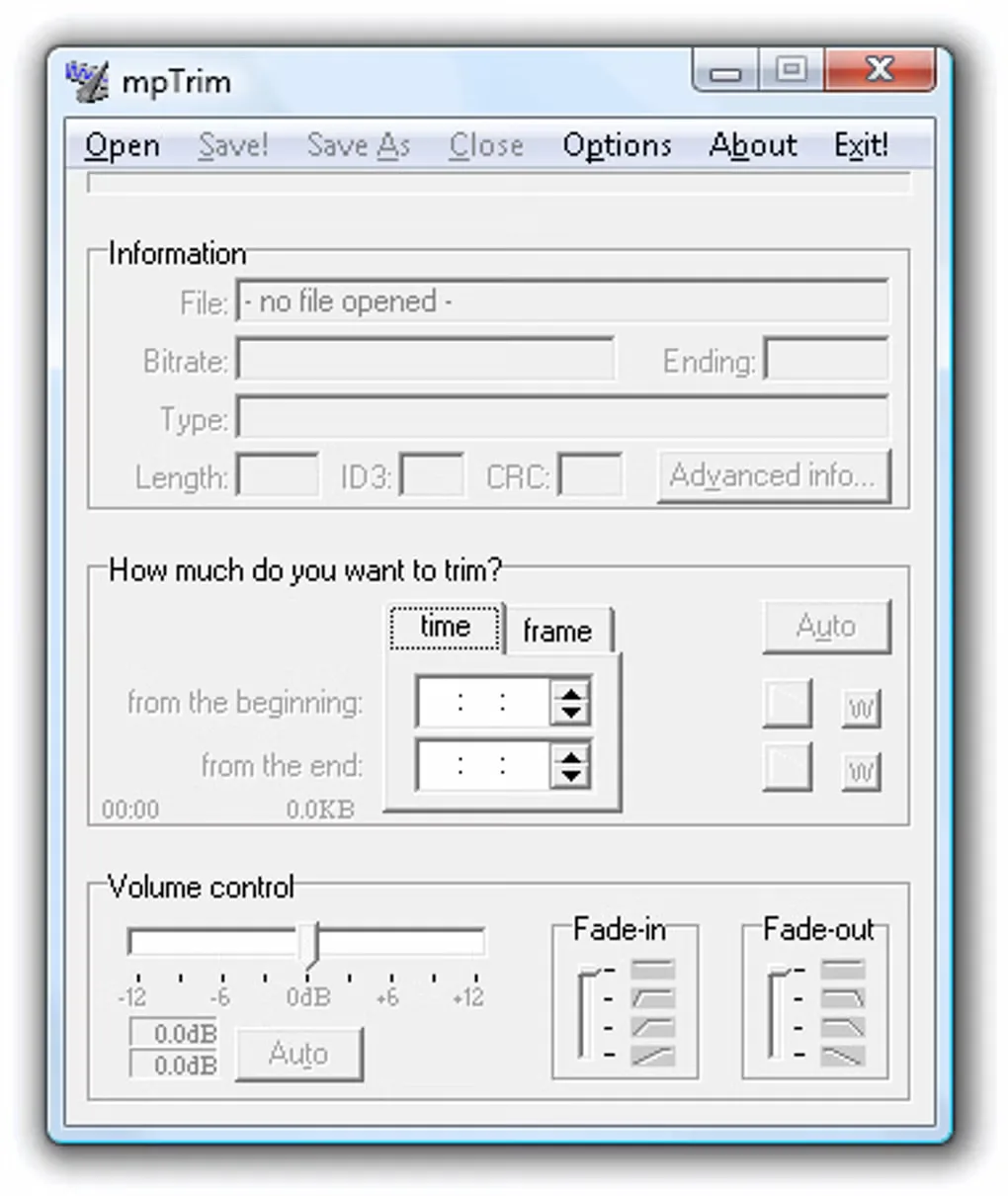
mpTrim edits MP3 files directly without decoding and re-encoding them. It is useful for removing silence at the beginning or end of a track, adjusting its volume manually or using automatic normalization, and adding a fade-in or fade-out. Its cleanup function removes non-MPEG data rather than converting the audio to another format.
The free edition has a frame-count limit: the publisher gives up to seven minutes for MPEG-1 Layer III audio at 44.1 kHz, not a universal seven-minute limit for every MP3. Registered PE and PRO editions offer extended file support. Aggressive silence trimming can also remove quiet music, so preview the selected sections before saving. Cleanup is not a guarantee that a corrupted MP3 will be repaired.
This entry links to the publisher's stable 3.06 ZIP archive. The separately advertised 3.07 beta is not the selected download. Windows compatibility is publisher-reported; the archive has not been downloaded or run here.
What it offers
- Remove silent or unwanted sections from the beginning and end of an MP3.
- Adjust volume manually or calculate an automatic normalization setting.
- Apply fade-in and fade-out effects.
- Edit directly in MP3 format without a decode/re-encode cycle.
- Clean non-MPEG data from MP3 files; VBR MP3s are supported.
Good to know
- The free edition has a frame-count limit; the publisher gives up to seven minutes for MPEG-1 Layer III at 44.1 kHz. PE and PRO provide extended file support.
- Aggressive trimming may remove quiet music at a track's beginning or end; preview the proposed cuts.
- Removing non-MPEG data does not guarantee repair of an already corrupted MP3.
Product images
Sources
References used for this listing. Retrieval dates do not indicate hands-on testing.
- mpTrim — publisher overview ↗Retrieved
- mpTrim FAQ ↗Retrieved
- mpTrim PE (personal edition) ↗Retrieved
- mpTrim - Download — normal browser gallery ↗Retrieved
More in multimedia & graphics
View category ↗
1by1 2.17
Play music directly from folders with 1by1, a free Windows audio player with resume, gapless playback and file tools. Formats beyond MP3 need additional decoders.
3DVista Virtual Tour Pro
Build interactive 360° virtual tours from panoramas, videos and 3D models with 3DVista Virtual Tour Pro for Windows. Commercial software with a 30-day trial.

4DDiG Video Repair
Repair corrupted or unplayable videos in batches with the Video Repair tool in 4DDiG File Repair for Windows. A free trial is available; advanced features require a paid license.