

Multimedia & graphics Windows
MuseScore Studio for Windows
Write, play back and print sheet music with MuseScore Studio, a free, open-source notation editor for Windows.
- Operating system
- Windows 10 or higher
- Architecture
- x64 (Intel/AMD 64-bit)
- Download package
- Standalone MSI installer
Without MuseHub. Publisher requirements list 8 GB RAM, four CPU cores and 500 MB free storage; optional MuseSounds require 15 GB.
Link checked · Download guidance
What is MuseScore Studio?
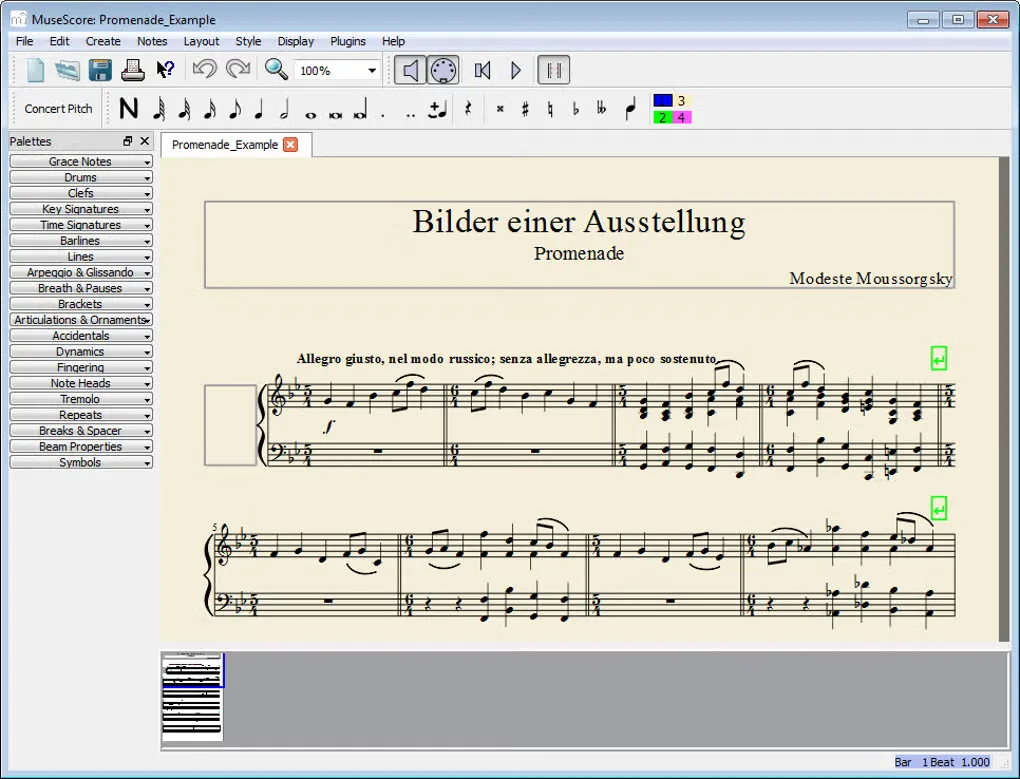
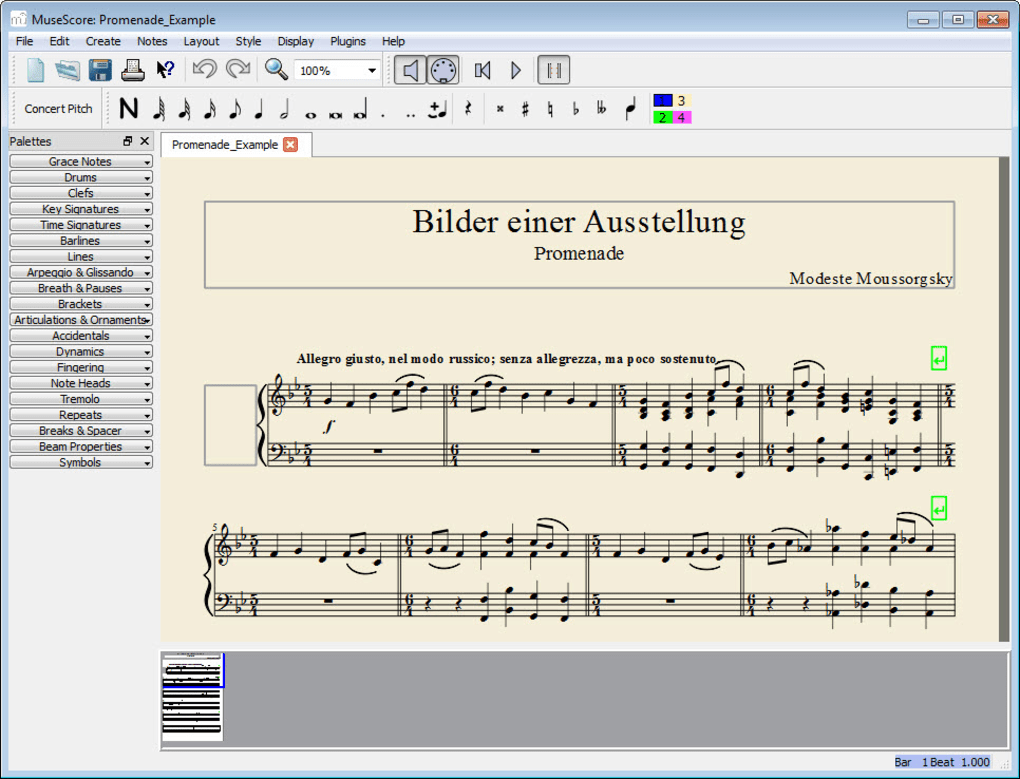
MuseScore Studio turns musical ideas into editable sheet music. Enter notes on the score or through MIDI input, listen back with the built-in synthesizer, and print the result or export a PDF. MusicXML and MIDI import/export help move a composition between notation and music applications.
This download is the standalone Windows x64 MSI installer, not the MuseHub downloader. It requires Windows 10 or higher; the publisher lists 8 GB RAM and a four-core processor in its system requirements. Optional MuseSounds libraries have a separate storage requirement of 15 GB.
The desktop notation editor is free and open source. Its file-to-score conversion service is a separate online workflow through MuseScore.com: it requires an account and, at the time of the 4.7.6 announcement, permits up to 200 conversions per account in total. Audio and link conversion are marked beta.
What it offers
- Enter and edit notes directly on a visual score, including MIDI note input.
- Play scores with an integrated sequencer and software synthesizer.
- Import and export MusicXML and MIDI files.
- Print sheet music or export it as PDF.
Good to know
- File-to-score conversion uses MuseScore.com and requires an account; the 4.7.6 announcement sets a total limit of 200 conversions per account and labels audio and link conversion as beta.
- The linked installer is for Windows x64; Windows versions earlier than 10 are outside the published system requirements.
Product images
Sources
References used for this listing. Retrieval dates do not indicate hands-on testing.
- MuseScore Studio — official download and system requirements ↗Retrieved
- MuseScore Studio 4.7.6 — release-pinned README ↗Retrieved
- MuseScore Studio 4.7.6 — official announcement ↗Retrieved
- MuseScore Studio 4.7.6 — official GitHub release ↗Retrieved
- MuseScore Studio 4.7.6 — publisher release assets ↗Retrieved
- MuseScore for Windows — Softonic screenshot gallery (historical interface) ↗Retrieved
More in multimedia & graphics
View category ↗
1by1 2.17
Play music directly from folders with 1by1, a free Windows audio player with resume, gapless playback and file tools. Formats beyond MP3 need additional decoders.
3DVista Virtual Tour Pro
Build interactive 360° virtual tours from panoramas, videos and 3D models with 3DVista Virtual Tour Pro for Windows. Commercial software with a 30-day trial.

4DDiG Video Repair
Repair corrupted or unplayable videos in batches with the Video Repair tool in 4DDiG File Repair for Windows. A free trial is available; advanced features require a paid license.