
Multimedia & graphics Windows
NoteWorthy Composer
Write and play back musical scores with NoteWorthy Composer for Windows. The 2.75a evaluation includes a notation editor but cannot save or export your work.
Version 2.75a · Direct publisher file
Link checked · Download guidance
What is NoteWorthy Composer?
NoteWorthy Composer is a Windows music notation editor for writing songs, transcribing existing music and listening to a score as you work. Enter notes with a computer keyboard, mouse, on-screen piano or MIDI instrument, and add staves, lyrics, text and musical symbols. Playback highlights the notes being played, making it easier to follow a passage.
The full product can transpose parts, print a complete score or selected instrumental parts, and exchange Standard MIDI files. The linked 2.75a download is the evaluation edition, not the purchased edition or the separate free NoteWorthy Composer Viewer. Its notation editor works, but it cannot save anything you create or edit; Export, Open Backup and User Tool commands are also unavailable. Use it to evaluate the editing workflow, not to preserve a composition.
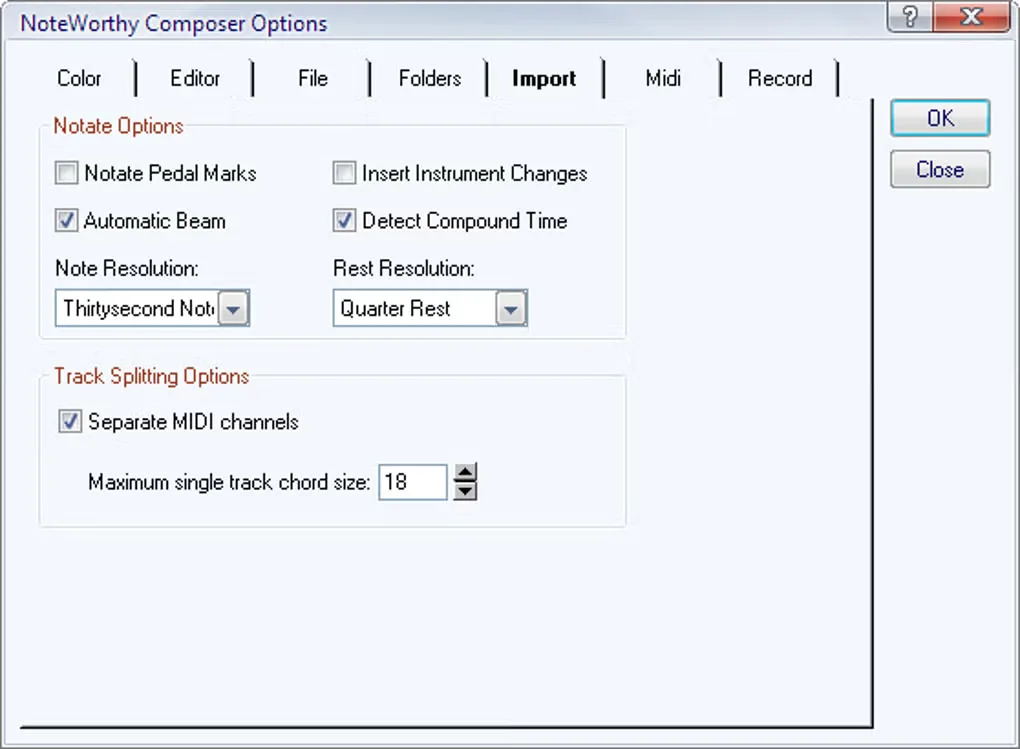
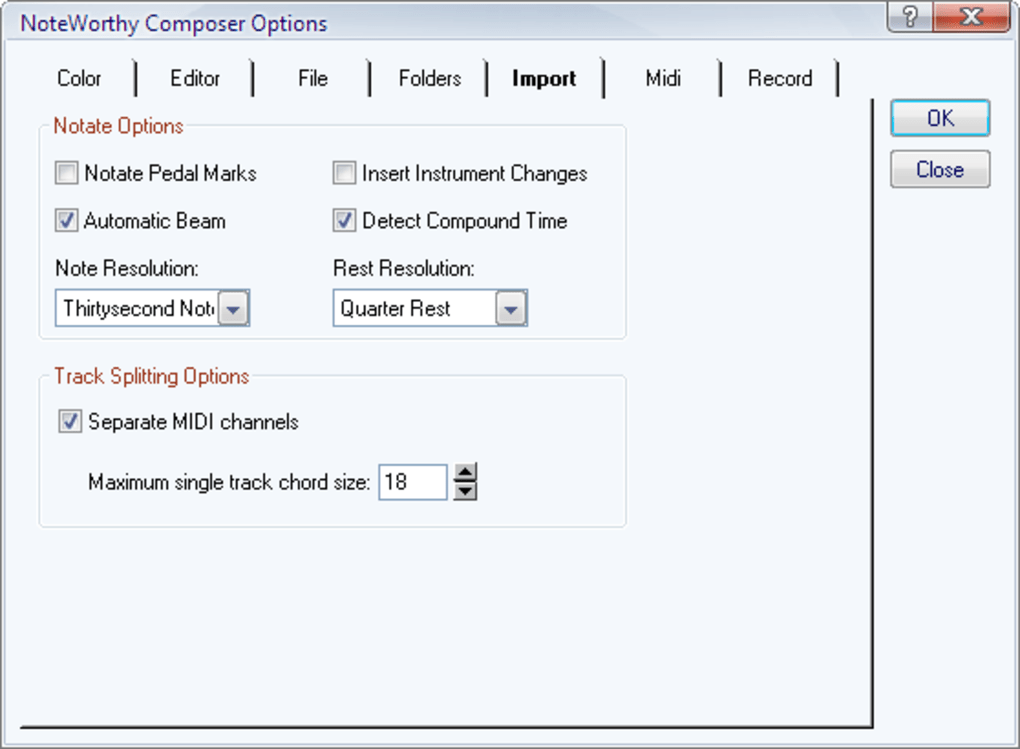
The gallery image shows the Windows Import options dialog from the source catalog. It illustrates the application interface; it is not verification of the appearance of version 2.75a.
What it offers
- Enter musical notation using a computer keyboard, mouse, on-screen piano or MIDI instrument.
- Add staves, notes, lyrics, text and musical symbols in the notation editor.
- Listen to scores with notes highlighted during playback.
- Transpose parts with notes and key signatures updated to the new key.
- The full product prints complete scores or selected parts and imports and exports Standard MIDI files; evaluation export is disabled.
Good to know
- The evaluation cannot save anything you create or edit: Save and Save As are unavailable.
- The evaluation also disables Open Backup, Export and Tools > User Tool.
Product images
Sources
References used for this listing. Retrieval dates do not indicate hands-on testing.
More in multimedia & graphics
View category ↗
1by1 2.17
Play music directly from folders with 1by1, a free Windows audio player with resume, gapless playback and file tools. Formats beyond MP3 need additional decoders.
3DVista Virtual Tour Pro
Build interactive 360° virtual tours from panoramas, videos and 3D models with 3DVista Virtual Tour Pro for Windows. Commercial software with a 30-day trial.

4DDiG Video Repair
Repair corrupted or unplayable videos in batches with the Video Repair tool in 4DDiG File Repair for Windows. A free trial is available; advanced features require a paid license.