

Multimedia & graphics macOS
OBS Studio for macOS
Record your Mac screen and stream live with OBS Studio, a free, open-source app for combining video sources, scenes and audio. This download is for Apple Silicon Macs.
- Operating system
- macOS 13.0 or newer
- Architecture
- arm64 (Apple Silicon)
- Download package
- DMG disk image
Selected download is the Apple Silicon package. Intel Macs require the separate x86_64 DMG linked on the publisher download page.
Link checked · Download guidance
What is OBS Studio?
OBS Studio captures and combines video and audio for screen recordings and live broadcasts. On Mac, its macOS Screen Capture source can capture a whole display, one window or the visible windows of a chosen application. Build scenes from capture sources, images and webcams, then switch between them with transitions.
The audio mixer provides per-source filters, including noise suppression and gain. Studio Mode lets you preview scene changes before sending them live, while hotkeys let you control recording, streaming and scene switching. On macOS 13 or newer, the macOS capture sources can also capture desktop or application audio.
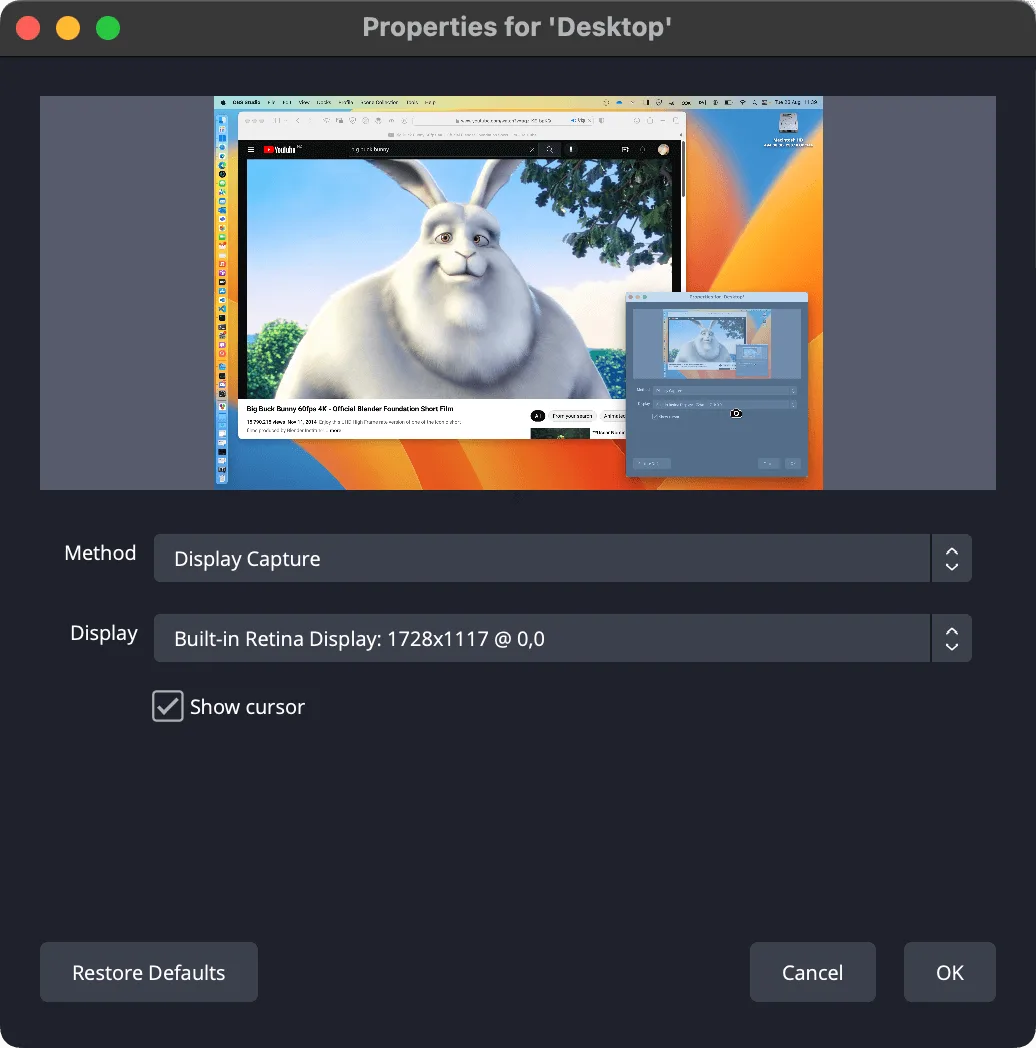
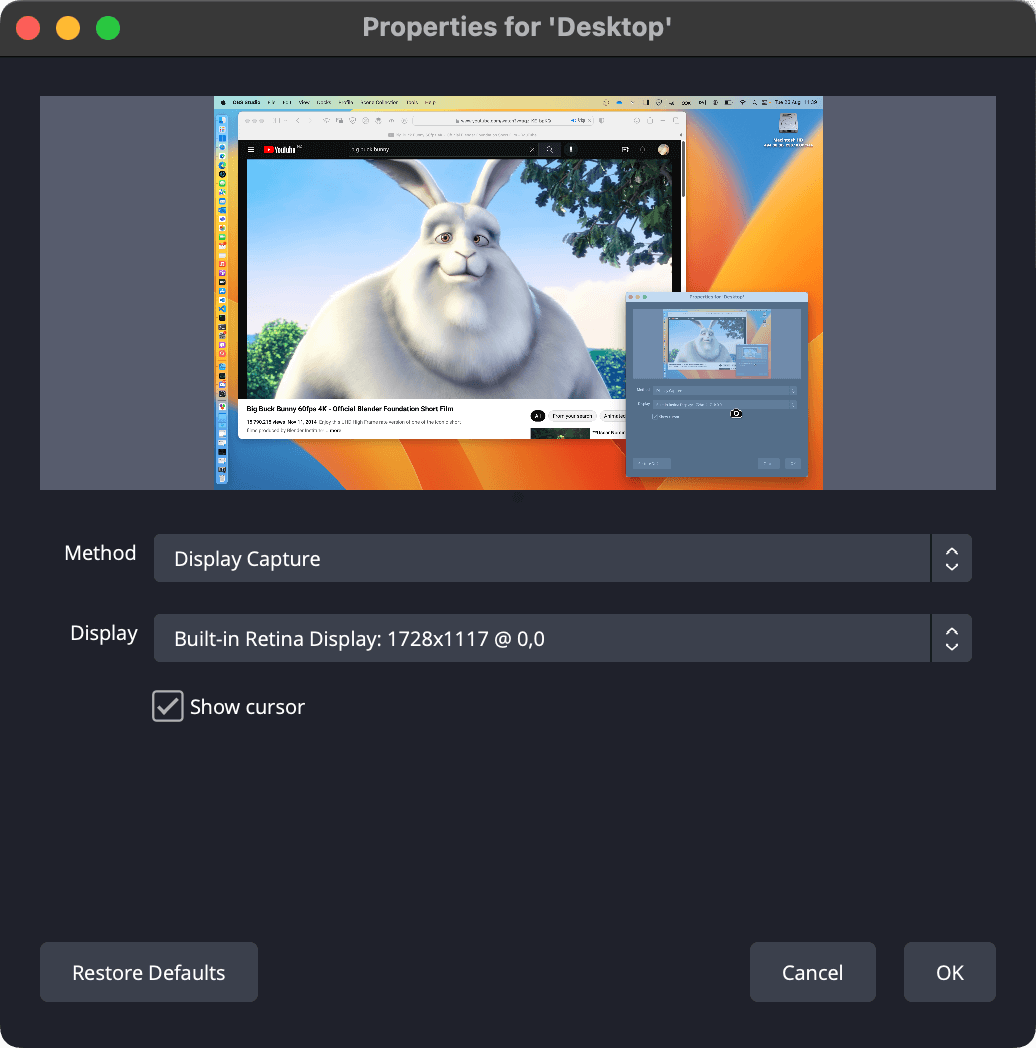
This entry links to the publisher’s OBS Studio 33.0.0 DMG for Apple Silicon (arm64), requiring macOS 13.0 or newer. Intel Macs need the separate Intel package on the publisher’s download page. The dedicated Game Capture source is Windows-only; on Mac, use macOS Screen Capture instead. The accompanying publisher screenshot illustrates the Mac capture-properties dialog from its documentation, not a verified capture of version 33.0.0.
What it offers
- Capture a Mac display, a single window or an application’s visible windows.
- Combine video sources, images and webcams into scenes with transitions.
- Adjust audio using per-source filters such as noise suppression and gain.
- Preview changes in Studio Mode and assign hotkeys for common broadcast controls.
- Capture desktop or application audio using the macOS capture sources on macOS 13 or newer.
Good to know
- OBS Studio 33.0.0 requires macOS 13.0 or newer; this download is the Apple Silicon package, not the separate Intel build.
- The dedicated Game Capture source is Windows-only. Use macOS Screen Capture for Mac screen or window capture.
Product images
Sources
References used for this listing. Retrieval dates do not indicate hands-on testing.
- OBS Studio for Mac - Download ↗Retrieved
- Open Broadcaster Software | OBS ↗Retrieved
- Download | OBS ↗Retrieved
- obsproject/obs-studio — official repository README ↗Retrieved
- Quick Start Guide | OBS ↗Retrieved
- macOS Screen Capture Source | OBS ↗Retrieved
- macOS Desktop Audio Capture Guide | OBS ↗Retrieved
More in multimedia & graphics
View category ↗
1by1 2.17
Play music directly from folders with 1by1, a free Windows audio player with resume, gapless playback and file tools. Formats beyond MP3 need additional decoders.
3DVista Virtual Tour Pro
Build interactive 360° virtual tours from panoramas, videos and 3D models with 3DVista Virtual Tour Pro for Windows. Commercial software with a 30-day trial.

4DDiG Video Repair
Repair corrupted or unplayable videos in batches with the Video Repair tool in 4DDiG File Repair for Windows. A free trial is available; advanced features require a paid license.