
Games Windows
osu! (lazer)
Play beatmaps, adjust gameplay mods and create your own maps with osu! (lazer), the free rhythm-game client for 64-bit Windows 10 and later.
- Operating system
- Windows 10 and later
- Architecture
- x64 (64-bit)
- Download package
- EXE installer (install.exe)
Publisher-listed Windows package. Lazer installs alongside osu!stable; the two clients can remain available.
Link checked · Download guidance
What is osu! (lazer)?
osu! (lazer) is a free rhythm game built around playing music beatmaps with precise timing. It is the newer osu! client, rather than a utility or an add-on for osu!stable. Difficulty adjustment, configurable mods and replay seeking give players ways to practise and revisit a play, while the in-game editor supports creating and submitting beatmaps.
Existing osu!stable players can install lazer alongside their current client. The official upgrade guide says beatmaps, skins, scores, replays and collections can be imported, but settings must be configured again. Keeping both clients is useful when deciding whether lazer fits your existing setup: old skins have only partial support, and gameplay and scoring are not identical to stable. The Classic mod restores much of the older behaviour, not every difference.
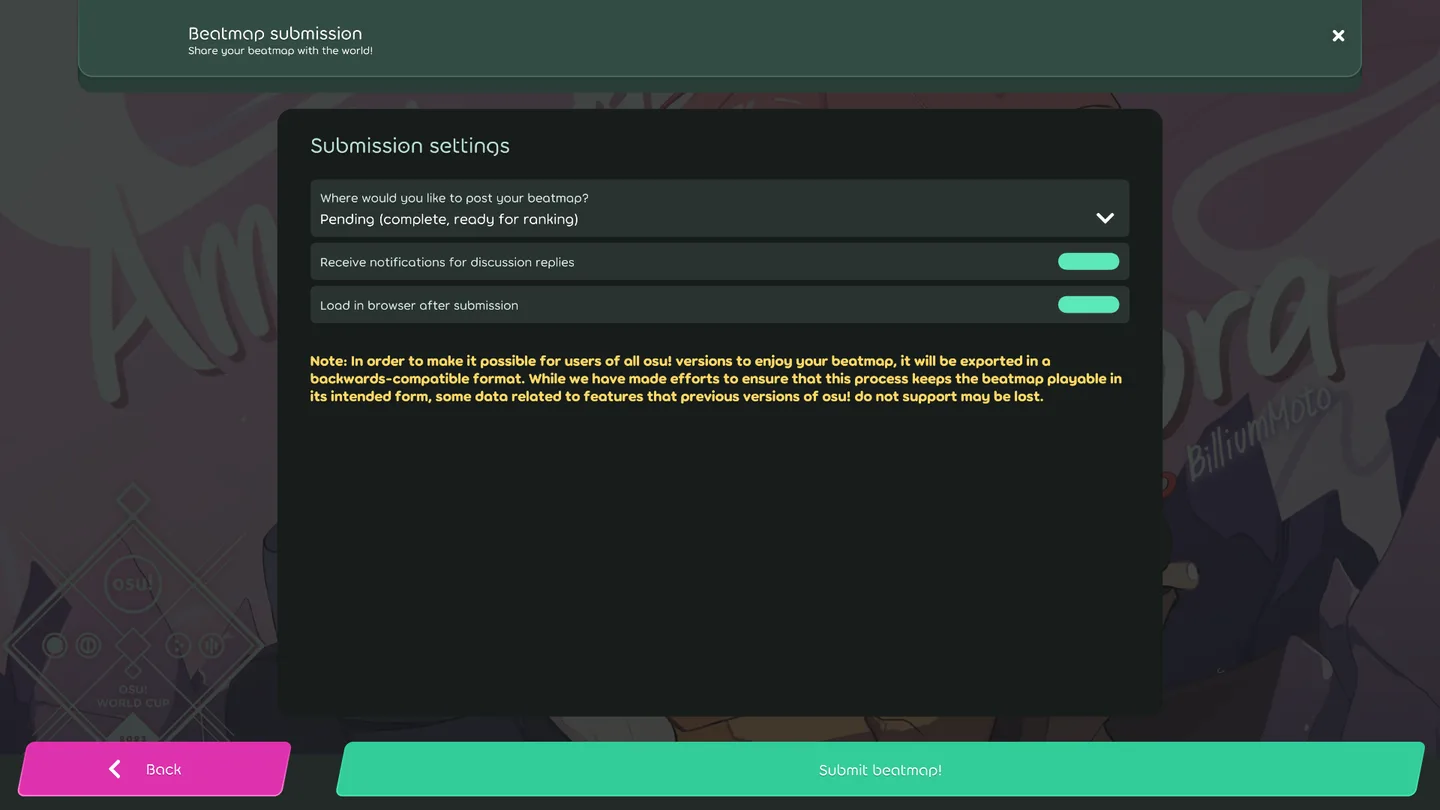
This entry links to the publisher’s Windows x64 EXE installer for release 2026.1005.0-lazer. The screenshot shows the publisher-documented beatmap submission screen; it is not evidence of a hands-on test or of that exact release build.
What it offers
- Play osu! beatmaps in the lazer rhythm-game client.
- Adjust difficulty and configure individual mods or mod presets.
- Seek through replays to revisit parts of a play.
- Create and submit beatmaps through the in-game editor.
- Import supported content from osu!stable while keeping both clients installed.
Good to know
- Settings are not imported from osu!stable and must be configured again.
- Older skins have partial support; song select and results screens do not fully reproduce stable skins.
- Gameplay and scoring differ from stable; the Classic mod does not reverse every change.
Product images
Sources
References used for this listing. Retrieval dates do not indicate hands-on testing.
- osulazer - Download ↗Retrieved
- osu! — official project, Windows packages and license ↗Retrieved
- Official GitHub release metadata — 2026.1005.0-lazer ↗Retrieved
- Official help centre — Upgrading to lazer ↗Retrieved
- Official wiki — Beatmap submission (lazer) ↗Retrieved
- Official osu! wiki — media licensing context ↗Retrieved
More in games
View category ↗
Freeciv 3.2.6
Build cities, research technologies and expand an empire in Freeciv, a free, open-source strategy game with AI opponents and network multiplayer.

Armagetron Advanced 0.2.9.3.1
Steer a lightcycle through a 3D arena, trap opponents with its trail and avoid their walls in Armagetron Advanced, a free, open-source arcade game for Windows.