

Multimedia & graphics Windows
Paint.NET for Windows
Edit photos, combine images in layers and adjust colors with Paint.NET, a Windows image editor available as a free Classic download or a paid Store edition.
- Operating system
- Windows 11, Windows 10 version 21H2 or newer, or Windows Server 2022
- Architecture
- x64 or ARM64; web installer selects the matching package
- Download package
- ZIP containing the Classic web installer; internet required
Extract before setup. Supported target: 4+ CPU cores, AVX2 on x64, Direct3D 11 GPU and SSD. .NET 9 is included; no separate runtime installation is needed.
Link checked · Download guidance
What is Paint.NET?
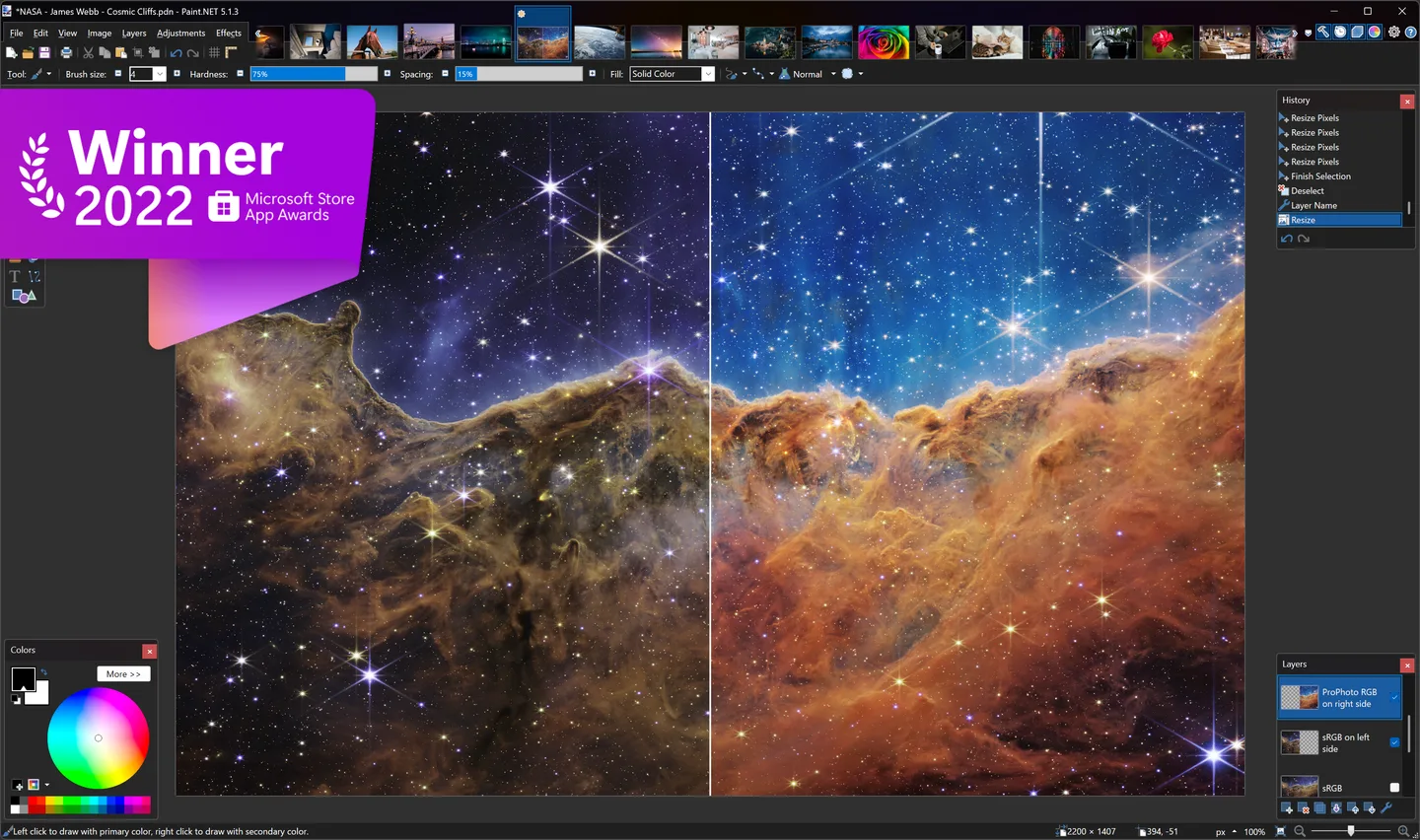
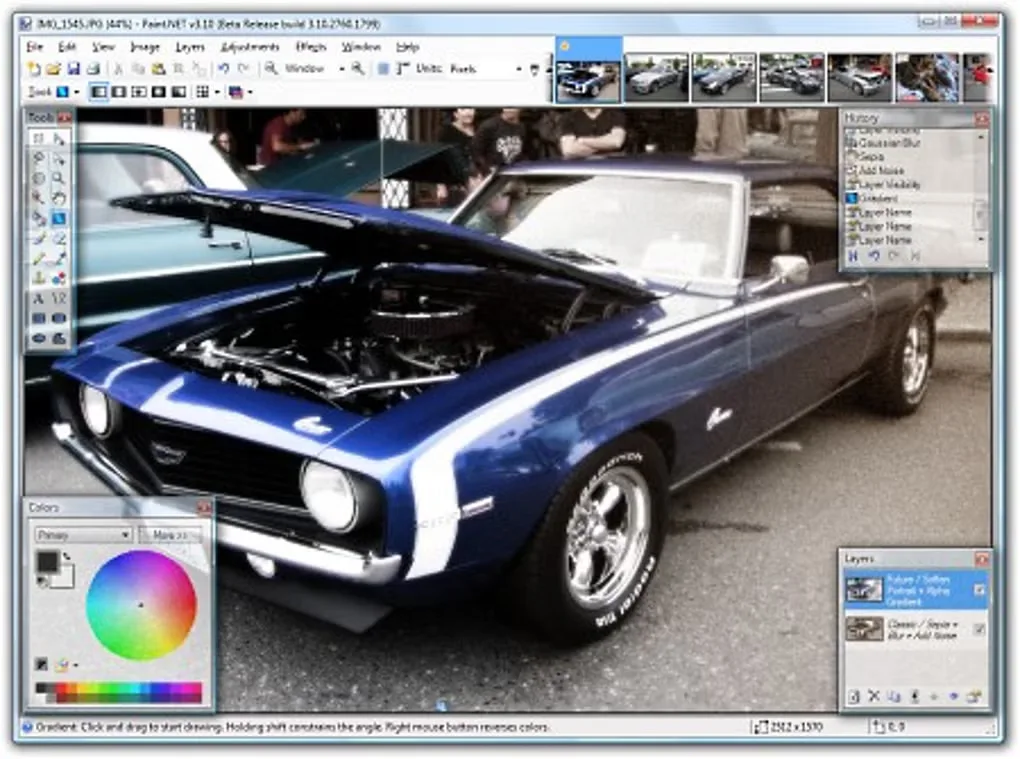
Paint.NET edits photos and other raster images on Windows. Use layers to combine separate elements, selections and the Clone Stamp to work on part of a picture, or brightness, contrast and curves adjustments to change its appearance. It also includes drawing tools and effects such as blur and sharpening. Save layered work in its native PDN format, or use common image formats such as PNG, JPEG and WebP.
This download is a ZIP containing the Classic web installer for version 5.1.12. Extract it before running setup; the web installer downloads the appropriate installer for supported x64 or ARM64 Windows systems. It is not an offline package. The Classic edition is free, including for commercial use; the paid Microsoft Store edition has the same editing functionality with fully automatic updating.
Undo history uses temporary disk space, so its practical capacity depends on available storage and the images being edited. The publisher's supported hardware target includes a four-core 64-bit CPU, AVX2 on Intel/AMD systems, Direct3D 11 graphics and an SSD. Older hardware outside that target may be slower and is not covered by the publisher's testing and optimization efforts.
What it offers
- Compose images with layers and save layered projects in PDN format.
- Adjust brightness, contrast, hue, saturation, curves and levels.
- Use selections, Magic Wand, Clone Stamp, drawing tools and image effects.
- Work with formats including PNG, JPEG, WebP, AVIF, TIFF and DDS; plugins can add file types and effects.
- Draw with pressure sensitivity using a compatible pen or drawing tablet.
Good to know
- Undo and redo history consumes temporary disk space; available storage limits the history you can retain.
- The linked ZIP contains a web installer, not an offline installer; setup needs an internet connection to retrieve the appropriate package.
- The free application is not open source: its license prohibits modifying the software or distributing modified copies.
Product images
Sources
References used for this listing. Retrieval dates do not indicate hands-on testing.
- Paint.NET — official download and system requirements ↗Retrieved
- dotPDN — publisher-linked Paint.NET download ↗Retrieved
- Paint.NET — official features ↗Retrieved
- Paint.NET — license and edition differences ↗Retrieved
- Paint.NET — product identity and developer ↗Retrieved
- Paint.NET 5.1.12 — official release and package notes ↗Retrieved
- Paint.NET — publisher application screenshot linked from the official homepage ↗Retrieved
- Paint.NET - Download — Windows screenshot gallery ↗Retrieved
More in multimedia & graphics
View category ↗
1by1 2.17
Play music directly from folders with 1by1, a free Windows audio player with resume, gapless playback and file tools. Formats beyond MP3 need additional decoders.
3DVista Virtual Tour Pro
Build interactive 360° virtual tours from panoramas, videos and 3D models with 3DVista Virtual Tour Pro for Windows. Commercial software with a 30-day trial.

4DDiG Video Repair
Repair corrupted or unplayable videos in batches with the Video Repair tool in 4DDiG File Repair for Windows. A free trial is available; advanced features require a paid license.