

Multimedia & graphics Windows
Pano2VR for Windows
Build interactive virtual tours from panoramic photos and 360° video with Pano2VR for Windows, using linked scenes, hotspots and customizable viewer controls.
- Operating system
- Windows (64-bit)
- Architecture
- 64-bit; publisher does not specify the CPU family on the product page
- Download package
- EXE installer
Selected stable Windows package; macOS and 8.1 beta downloads are separate. Minimum Windows version is not established by the cited publisher page.
Link checked · Download guidance
What is Pano2VR?
Pano2VR turns panoramic images and 360° video into virtual tours for the web. Connect viewpoints with hotspots, add maps and navigation menus, and choose a built-in skin or adapt the interface in the Skin Editor. It suits projects such as property walkthroughs, museum tours and interactive photographic stories.
The workflow includes tools for preparing the panorama as well as presenting it. Patch mode extracts an undistorted area for retouching in an image editor and applies the saved correction non-destructively. Multi-resolution output lets visitors zoom into high-resolution panoramas. Finished tours can be exported as HTML5 for a web server or embedded in a website; WebXR supports viewing compatible projects in a headset.
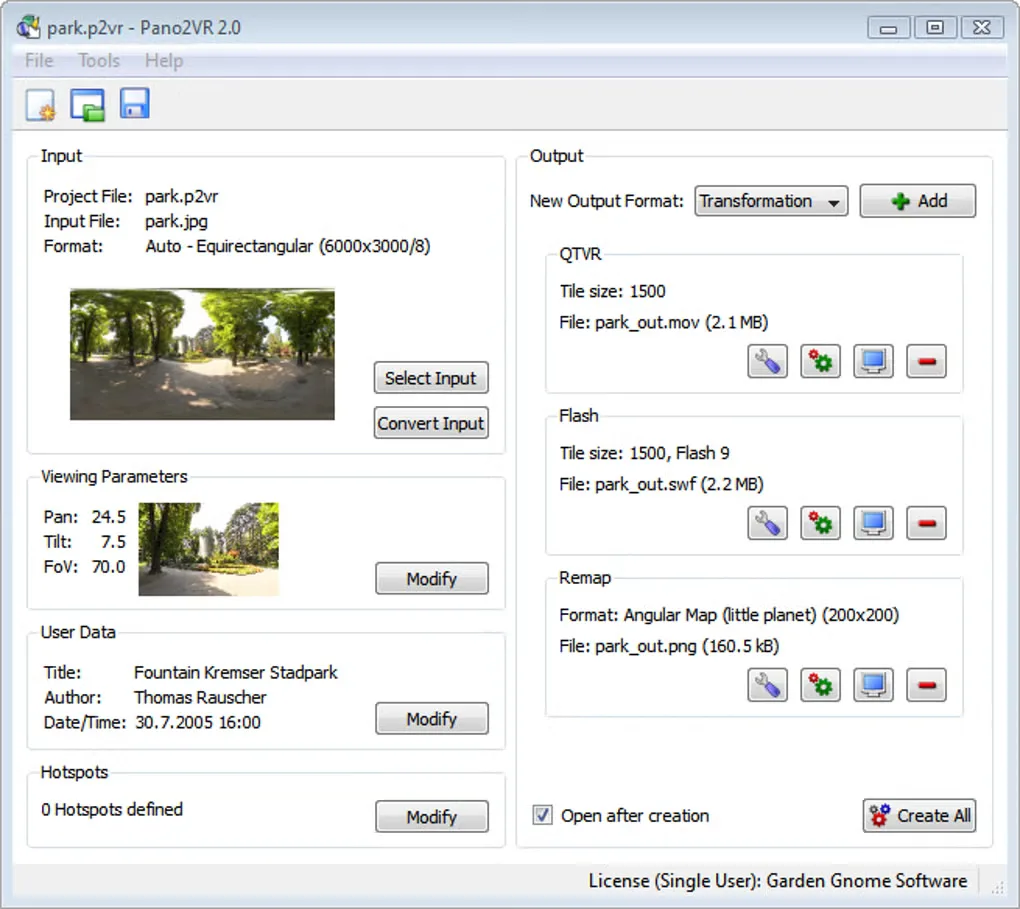
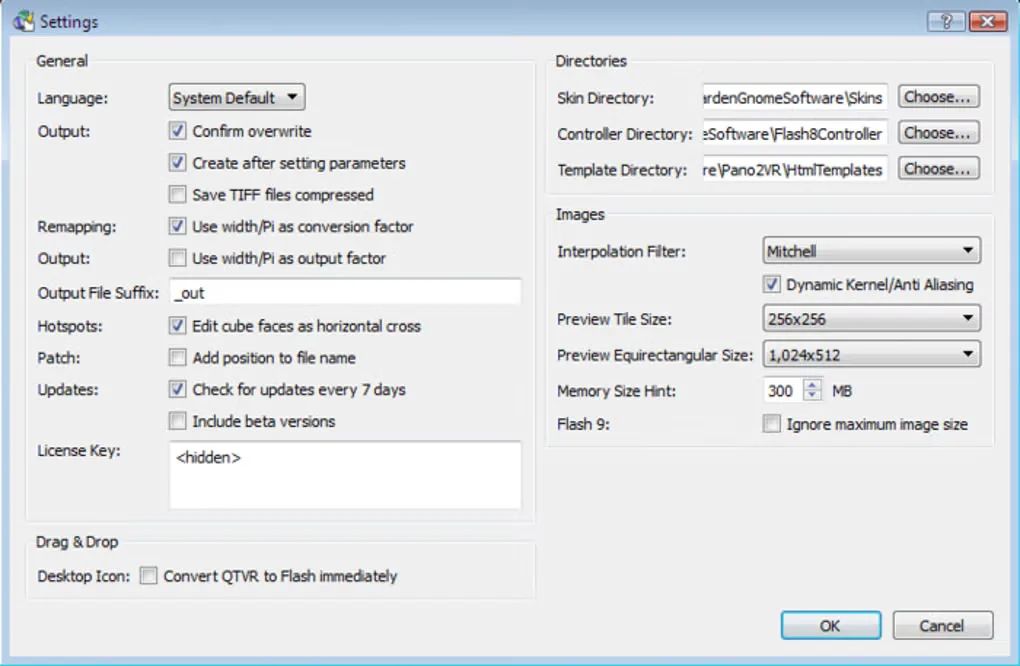
This download is the publisher's stable 8.0.10 Windows 64-bit EXE, released October 27, 2026, not its separately offered 8.1 beta. The trial has no stated time limit, but visible watermarks and a node limitation remain until a license is purchased. The screenshots are historical Windows interface examples from Softonic's gallery, including a window labeled Pano2VR 2.0; they do not show the current 8.0.10 interface.
What it offers
- Link panoramic scenes with hotspots, maps and navigation menus.
- Customize viewer controls with built-in skins and the Skin Editor.
- Extract undistorted patches for external retouching and apply changes non-destructively.
- Create multi-resolution output for zooming into gigapixel panoramas.
- Export HTML5 tours for websites and use WebXR for compatible headset viewing.
Good to know
- The trial adds visible watermarks and limits tour nodes; a purchased license is required to remove those restrictions.
- The gallery screenshots show an older Windows interface, not the supplied 8.0.10 release.
Product images
Sources
References used for this listing. Retrieval dates do not indicate hands-on testing.
More in multimedia & graphics
View category ↗
1by1 2.17
Play music directly from folders with 1by1, a free Windows audio player with resume, gapless playback and file tools. Formats beyond MP3 need additional decoders.
3DVista Virtual Tour Pro
Build interactive 360° virtual tours from panoramas, videos and 3D models with 3DVista Virtual Tour Pro for Windows. Commercial software with a 30-day trial.

4DDiG Video Repair
Repair corrupted or unplayable videos in batches with the Video Repair tool in 4DDiG File Repair for Windows. A free trial is available; advanced features require a paid license.