

Multimedia & graphics Windows
Photo Background Remover for Windows
Remove or replace photo backgrounds with automatic cutouts, manual selection tools and batch processing in SoftOrbits Photo Background Remover for Windows. A paid license is required to save results.
- Operating system
- Windows 10 and Windows 11
- Architecture
- 64-bit Windows, according to the current publisher FAQ
- Download package
- EXE installer
The current FAQ says no 32-bit build is available, while the generic requirements block lists older Windows and 32/64-bit support. Installer contents were not inspected; current FAQ requirements are used here.
Link checked · Download guidance
What is Photo Background Remover?
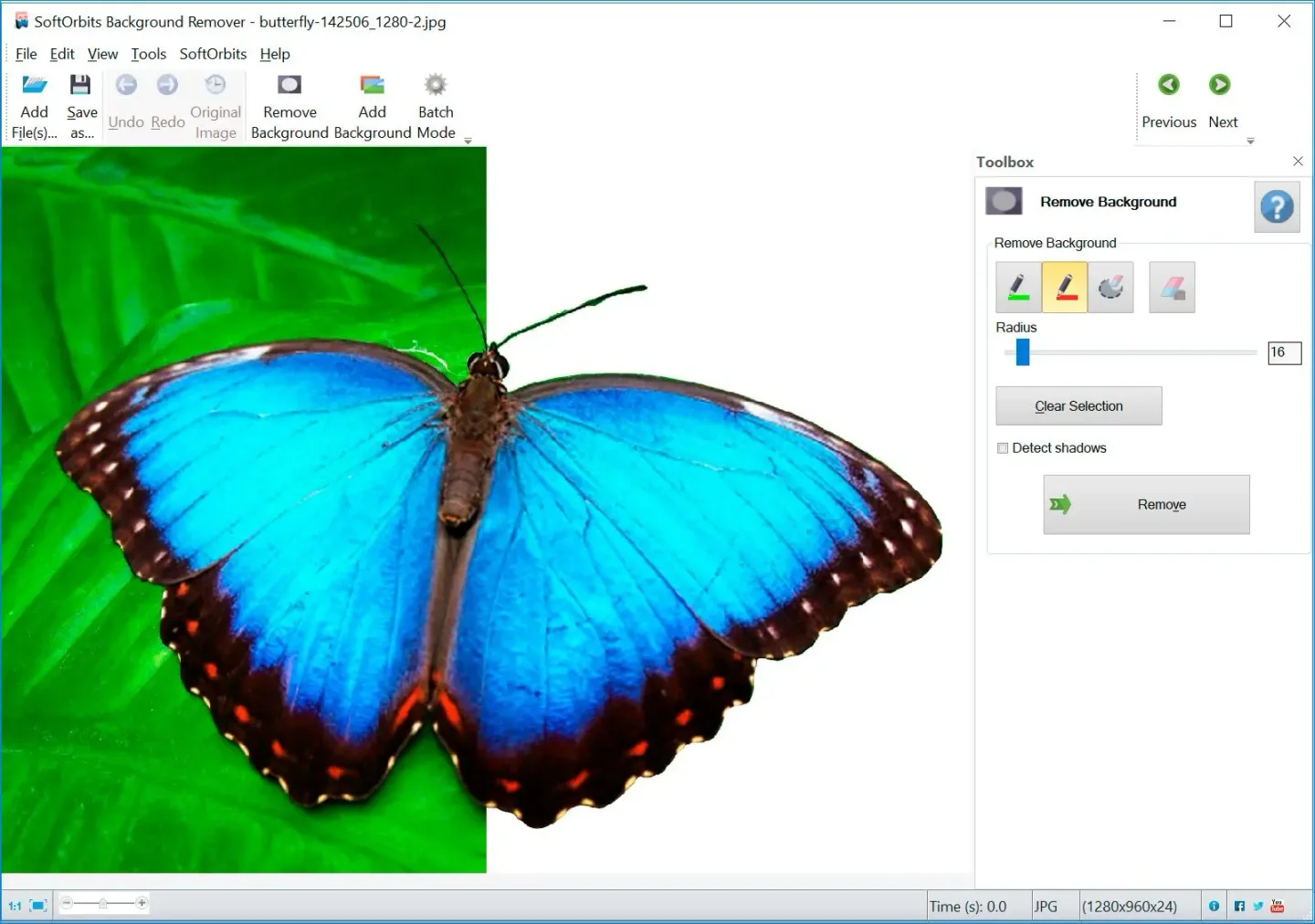
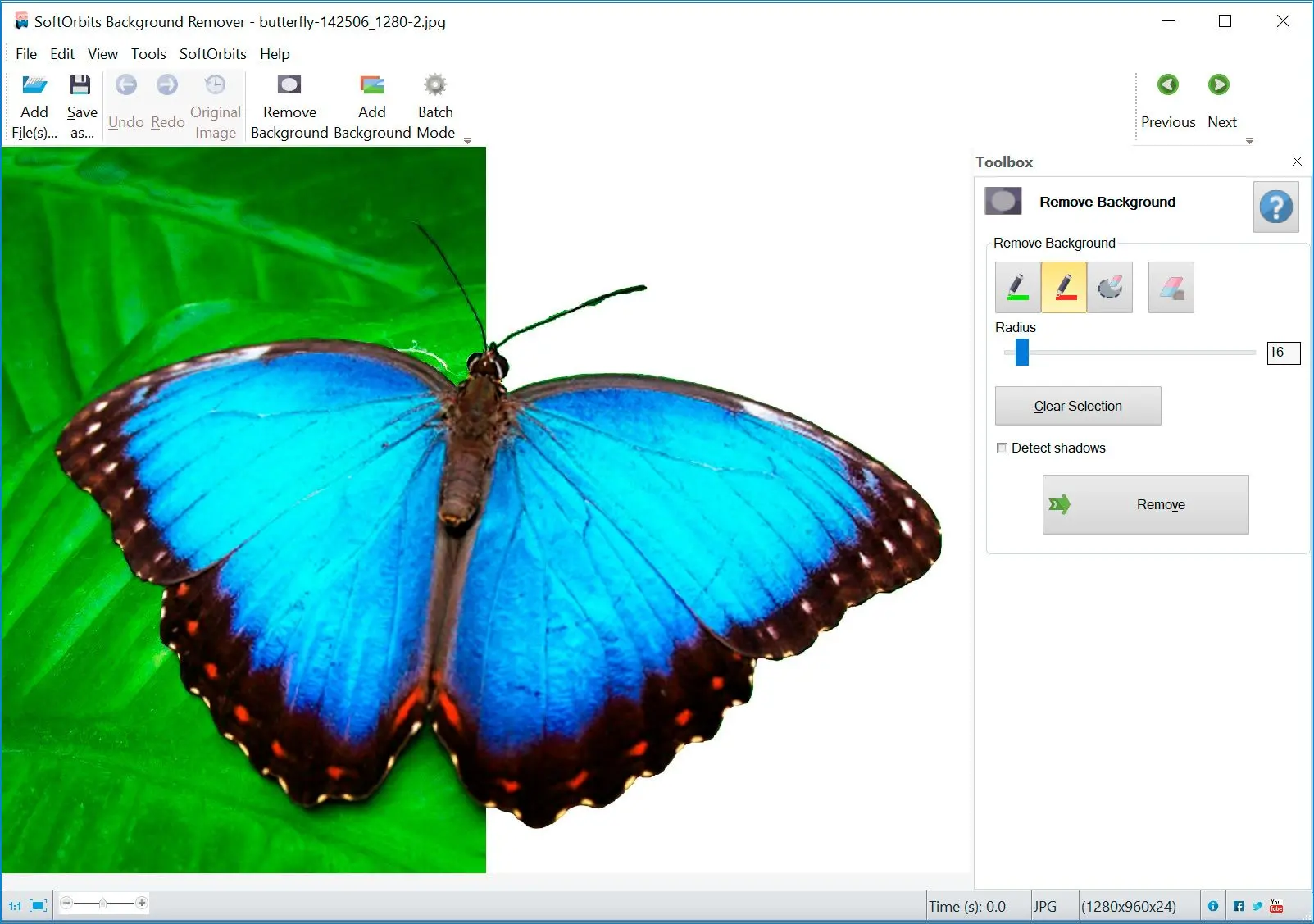
Photo Background Remover is a Windows desktop editor for isolating a person, product or other subject from its surroundings. It offers automatic background removal, manual foreground and background markers, and replacement with a solid color or another image. Batch mode applies background removal across a set of photos, making it useful for preparing product images with a consistent backdrop.
The publisher describes processing as offline and lists transparent PNG and GIF output, along with basic crop, resize and rotation tools. If automatic selection needs adjustment, the documented manual workflow uses green foreground and red background markers before removal.
The free trial lets you try the cutout tools, but the publisher says a license is required to save the result. Its current FAQ specifies 64-bit Windows 10 and Windows 11; older system and pricing text elsewhere on the same page conflicts with that FAQ. Confirm current purchase terms with SoftOrbits rather than treating the free download as a free editor.
What it offers
- Automatically separate a photo subject from its background.
- Refine selections with foreground and background markers.
- Replace the removed background with a solid color or another image.
- Process multiple photos in batch mode.
- Save transparent PNG or GIF images with a licensed copy.
Good to know
- A paid license is required to save results; the download is a free trial, not unrestricted freeware.
- Automatic cutouts can require the documented manual-selection workflow.
Product images
Sources
References used for this listing. Retrieval dates do not indicate hands-on testing.
More in multimedia & graphics
View category ↗
1by1 2.17
Play music directly from folders with 1by1, a free Windows audio player with resume, gapless playback and file tools. Formats beyond MP3 need additional decoders.
3DVista Virtual Tour Pro
Build interactive 360° virtual tours from panoramas, videos and 3D models with 3DVista Virtual Tour Pro for Windows. Commercial software with a 30-day trial.

4DDiG Video Repair
Repair corrupted or unplayable videos in batches with the Video Repair tool in 4DDiG File Repair for Windows. A free trial is available; advanced features require a paid license.