
Multimedia & graphics Windows
Photo Frame Studio
Add decorative frames, masks and text to photos with Photo Frame Studio for Windows. Create compositions for printing or web sharing; the publisher download is a demo.
- Operating system
- Windows XP, Vista, 7, 8 and 10 (publisher-listed)
- Architecture
- Not specified by publisher
- Download package
- EXE installer (demo)
Publisher lists at least 512 MB RAM and 250 MB free disk space. Windows 11 support is not confirmed.
Link checked · Download guidance
What is Photo Frame Studio?
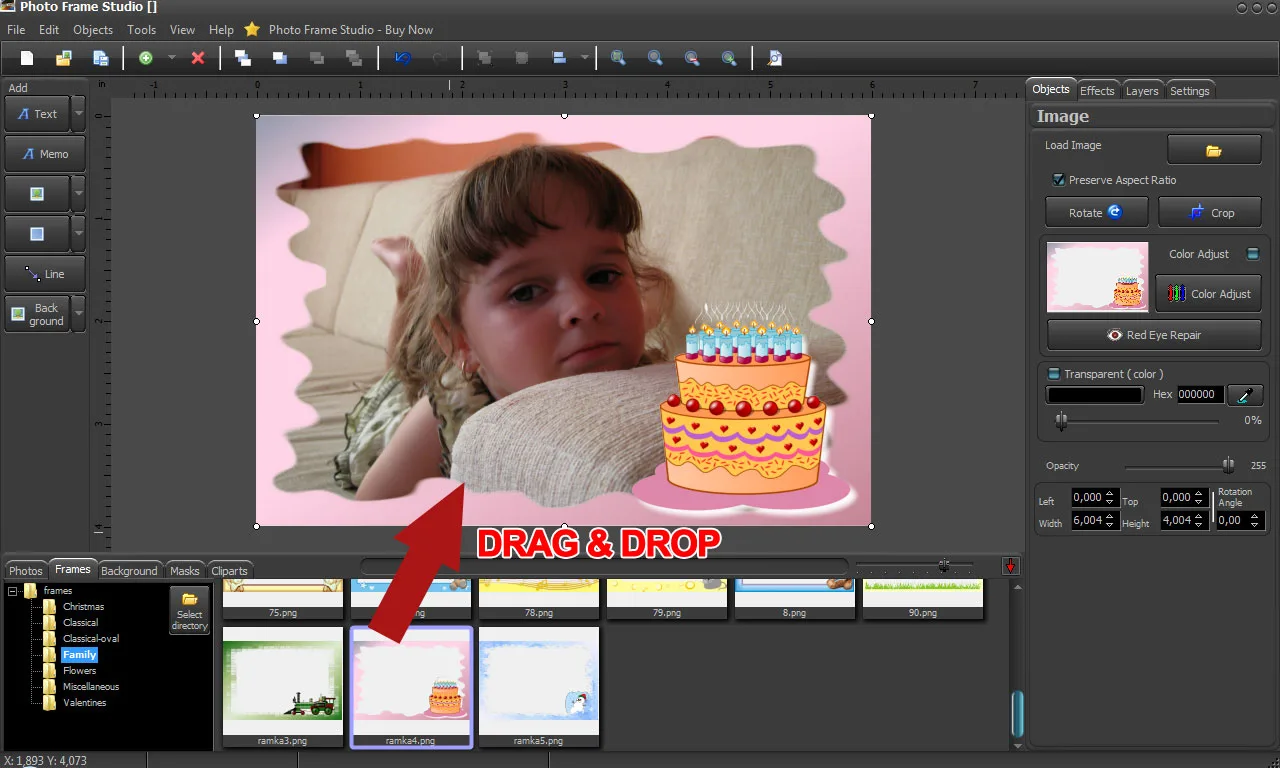
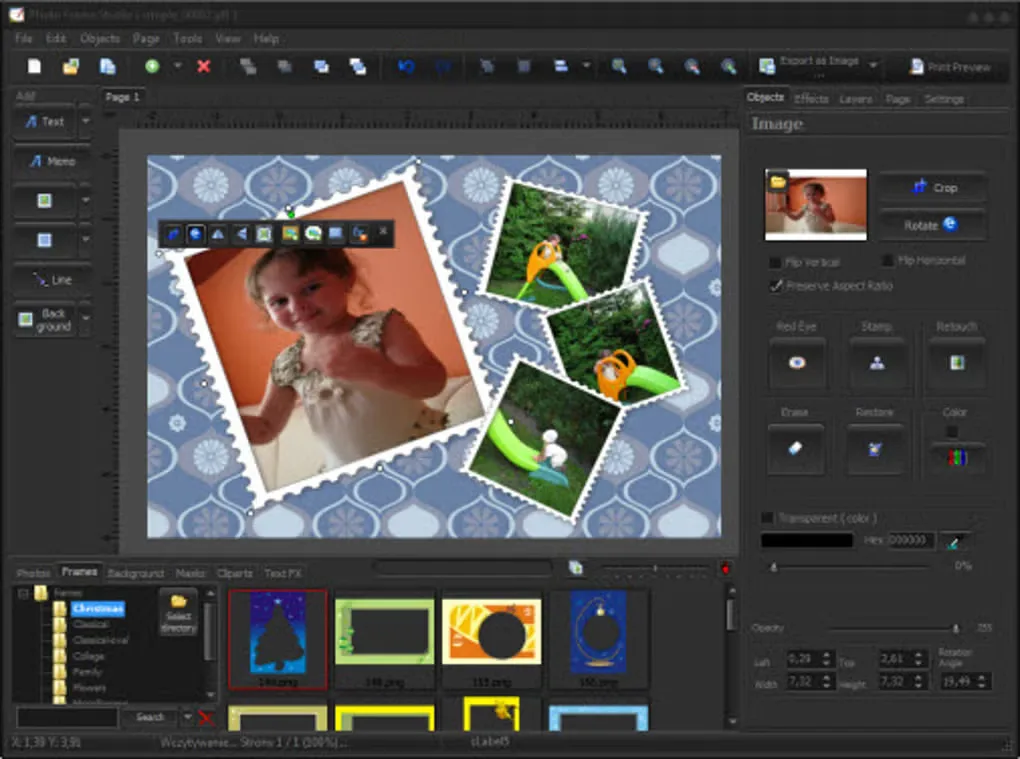
Photo Frame Studio decorates digital photos with frames, masks, backgrounds, shadows and text. Mojosoft lists more than 200 frames that can be modified, plus clip art and other objects for building a composition around your pictures. It is aimed at making framed photos and scrapbook-style layouts rather than simply storing a photo collection.
You can crop pictures, adjust color, saturation and contrast, and remove red-eye before saving or printing. The publisher lists PDF, JPG, TIFF and BMP export at 300 or 600 DPI, alongside lower-quality output for web use.
The linked Windows installer is a demo, with a paid license offered separately; the cited pages do not specify a trial duration or exact demo restrictions. Published requirements cover Windows XP through Windows 10. Windows 11 compatibility and installer architecture are not confirmed by these sources.
What it offers
- Choose from more than 200 modifiable frames and combine them with masks, backgrounds, shadows and text.
- Build photo compositions with clip art and other decorative objects.
- Crop photos, adjust color, saturation and contrast, and repair red-eye.
- Print completed work or export PDF, JPG, TIFF and BMP graphics, with 300 and 600 DPI output listed by the publisher.
- Save lower-quality image output for sharing on the web.
Good to know
- The publisher download is a demo; a full license is sold separately, and the cited pages do not state the trial duration or exact demo restrictions.
- Publisher requirements stop at Windows 10; Windows 11 compatibility and installer architecture are unconfirmed.
Product images
Sources
References used for this listing. Retrieval dates do not indicate hands-on testing.
More in multimedia & graphics
View category ↗
1by1 2.17
Play music directly from folders with 1by1, a free Windows audio player with resume, gapless playback and file tools. Formats beyond MP3 need additional decoders.
3DVista Virtual Tour Pro
Build interactive 360° virtual tours from panoramas, videos and 3D models with 3DVista Virtual Tour Pro for Windows. Commercial software with a 30-day trial.

4DDiG Video Repair
Repair corrupted or unplayable videos in batches with the Video Repair tool in 4DDiG File Repair for Windows. A free trial is available; advanced features require a paid license.