

Multimedia & graphics Windows
PhotoLine for Windows
Edit photos, combine vector graphics and prepare multipage PDF layouts with PhotoLine for Windows. The paid editor offers a 30-day trial with export restrictions.
- Operating system
- Windows 10 or 11
- Architecture
- 64-bit
- Download package
- ZIP archive (pl.zip)
Publisher lists 100 MB of disk space. Windows on ARM and a package without an installer are separate downloads.
Link checked · Download guidance
What is PhotoLine?
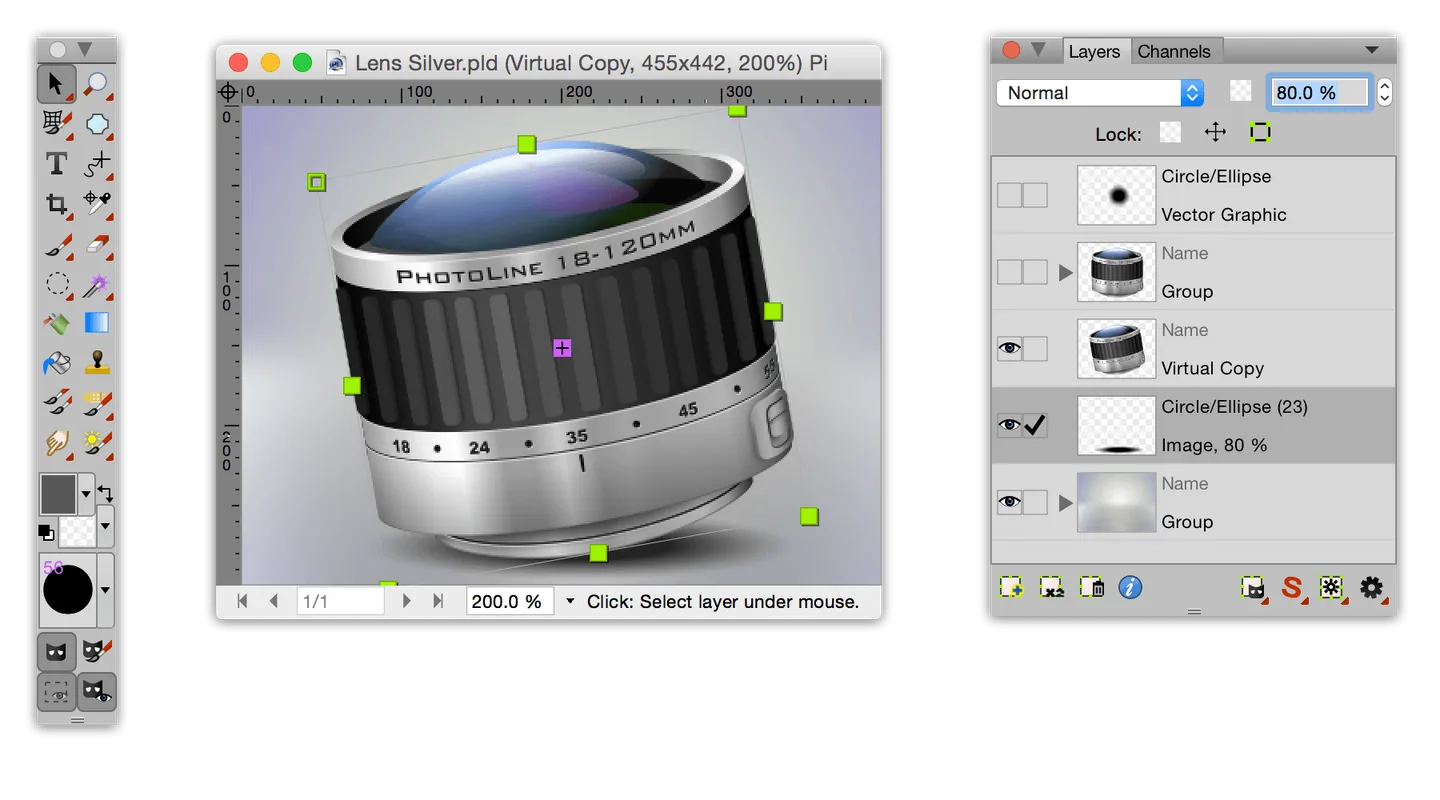
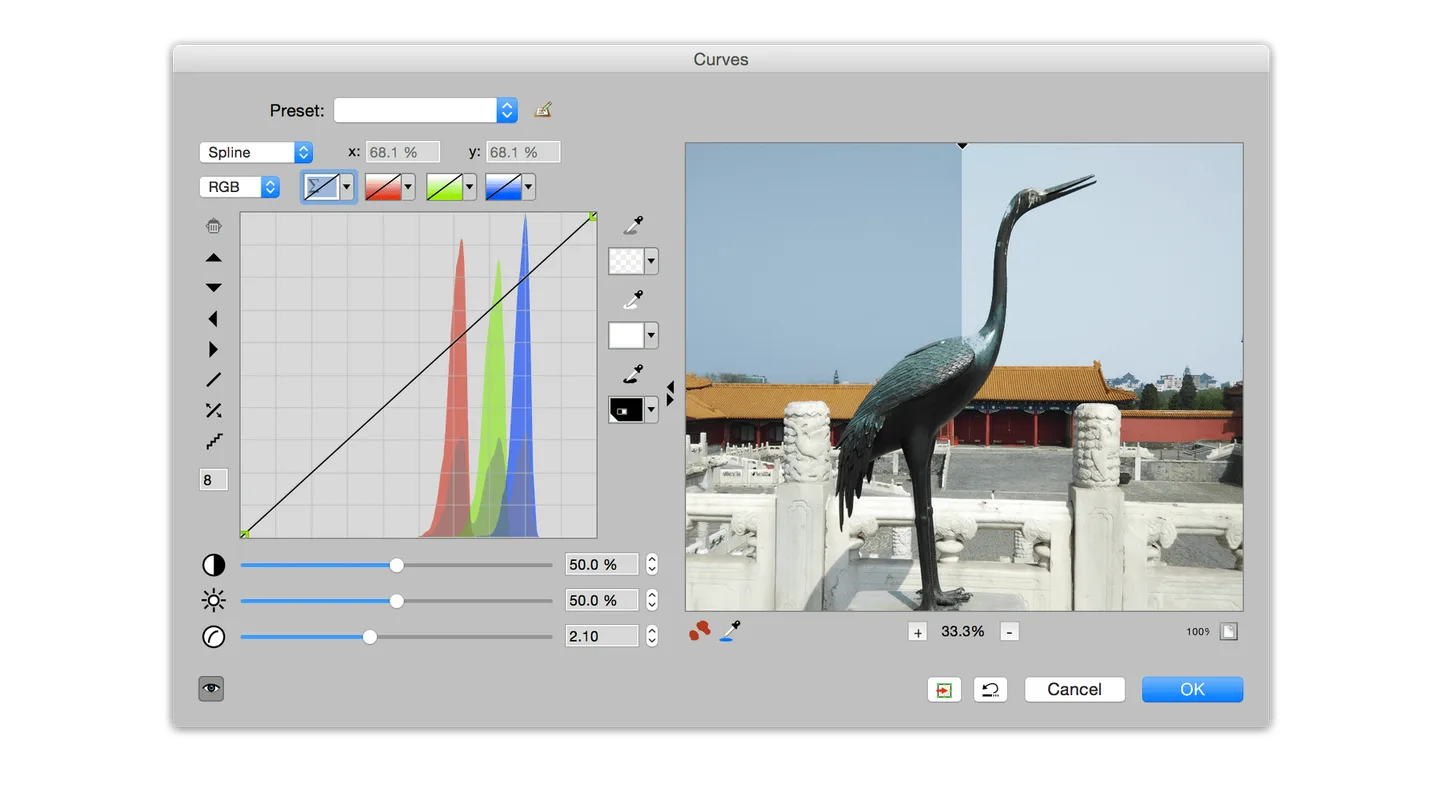
PhotoLine brings photo editing, vector drawing and page layout into one graphics editor. It supports CMYK and Lab color spaces, ICC color management and up to 32 bits per channel, making it useful for image correction and preparing graphics for print or the web. Layer masks and working layers let you apply corrections without changing the original image data.
Beyond retouching, PhotoLine can edit vector graphics, import and export PDF files and work with multipage documents. Recorded actions and batch conversion help with repeated processing tasks. The linked Windows package is the publisher’s ZIP distribution of version 25.50; Windows on ARM and a package without an installer are listed separately.
PhotoLine is paid software, not a permanently free editor. The publisher allows 30 days of evaluation: trial GIF saves include “Demo” text, TIFF saving is uncompressed only, and registration reminders appear. The screenshots below are publisher UI examples with macOS-style controls; the Windows interface can look different.
What it offers
- Edit images with up to 32 bits per channel, CMYK and Lab color spaces, and ICC color management.
- Use layer masks and working layers for corrections without changing the original image data.
- Edit vector graphics and import or export PDF files, including multipage documents.
- Record actions and batch-convert images for repeated tasks.
Good to know
- The evaluation period lasts 30 days; registration is required for the full version.
- During evaluation, GIF saves include “Demo” text, TIFF saving is uncompressed only, and registration reminders appear.
Product images
Sources
References used for this listing. Retrieval dates do not indicate hands-on testing.
More in multimedia & graphics
View category ↗
1by1 2.17
Play music directly from folders with 1by1, a free Windows audio player with resume, gapless playback and file tools. Formats beyond MP3 need additional decoders.
3DVista Virtual Tour Pro
Build interactive 360° virtual tours from panoramas, videos and 3D models with 3DVista Virtual Tour Pro for Windows. Commercial software with a 30-day trial.



4DDiG Video Repair
Repair corrupted or unplayable videos in batches with the Video Repair tool in 4DDiG File Repair for Windows. A free trial is available; advanced features require a paid license.