
Multimedia & graphics Windows
Photomatix Pro
Merge bracketed photos into HDR images with Photomatix Pro for Windows, using alignment, ghost removal and adjustable presets. The non-expiring trial watermarks output.
- Operating system
- Windows 10 and Windows 11
- Architecture
- Not specified for this installer on the inspected publisher download page
- Download package
- EXE installer (PhotomatixPro7.1.4a.exe)
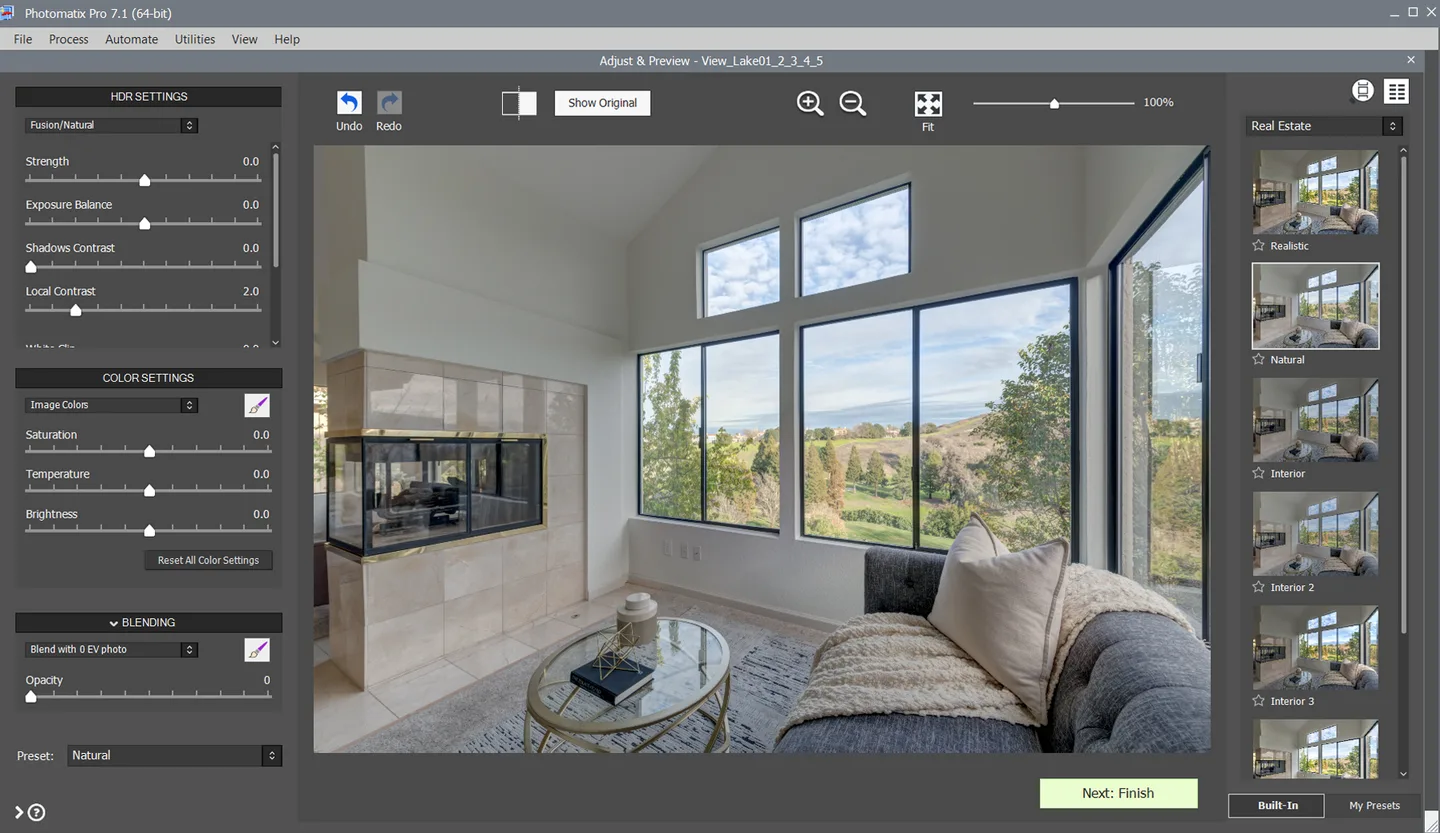
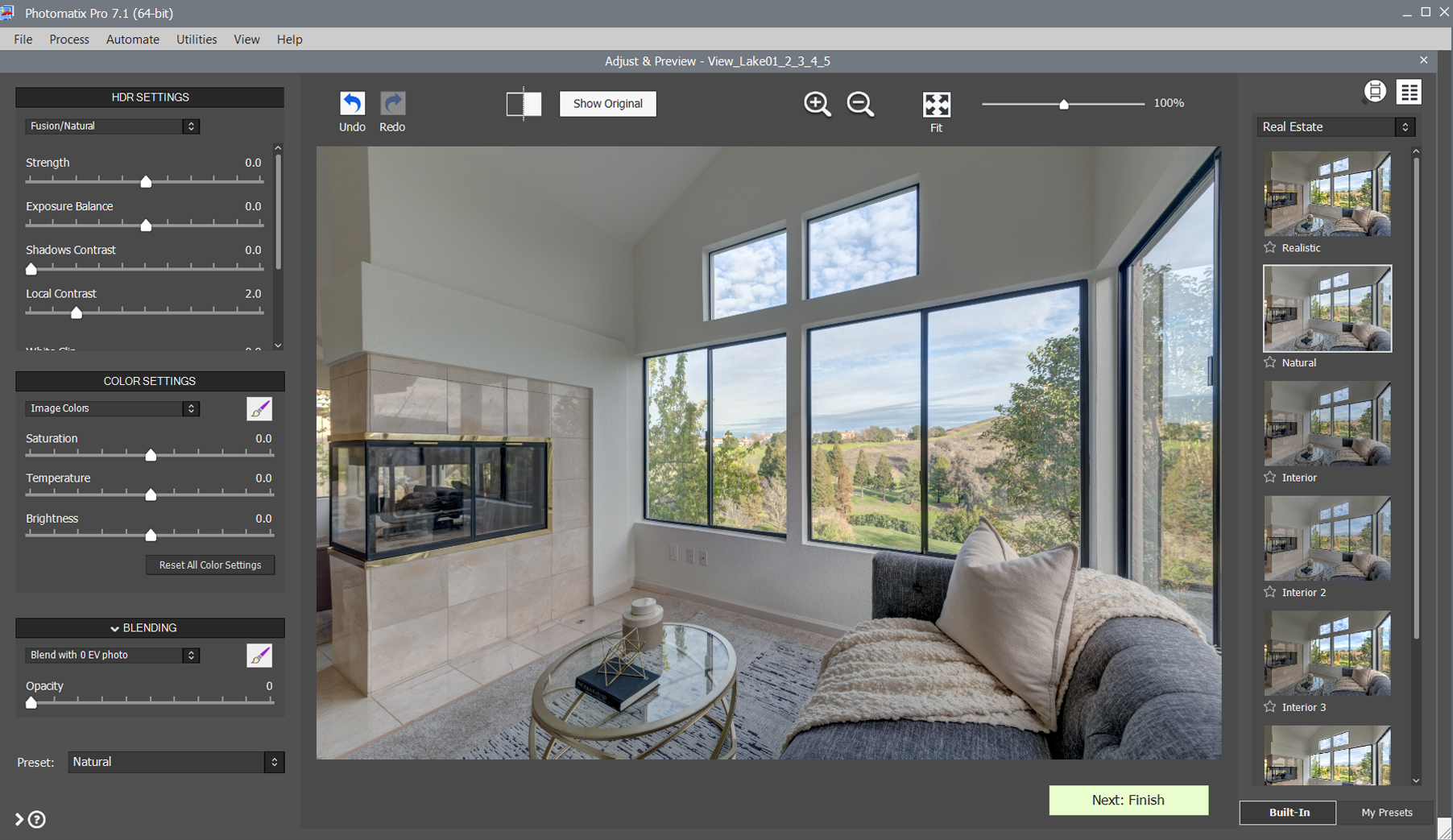
Publisher display version is 7.1.4; the installer filename includes an additional a suffix. The screenshot illustrates the 7.1 interface, not an installation test.
Link checked · Download guidance
What is Photomatix Pro?
Photomatix Pro combines photos taken at different exposures into an HDR image. It is useful for scenes where bright windows and darker interiors need different exposures, as well as landscape photography. Automatic alignment and ghost removal help prepare the merge, while presets and editing controls let you choose the rendered look.
Batch processing includes previews so you can review images before processing a collection. A free Lightroom Classic plugin sends bracketed photos to Photomatix Pro and reimports the HDR result. Supported inputs include JPEG, TIFF, DNG and camera RAW files, although support for a newly released camera can lag behind its release.
The Windows download linked here is the publisher's displayed version 7.1.4 for Windows 10 and 11. Its installer filename is PhotomatixPro7.1.4a.exe; the filename suffix is not presented as a separate product version. The trial does not expire, but adds a watermark to created images. A paid perpetual license removes that restriction. Version 8 is described by the publisher as a private beta and is not the download selected here.
What it offers
- Merge bracketed exposures into HDR images with automatic alignment and ghost removal tools.
- Adjust the rendered image with one-click presets, including styles for real estate photography.
- Preview HDR results before batch processing bracketed photo sets.
- Send bracketed photos from Lightroom Classic through a free plugin and reimport the HDR result.
- Load JPEG, TIFF, DNG and supported camera RAW files.
Good to know
- The non-expiring trial adds a watermark to created images; removing it requires a paid license.
- RAW support for recent camera models may take several months to arrive; check the publisher's supported-camera list before relying on a new model.
Product images
Sources
References used for this listing. Retrieval dates do not indicate hands-on testing.
More in multimedia & graphics
View category ↗
1by1 2.17
Play music directly from folders with 1by1, a free Windows audio player with resume, gapless playback and file tools. Formats beyond MP3 need additional decoders.
3DVista Virtual Tour Pro
Build interactive 360° virtual tours from panoramas, videos and 3D models with 3DVista Virtual Tour Pro for Windows. Commercial software with a 30-day trial.

4DDiG Video Repair
Repair corrupted or unplayable videos in batches with the Video Repair tool in 4DDiG File Repair for Windows. A free trial is available; advanced features require a paid license.