
Multimedia & graphics Windows
PhotoWipe
Remove unwanted objects from photos by painting over them in black, previewing the fill and saving the result with PhotoWipe, a free Windows image-retouching tool.
- Operating system
- Windows; publisher explicitly documents Windows Vista and Windows 7
- Architecture
- Not specified by the publisher
- Download package
- EXE installer
Legacy release history dated March 18, 2010. Windows 10/11 compatibility and the installer build are not established; Softonic lists 1.21 while publisher history ends at 1.20.
Link checked · Download guidance
What is PhotoWipe?
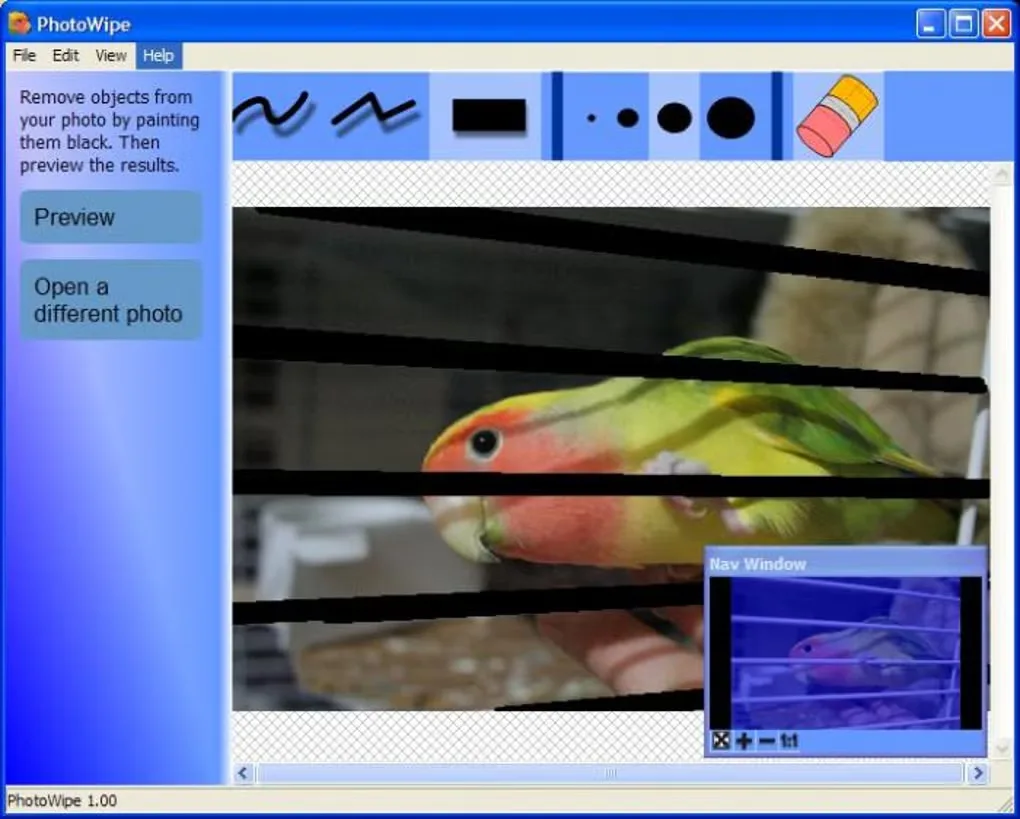
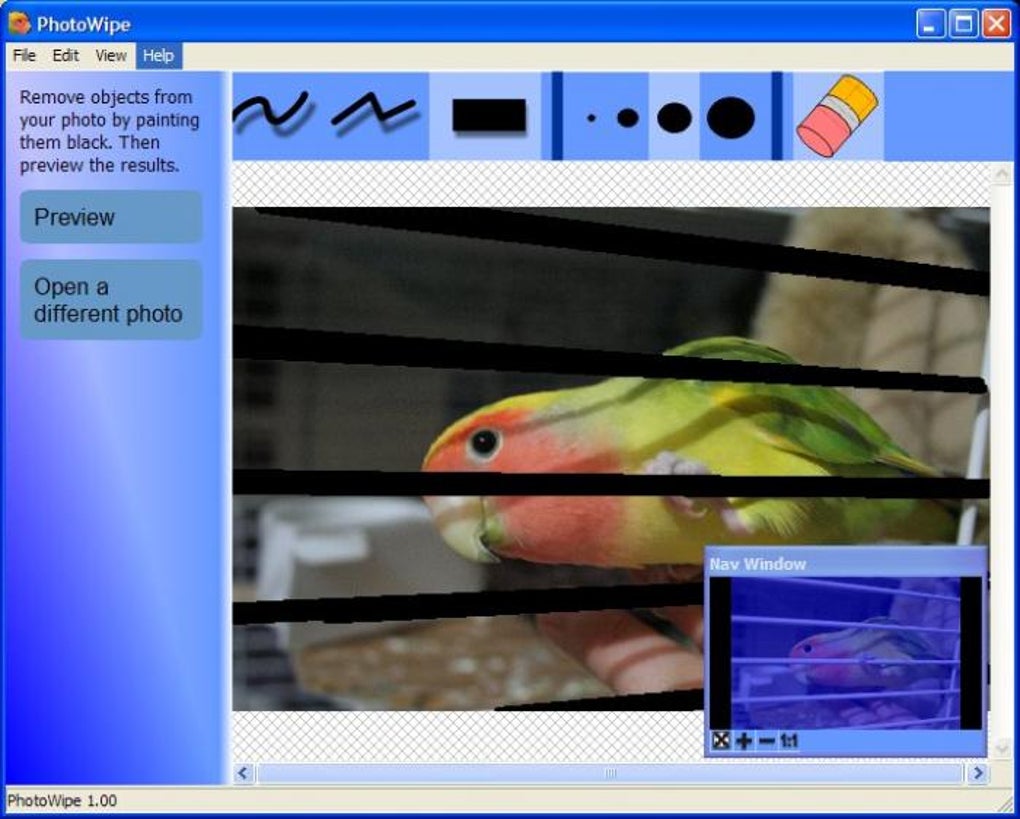
PhotoWipe focuses on removing selected objects from a photograph. Open an image or drag it into the application, paint the unwanted area black, then preview the reconstructed region. The publisher describes saving the finished image or copying it to the clipboard. Brush and polygon tools let you mark the parts to replace rather than editing every pixel manually.
It is best suited to small marks and long, thin obstructions. The publisher warns that larger covered areas are harder to reconstruct and that processing can take several minutes. Treat the fill as an estimated replacement, not recovery of the actual detail hidden behind an object.
This is a legacy Windows application: the publisher’s release history ends with version 1.20 on March 18, 2010, including a Windows Vista/7 startup fix and full-quality mode. Softonic lists 1.21, so the version of the linked publisher installer is not confirmed here. Windows 10/11 compatibility and package architecture are also unverified; no installation or performance testing was performed.
What it offers
- Mark unwanted regions by painting them black before previewing the replacement.
- Open photos with drag-and-drop.
- Use brush and polygon selection tools to outline areas to remove.
- Preview the processed image, then save it or copy it to the clipboard.
- Full-quality mode documented in the publisher’s 1.20 release notes.
Good to know
- Best results are intended for small or long, thin regions; large masked areas are harder to reconstruct.
- Processing can take several minutes according to the publisher; no timing benchmark was performed.
- Modern Windows compatibility, CPU architecture and the exact installer version are unverified.
Product images
Sources
References used for this listing. Retrieval dates do not indicate hands-on testing.
- HanovSolutions.com — PhotoWipe ↗Retrieved
- PhotoWipe - Download ↗Retrieved
More in multimedia & graphics
View category ↗
1by1 2.17
Play music directly from folders with 1by1, a free Windows audio player with resume, gapless playback and file tools. Formats beyond MP3 need additional decoders.
3DVista Virtual Tour Pro
Build interactive 360° virtual tours from panoramas, videos and 3D models with 3DVista Virtual Tour Pro for Windows. Commercial software with a 30-day trial.

4DDiG Video Repair
Repair corrupted or unplayable videos in batches with the Video Repair tool in 4DDiG File Repair for Windows. A free trial is available; advanced features require a paid license.