
Multimedia & graphics Windows
Picture Window Pro
Edit photographs with a non-destructive image tree, reusable scripts, masking and color management in Picture Window Pro, free for personal or commercial use on 64-bit Windows.
- Operating system
- 64-bit Windows 7 or later
- Architecture
- x64 (64-bit)
- Download package
- MSI installer
Some advanced high-resolution and multiple-monitor features require Windows 10. The installer also includes Alt_Menu_Acceleration_Disabler.
Link checked · Download guidance
What is Picture Window Pro?
Picture Window Pro is a Windows photo editor for photographers who want to revisit individual adjustments rather than flatten their workflow into one result. Its image tree records editing steps; side branches let you compare different settings. You can save a workflow as a script for reuse or automate repetitive operations in batches.
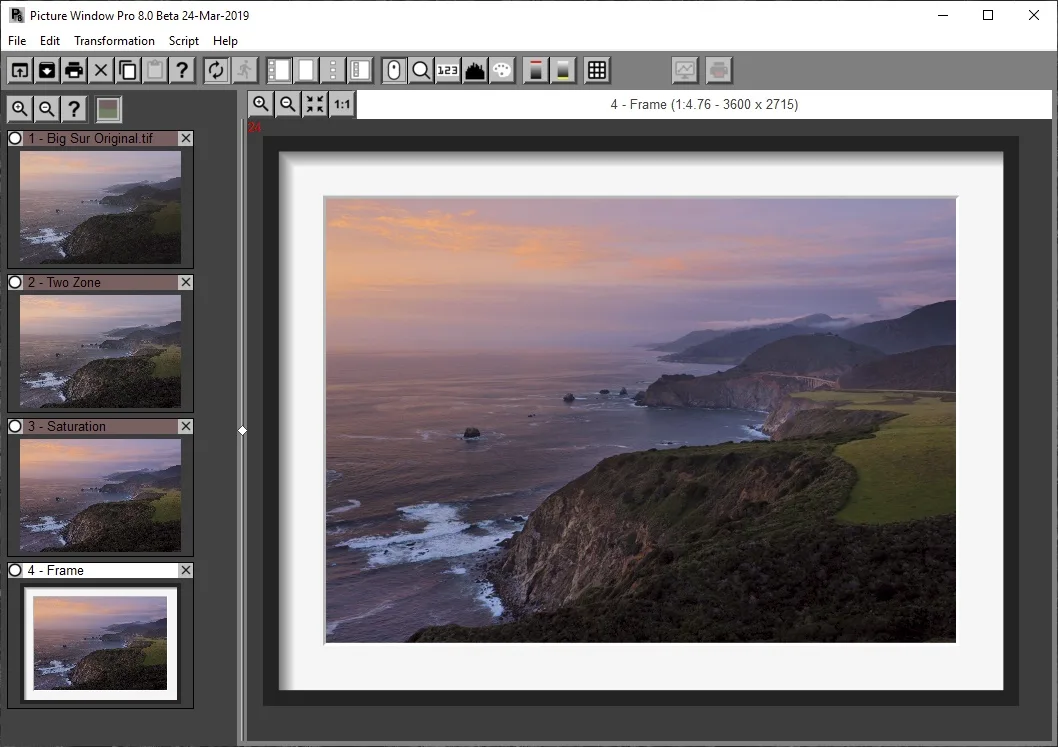
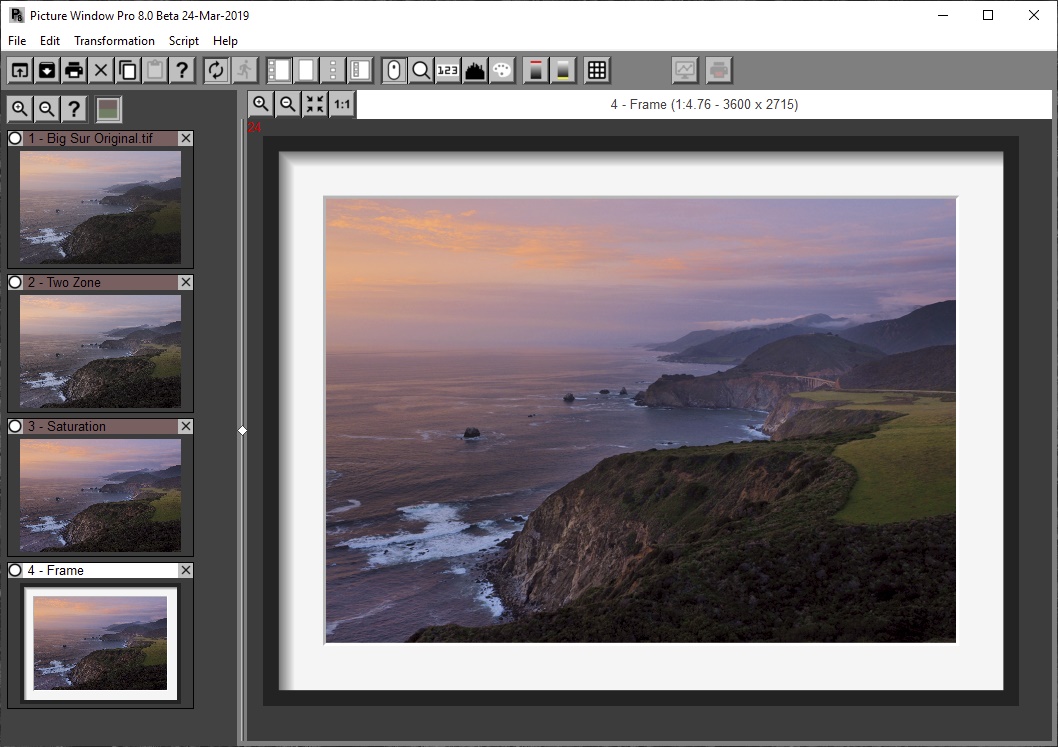
The editing tools cover local masks, sharpening, retouching, perspective correction and color adjustments. Support for 16-bit black-and-white and 48-bit color images, together with ICC profile management for monitors and printers, makes the program relevant to detailed photographic and print work. The accompanying publisher screenshot illustrates the image-tree interface in a March 2019 beta, not the current build.
The linked MSI is the full Picture Window Pro 8 installer, not the smaller core-only update ZIP. It includes help and extras; tutorial and reference manuals are separate. The publisher lists 64-bit Windows 7 or later, with some advanced display features requiring Windows 10. It also warns that version 8 can use substantially more memory than version 7, making older low-memory computers a less suitable choice.
What it offers
- Revisit editing steps and compare alternate settings through image-tree branches.
- Save workflows as scripts and automate repetitive editing in batches.
- Create masks by color range or brightness and use clone, scratch-removal and sharpening tools.
- Work with 16-bit black-and-white and 48-bit color images.
- Manage monitor, scanner, printer and proofing ICC profiles.
Good to know
- Requires 64-bit Windows 7 or later; some advanced high-resolution and multiple-monitor features require Windows 10.
- Version 8 can use considerably more memory than version 7; the publisher cautions against older computers with limited RAM.
- Tutorial and reference manuals are not bundled with the installer and must be obtained separately.
Product images
Sources
References used for this listing. Retrieval dates do not indicate hands-on testing.
More in multimedia & graphics
View category ↗
1by1 2.17
Play music directly from folders with 1by1, a free Windows audio player with resume, gapless playback and file tools. Formats beyond MP3 need additional decoders.
3DVista Virtual Tour Pro
Build interactive 360° virtual tours from panoramas, videos and 3D models with 3DVista Virtual Tour Pro for Windows. Commercial software with a 30-day trial.

4DDiG Video Repair
Repair corrupted or unplayable videos in batches with the Video Repair tool in 4DDiG File Repair for Windows. A free trial is available; advanced features require a paid license.