
Multimedia & graphics macOS
Pixillion Image Converter for macOS
Batch-convert images on Mac, resize photos and add watermarks with Pixillion. NCH offers paid licenses and a separate free version for non-commercial use.
- Operating system
- macOS 10.5 or above, as listed on the publisher product page
- Architecture
- Not specified for the linked Mac ZIP
- Download package
- ZIP archive
Publisher-listed requirements, not an installation test. Version and date come from the macOS release log; the ZIP contents were not inspected.
Link checked · Download guidance
What is Pixillion Image Converter?
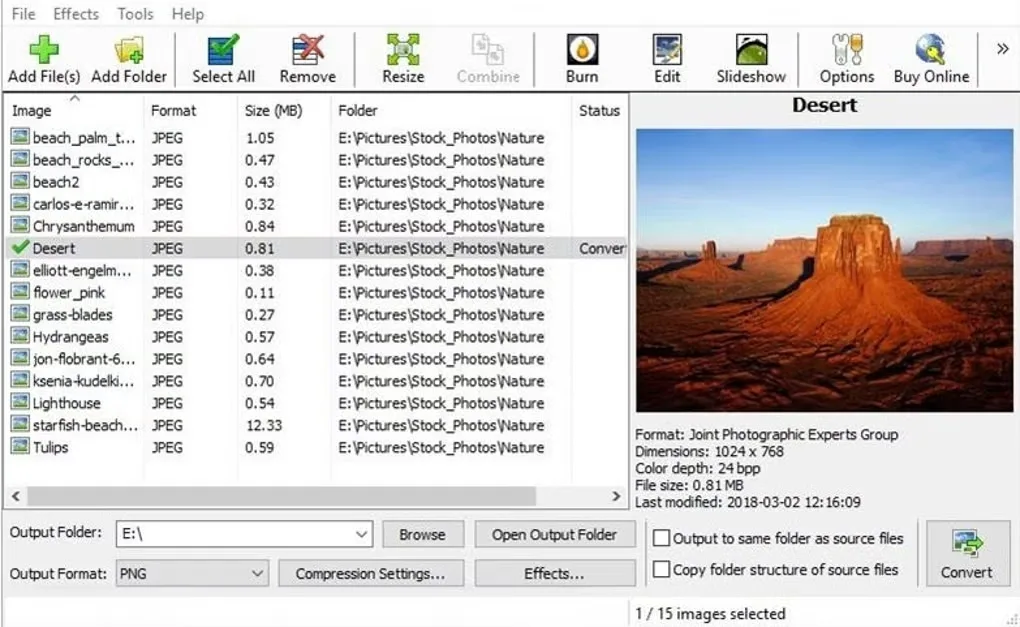
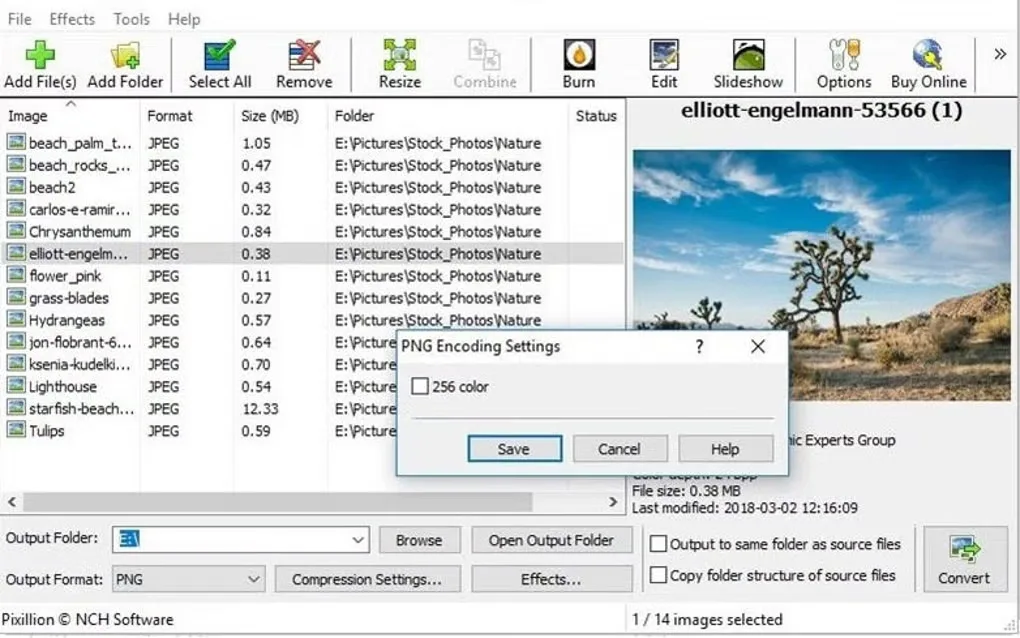
Pixillion Image Converter prepares batches of images for a different file format or output size. Add files or folders, preview the images, choose an output format and set a destination folder. The publisher lists JPEG, PNG, GIF, TIFF, PDF and WebP among its output formats, with additional inputs including HEIC and camera RAW files.
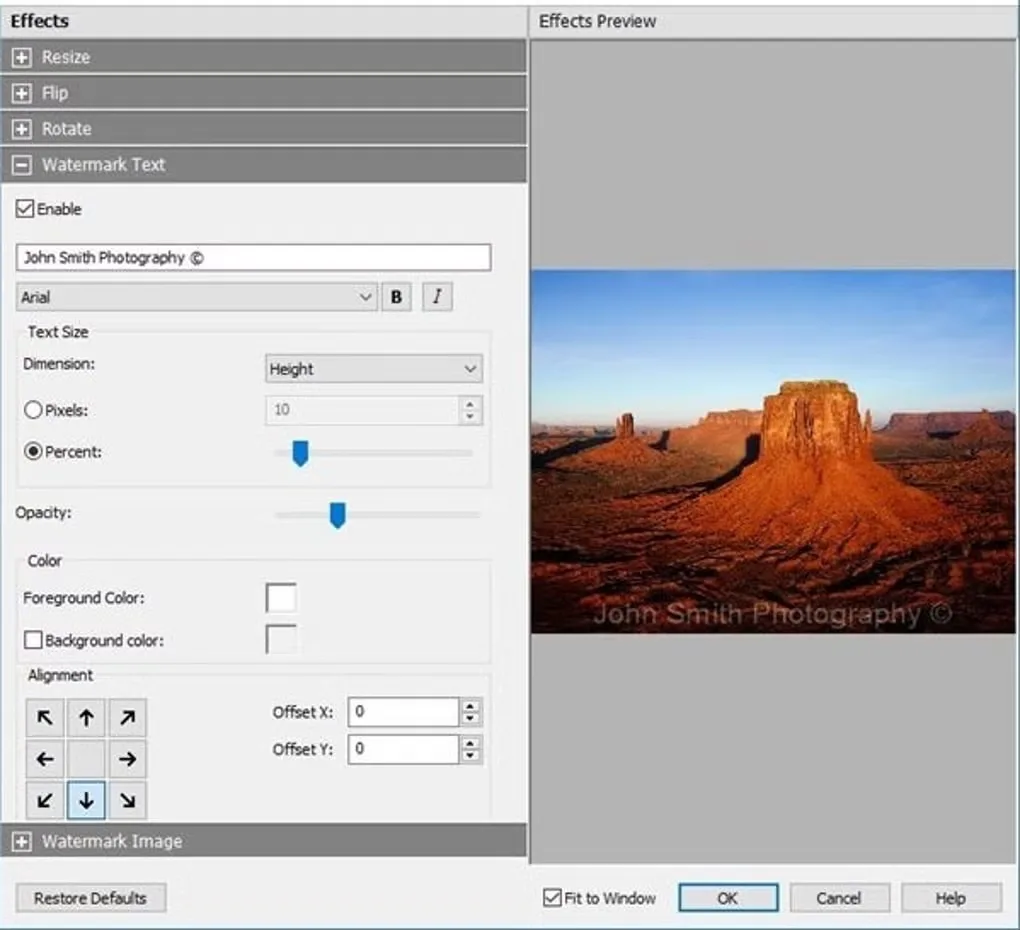
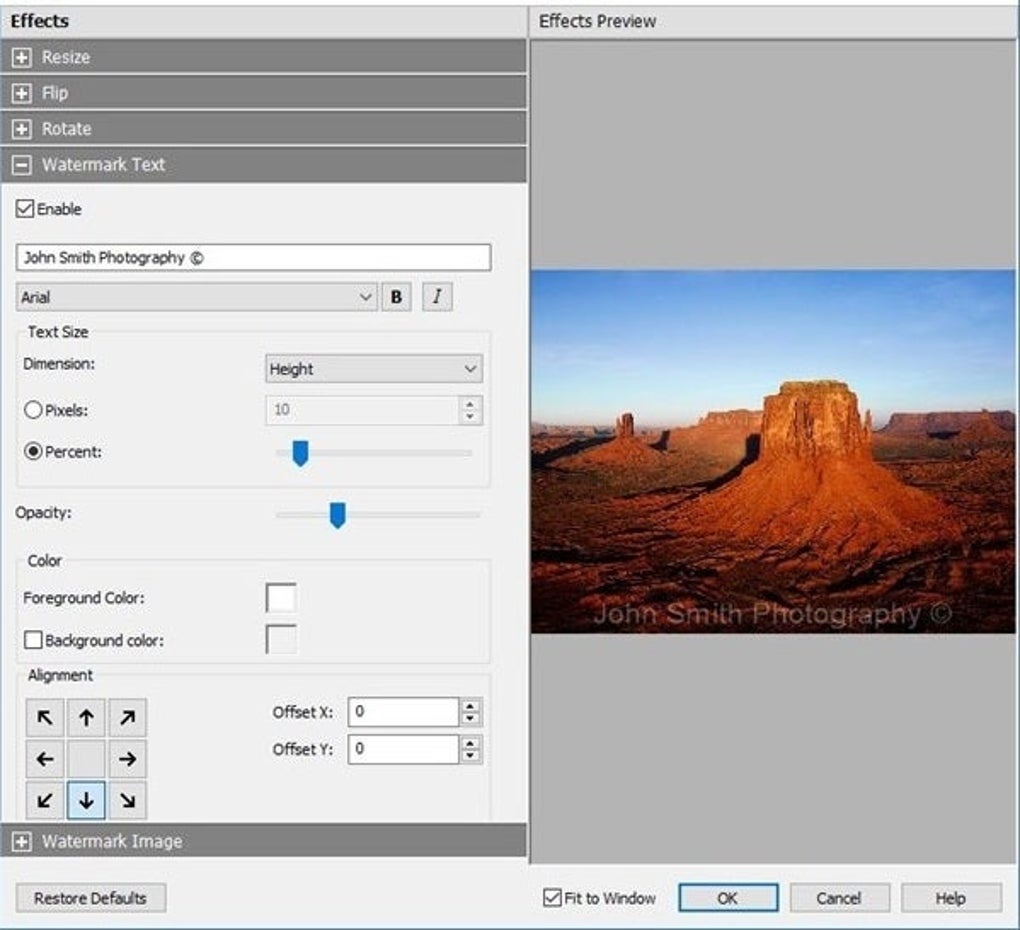
Its conversion tools include resizing, rotating and adding text or image watermarks. These are useful when preparing a group of photos for sharing or publication without opening each file separately.
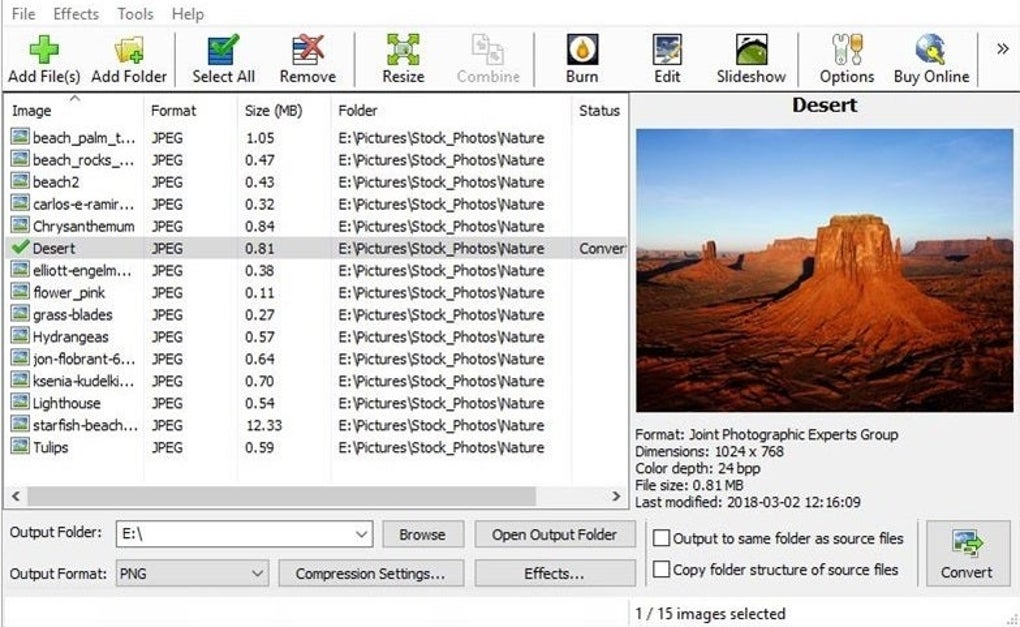
The free version is restricted to non-commercial use; NCH also sells licenses. This entry links to the Mac ZIP package offered on the publisher product page, not a verified unrestricted free edition. The publisher release log identifies macOS version 14.00, while the Softonic listing still reports 13.07. Package contents and operation have not been inspected. The gallery images below illustrate the Windows interface supplied on the Mac listing, not a verified macOS appearance.
What it offers
- Convert batches of images to formats including JPEG, PNG, GIF, TIFF, PDF and WebP.
- Add files or folders and preview image format and dimensions before conversion.
- Resize and rotate images while preparing converted output.
- Apply text or image watermarks to converted photos.
- Read additional source formats including HEIC and camera RAW formats such as CR2 and NEF.
Good to know
- The free version is for non-commercial use only; do not assume a free license covers business use.
- The linked Mac ZIP is the package offered by NCH; its edition, CPU architecture and bundled version were not verified from its contents.
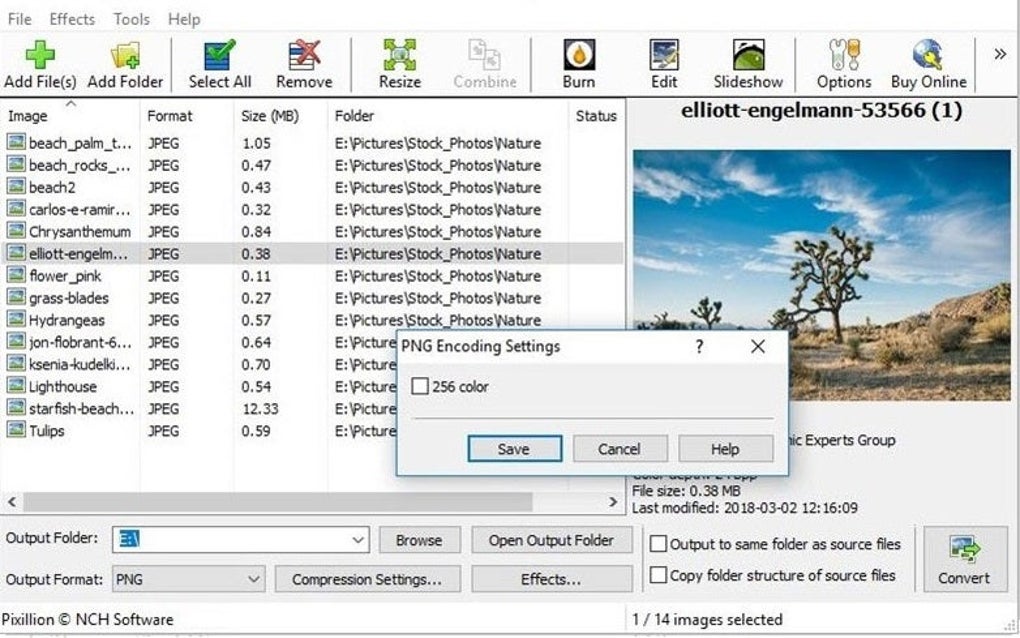
- The supplied gallery screenshots depict Windows controls and paths; they do not establish how the Mac release looks.
Product images
Sources
References used for this listing. Retrieval dates do not indicate hands-on testing.
More in multimedia & graphics
View category ↗
1by1 2.17
Play music directly from folders with 1by1, a free Windows audio player with resume, gapless playback and file tools. Formats beyond MP3 need additional decoders.
3DVista Virtual Tour Pro
Build interactive 360° virtual tours from panoramas, videos and 3D models with 3DVista Virtual Tour Pro for Windows. Commercial software with a 30-day trial.

4DDiG Video Repair
Repair corrupted or unplayable videos in batches with the Video Repair tool in 4DDiG File Repair for Windows. A free trial is available; advanced features require a paid license.