
Multimedia & graphics Windows
Pixillion Image Converter for Windows
Batch convert images between formats such as HEIC, JPG, PNG and WebP with Pixillion for Windows. Resize photos, adjust output settings and preview images before conversion; the free version is for non-commercial use only.
- Operating system
- Windows 7 through Windows 11, as listed by the publisher
- Architecture
- Not specified in the retrieved publisher evidence
- Download package
- EXE installer
The linked pixsetup.exe is the publisher's non-commercial free download. Exact package version and processor architecture were not established; software was not installed or run.
Link checked · Download guidance
What is Pixillion Image Converter?
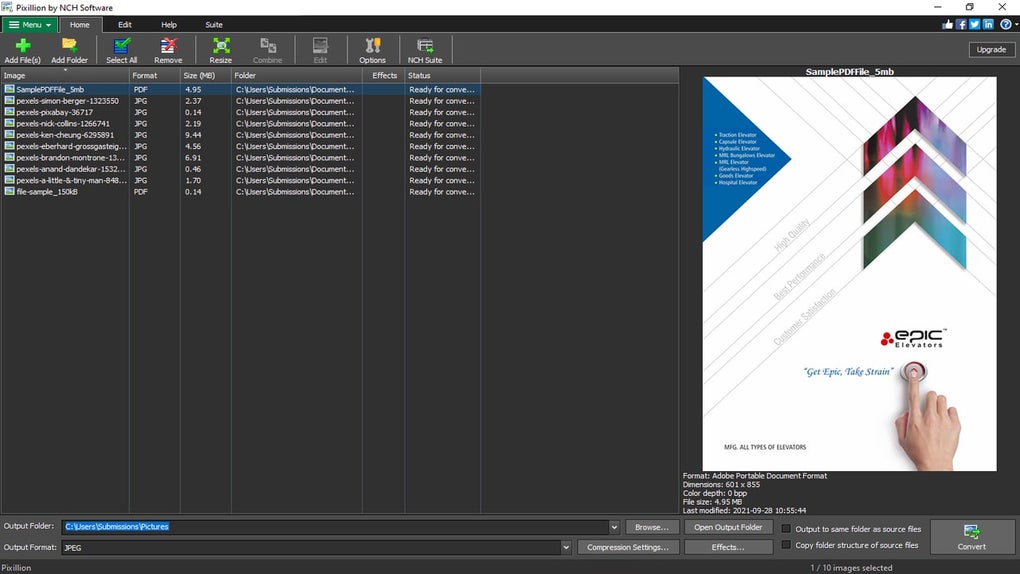
Pixillion Image Converter is NCH Software's Windows tool for converting image files individually or in batches. It is useful when photos arrive in a format another application cannot open, or when a group of images needs a common format and size for sharing. The file list and preview pane let you inspect an image before choosing an output folder and format.
The publisher lists support for formats including HEIC, JPEG, PNG, WebP, TIFF and several camera RAW formats. Conversion tools include resizing, rotation, cropping and compression settings, with text or image watermarks and color adjustments also advertised. Input and output format lists differ, so check the publisher's supported formats for the specific conversion you need.
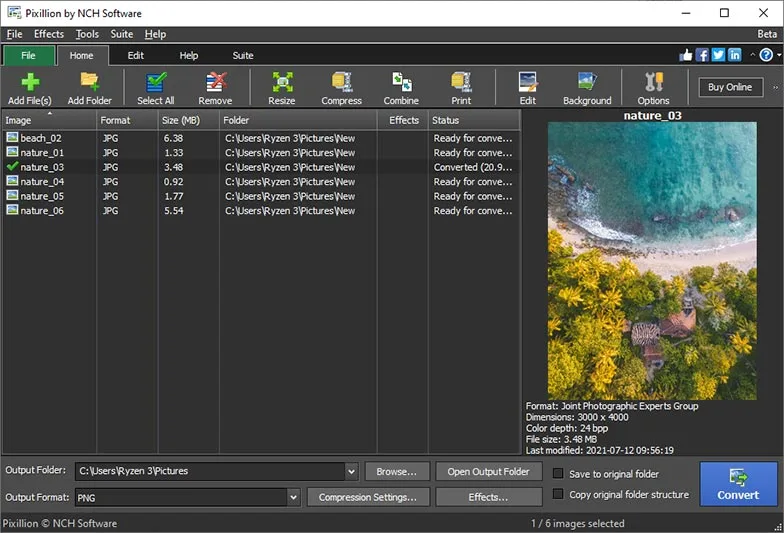
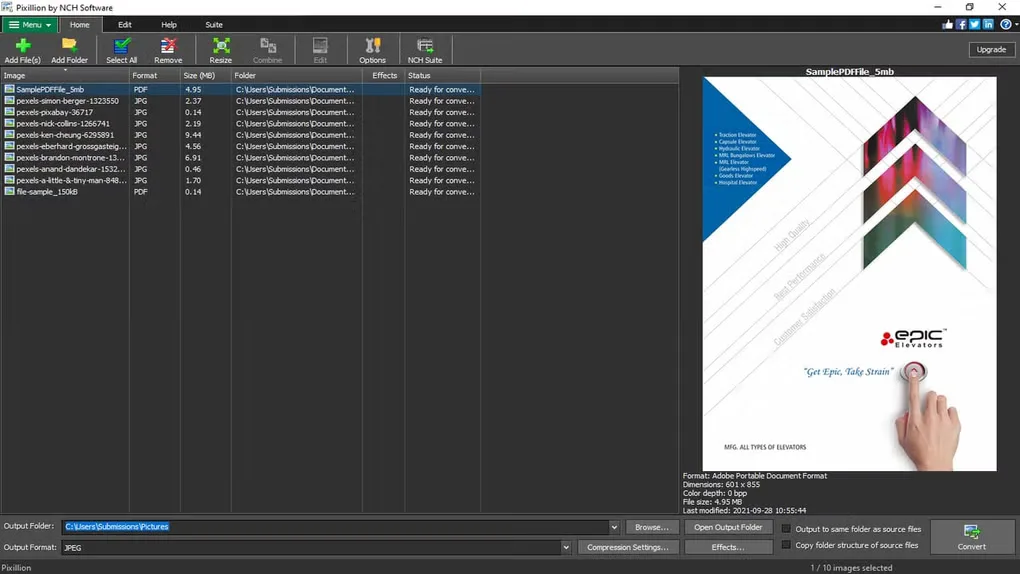
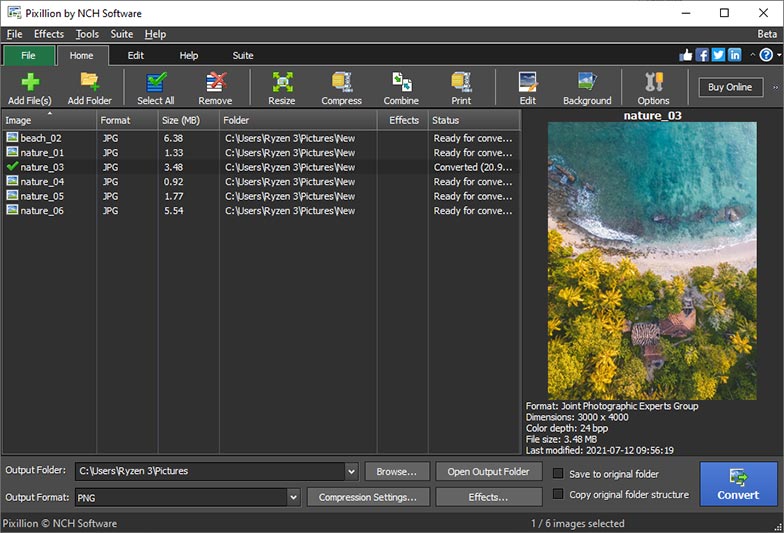
This entry links to the Windows download that NCH identifies as its free version for non-commercial use. That license does not cover commercial use; NCH also offers paid editions. The screenshots illustrate the interface rather than proving the features included in a particular edition. No installer was downloaded or run, and the exact version and processor architecture of the linked package have not been established.
What it offers
- Convert individual images or process multiple files in a batch.
- Work with common image formats including HEIC, JPEG, PNG, WebP and TIFF, plus supported camera RAW formats.
- Resize, rotate, crop or compress images during the conversion workflow.
- Preview images and inspect their file format and dimensions before conversion.
- Publisher-advertised editing options include text and image watermarks, filters and color adjustments; availability depends on the edition.
Good to know
- The publisher restricts the free version to non-commercial use; commercial use requires an appropriate paid license.
- Supported input and output formats are not identical; a format that Pixillion can read is not necessarily one it can write.
Product images
Sources
References used for this listing. Retrieval dates do not indicate hands-on testing.
More in multimedia & graphics
View category ↗
1by1 2.17
Play music directly from folders with 1by1, a free Windows audio player with resume, gapless playback and file tools. Formats beyond MP3 need additional decoders.
3DVista Virtual Tour Pro
Build interactive 360° virtual tours from panoramas, videos and 3D models with 3DVista Virtual Tour Pro for Windows. Commercial software with a 30-day trial.

4DDiG Video Repair
Repair corrupted or unplayable videos in batches with the Video Repair tool in 4DDiG File Repair for Windows. A free trial is available; advanced features require a paid license.