
Multimedia & graphics Windows
Power Sound Editor Free
Record microphone or computer audio, trim waveforms, reduce background noise and export MP3, WAV or FLAC with Power Sound Editor Free for Windows.
- Operating system
- Windows 10 build 19041 or newer; Windows 11
- Architecture
- 64-bit (publisher specification)
- Download package
- EXE installer
Publisher requires Microsoft Edge WebView2 Runtime. Some media components may need downloading on first use; legacy Softonic requirements are not applied to this download.
Link checked · Download guidance
What is Power Sound Editor Free?
Power Sound Editor Free records and edits audio on a Windows PC. Use it to capture narration or computer playback, remove unwanted passages in a waveform, adjust levels and apply effects before exporting an audio file. The publisher lists microphone and system-audio capture together, noise reduction, EQ, fades, compression and reverb. It describes the application and supported exports as free, with no paid license or registration key required.
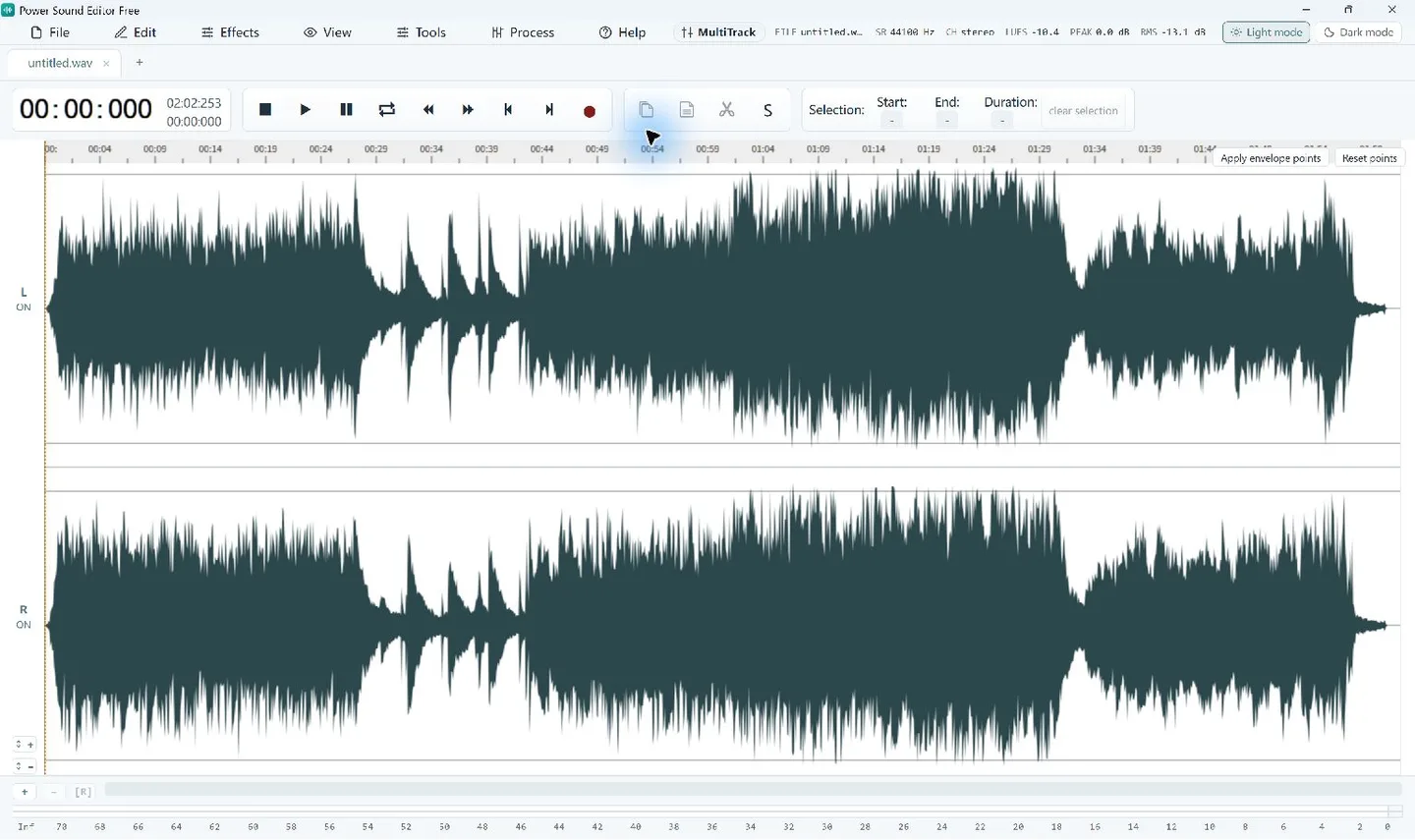
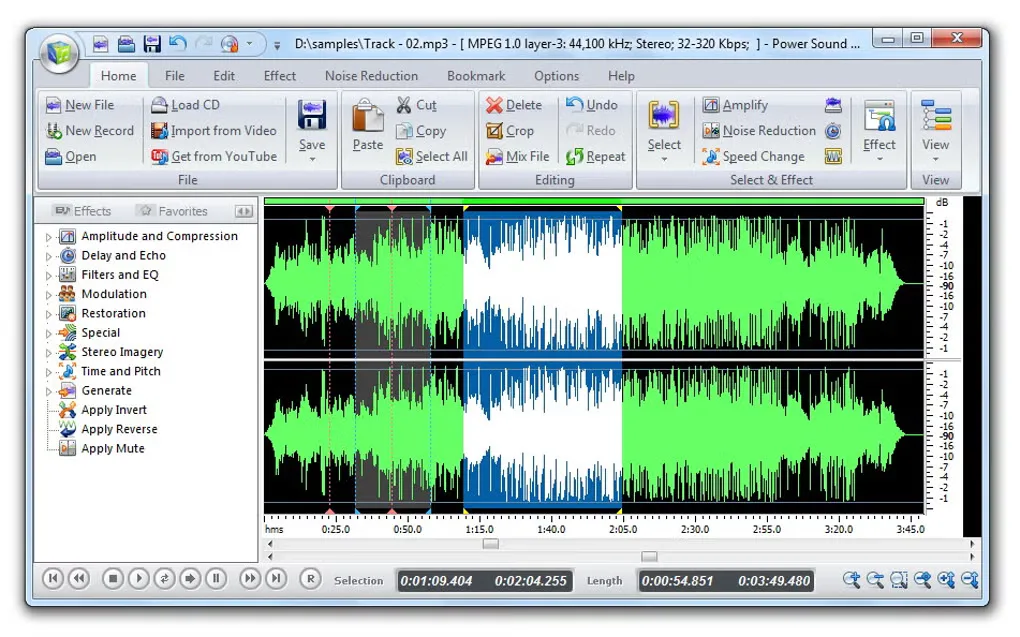
This download follows the publisher page, which advertises version 8.1.0 for 64-bit Windows 10 and 11. Softonic separately lists version 8.7.7 with an older interface and a “Possible issues” warning. Those listings differ; their version numbers, requirements and installer contents should not be treated as interchangeable. The publisher screenshot is shown first; the Softonic gallery image is a labeled legacy comparison.
The publisher requires Microsoft Edge WebView2 Runtime to display the editor. Some formats or online imports may need additional media components on first use. CD burning is handled by the separate Power Burning Studio application. The linked EXE has been checked by HEAD request only, not downloaded, installed or independently scanned.
What it offers
- Record a microphone, computer playback or both in the same application.
- Cut, copy and trim waveform selections, with zoom and Undo.
- Reduce background noise and adjust recordings with EQ, fades, compression and reverb.
- Export edited recordings as MP3, WAV or FLAC.
Good to know
- Requires 64-bit Windows 10 build 19041 or newer, or Windows 11, plus Microsoft Edge WebView2 Runtime.
- Some export formats and online imports require media components downloaded on first use.
- CD burning requires the separate Power Burning Studio application.
- Publisher version 8.1.0 differs from the Softonic 8.7.7 listing, which displays “Possible issues”; no independent installer safety assessment was performed.
Product images
Sources
References used for this listing. Retrieval dates do not indicate hands-on testing.
More in multimedia & graphics
View category ↗
1by1 2.17
Play music directly from folders with 1by1, a free Windows audio player with resume, gapless playback and file tools. Formats beyond MP3 need additional decoders.
3DVista Virtual Tour Pro
Build interactive 360° virtual tours from panoramas, videos and 3D models with 3DVista Virtual Tour Pro for Windows. Commercial software with a 30-day trial.

4DDiG Video Repair
Repair corrupted or unplayable videos in batches with the Video Repair tool in 4DDiG File Repair for Windows. A free trial is available; advanced features require a paid license.