
Multimedia & graphics Windows
Power Tab Editor
Write and read guitar tablature with Power Tab Editor, a free, open-source editor for Windows that imports Power Tab and Guitar Pro files and includes MIDI playback controls.
What is Power Tab Editor?
Power Tab Editor helps guitarists view and edit tablature, work with multiple scores in tabs and listen to their arrangements through MIDI playback. Its mixer adjusts playback volumes, while customizable keyboard shortcuts let you adapt editing controls to your workflow. Supported file types include .pt2, original Power Tab .ptb files and Guitar Pro .gp3, .gp4, .gp5, .gpx and .gp files.
This entry links to the Windows EXE package for version 2.0.22 of the community-driven, open-source successor to the original Power Tab Editor 1.7. It is not the old 1.7 application. Project documentation notes that importing a 1.7 file merges its bass score into the guitar score, so the original separation is not preserved.
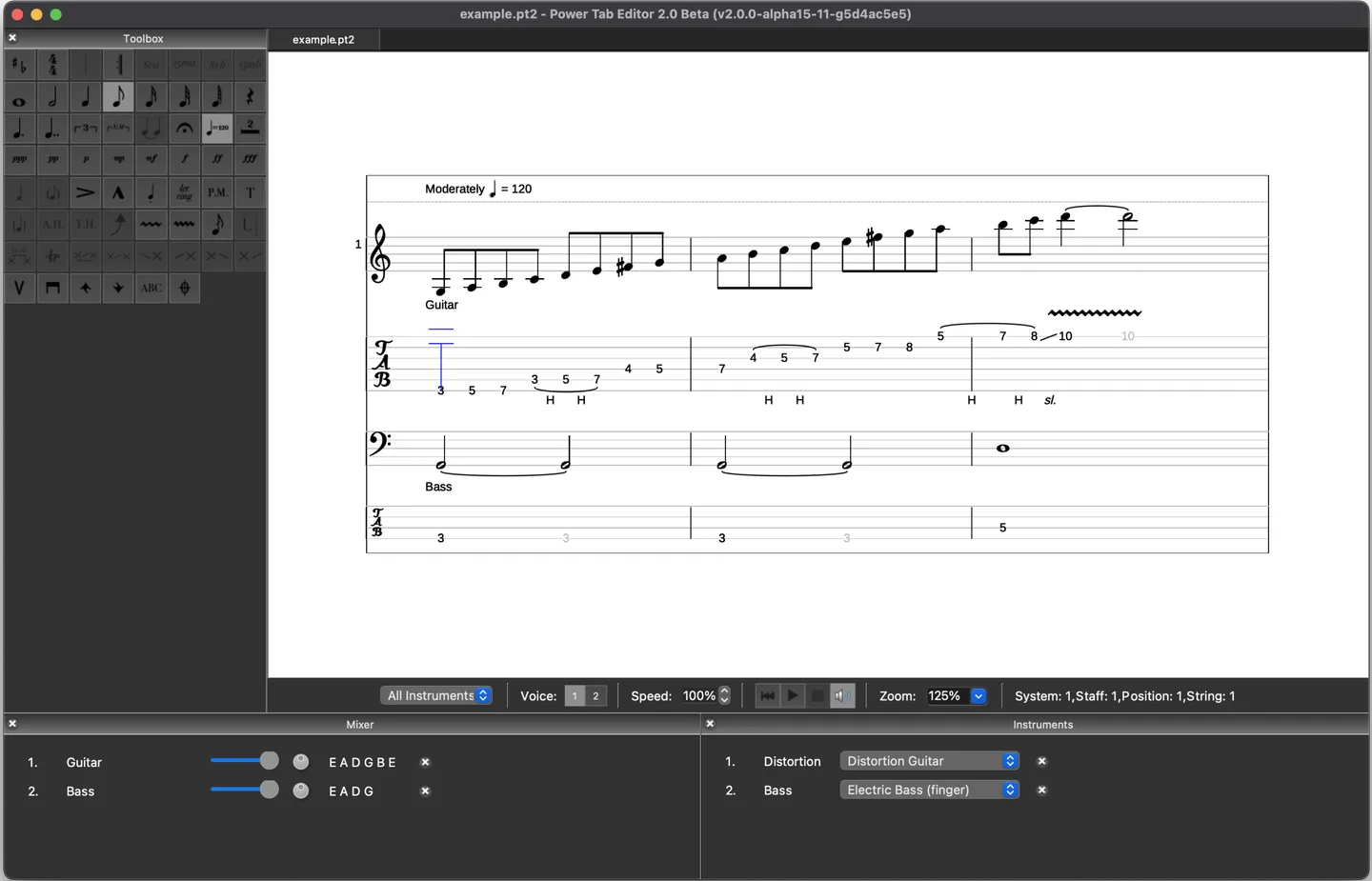
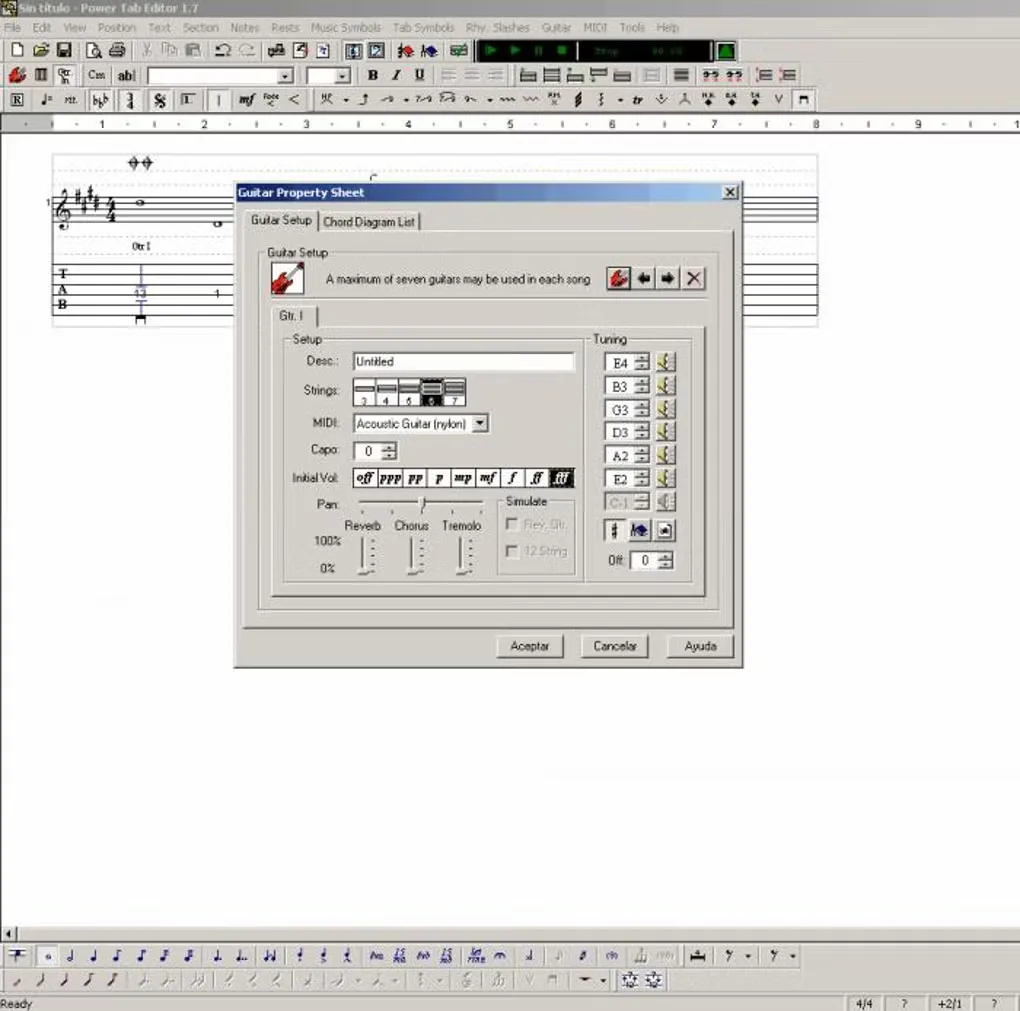
The screenshots are historical interface references, not captures of the linked Windows 2.0.22 release: the publisher image shows a macOS 2.0 beta, and the Windows image shows the original 1.7 editor. Minimum Windows version and the architecture of this exact installer have not been confirmed from the cited product pages.
What it offers
- View and edit guitar tablature, with support for .pt2 and .ptb files.
- Import Guitar Pro tabs in .gp3, .gp4, .gp5, .gpx and .gp formats.
- Open multiple files in a tabbed layout.
- Adjust instrument volumes in the playback mixer and change MIDI playback speed.
- Customize keyboard shortcuts for editing commands.
Good to know
- Project documentation notes that importing original 1.7 files merges the bass score into the guitar score rather than retaining separate scores.
Product images
Sources
References used for this listing. Retrieval dates do not indicate hands-on testing.
- Power Tab Editor — official product page ↗Retrieved
- Power Tab Editor — official repository and README ↗Retrieved
- Power Tab Editor 2.0, Here at last! — project documentation ↗Retrieved
- Power Tab Editor 2.0.22 — publisher release notes ↗Retrieved
- Power Tab Editor - Download — Windows discovery and historical gallery ↗Retrieved
More in multimedia & graphics
View category ↗
1by1 2.17
Play music directly from folders with 1by1, a free Windows audio player with resume, gapless playback and file tools. Formats beyond MP3 need additional decoders.
3DVista Virtual Tour Pro
Build interactive 360° virtual tours from panoramas, videos and 3D models with 3DVista Virtual Tour Pro for Windows. Commercial software with a 30-day trial.

4DDiG Video Repair
Repair corrupted or unplayable videos in batches with the Video Repair tool in 4DDiG File Repair for Windows. A free trial is available; advanced features require a paid license.