

Multimedia & graphics macOS
Praat for macOS
Analyze speech, annotate recordings and adjust pitch or duration with Praat, a free phonetics application for Intel and Apple Silicon Macs.
- Operating system
- macOS 10.15 Catalina, 11 Big Sur, 12 Monterey, 13 Ventura, 14 Sonoma, 15 Sequoia and 26 Tahoe
- Architecture
- Intel64 and ARM64 (Apple Silicon)
- Download package
- DMG disk image containing Praat.app
Publisher lists these systems for the selected 64-bit edition. Older macOS releases need separate older editions; no local installation or runtime test performed.
Link checked · Download guidance
What is Praat?
Praat is a phonetics workstation for examining recorded speech. Use it to inspect spectrograms, measure pitch, formants and intensity, or label intervals and time points on multiple annotation tiers. It suits students and researchers who need measurements and labelled sound rather than a general-purpose music editor.
Beyond analysis, Praat can synthesize speech and change pitch and duration contours. Its scripting language automates repeated work, while the Picture window exports graphics for publications as PDF, PNG or EPS. The publisher supplies the Mac edition as a DMG containing Praat.app, with support for Intel64 and Apple Silicon processors.
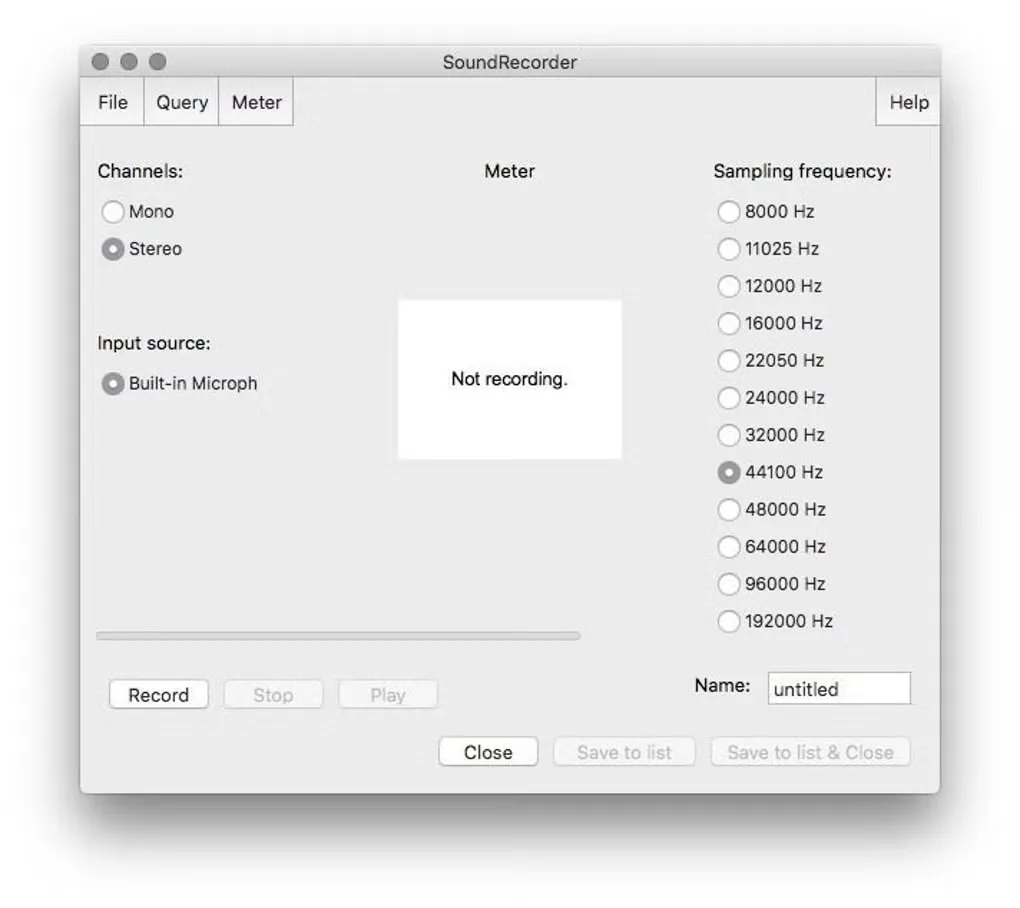
Some setup depends on your Mac: recording requires microphone permission, and the publisher recommends installing Charis and/or Doulos SIL for good-quality phonetic characters on screen and in the clipboard. The gallery image shows a Mac SoundRecorder window from the source listing; it is not evidence of the appearance of version 7.0.02.
What it offers
- Inspect spectrograms and measure pitch, formants, intensity and voice characteristics.
- Label time intervals and points on multiple annotation tiers using phonetic symbols.
- Synthesize speech and manipulate pitch and duration contours.
- Automate analysis with Praat scripts, including command-line script execution on Mac.
- Export publication graphics as PDF, PNG or EPS.
Good to know
- Microphone permission must be enabled in macOS for recording; disallowed access can produce all-zero recordings.
- Good-quality phonetic characters on screen and in the clipboard require the additional Charis and/or Doulos SIL fonts recommended by the publisher.
Product images
Sources
References used for this listing. Retrieval dates do not indicate hands-on testing.
- Praat for Mac - Download ↗Retrieved
- Praat: doing Phonetics by Computer ↗Retrieved
- Downloading Praat for Macintosh ↗Retrieved
- License ↗Retrieved
More in multimedia & graphics
View category ↗
1by1 2.17
Play music directly from folders with 1by1, a free Windows audio player with resume, gapless playback and file tools. Formats beyond MP3 need additional decoders.
3DVista Virtual Tour Pro
Build interactive 360° virtual tours from panoramas, videos and 3D models with 3DVista Virtual Tour Pro for Windows. Commercial software with a 30-day trial.

4DDiG Video Repair
Repair corrupted or unplayable videos in batches with the Video Repair tool in 4DDiG File Repair for Windows. A free trial is available; advanced features require a paid license.