
Multimedia & graphics Windows
PrintStation
Arrange several photos on a page, add captions and create contact sheets or PDF albums with PrintStation for Windows. The publisher download is an evaluation demo.
- Operating system
- Windows 7, 8, 10 and 11
- Architecture
- Publisher lists compatibility with 32-bit and 64-bit Windows
- Download package
- EXE demo installer
Native installer architecture was not inspected. Version 4.72 is the publisher history entry; the installer was not downloaded or run.
Link checked · Download guidance
What is PrintStation?
PrintStation is a photo catalog and printing application for assembling contact sheets, printed albums and photo documentation. Choose images in its thumbnail browser, arrange them in rows and columns, and preview the pages before printing. It is useful when you need several pictures on one sheet rather than a separate page for every image.
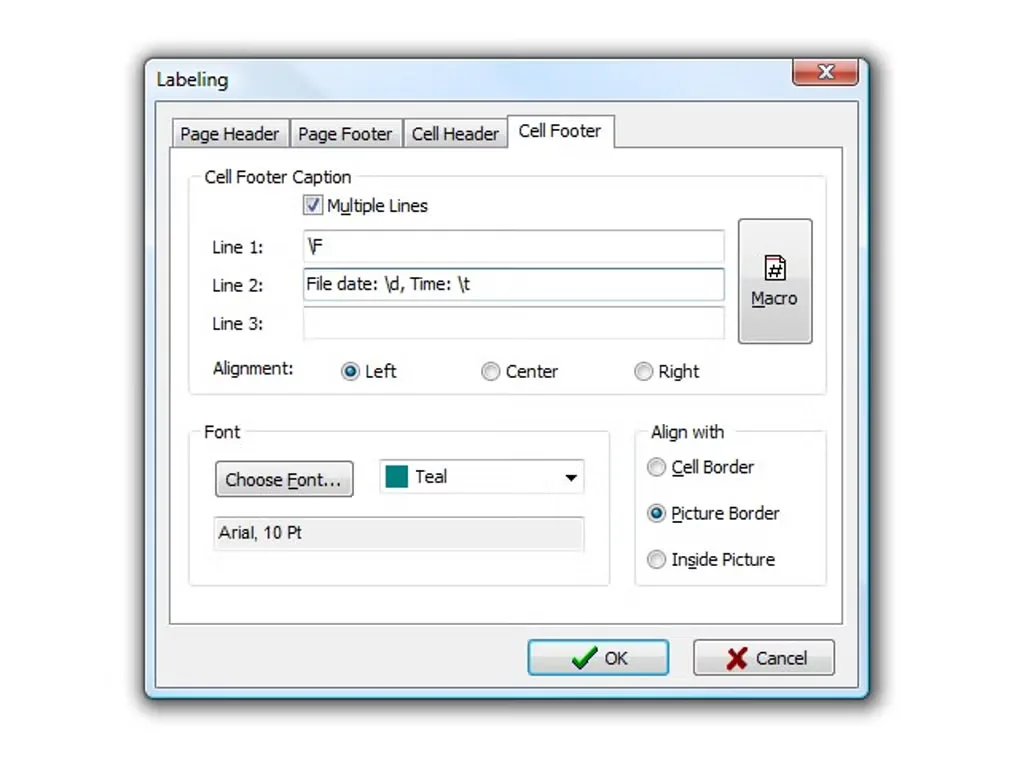
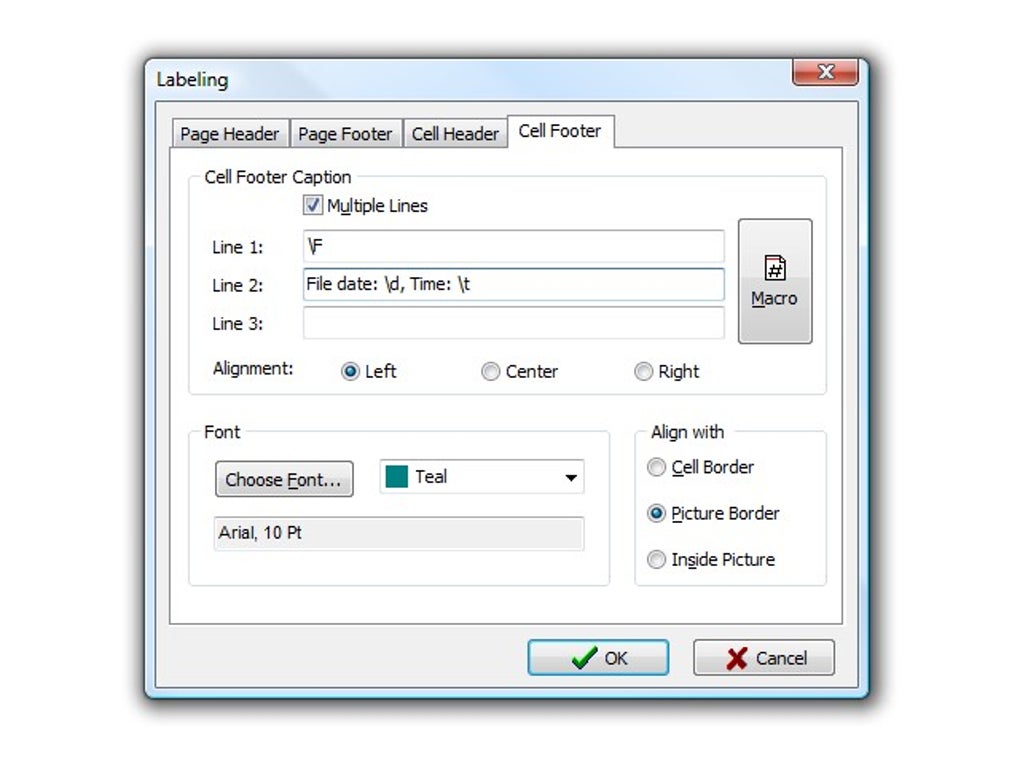
The layout tools include standard photo sizes, a paper-saving mode and the ability to enlarge individual pictures across grid cells. Page headings and image captions support macros, so information can be added without typing every label separately. An integrated PDF engine creates albums and documentation for digital delivery. The application also includes an image viewer and slideshow mode for reviewing a selection.
The linked EXE is the publisher's demo, not an unrestricted free edition. Its license permits evaluation for an unlimited period and warns that demo features or saving may be limited; the exact feature restrictions are not specified there. Picmeta directs users who need RAW printing or layouts containing EXIF data to its separate PIE Studio product.
What it offers
- Print multiple photos per page using rows, columns or standard photo sizes, with an on-screen page preview.
- Use paper-saving layouts and enlarge, rotate, move or duplicate individual images.
- Add page headings and image captions with macro support.
- Create PDF albums and index image files using the integrated PDF engine.
- Select photos in a thumbnail browser and review them in the integrated image viewer or slideshow.
Good to know
- The download is a proprietary evaluation demo. Its EULA allows unlimited-time evaluation but says features or saving may be limited, without identifying the exact restrictions.
- The publisher directs RAW printing and layouts containing EXIF data to the separate PIE Studio product.
Product images
Sources
References used for this listing. Retrieval dates do not indicate hands-on testing.
- Printstation - Photo Printing Software | Picmeta Systems ↗Retrieved
- Free Downloads | Picmeta Systems ↗Retrieved
- Printstation History | Picmeta Systems ↗Retrieved
- EULA – Printstation | Picmeta Systems ↗Retrieved
- PrintStation - Download ↗Retrieved
More in multimedia & graphics
View category ↗
1by1 2.17
Play music directly from folders with 1by1, a free Windows audio player with resume, gapless playback and file tools. Formats beyond MP3 need additional decoders.
3DVista Virtual Tour Pro
Build interactive 360° virtual tours from panoramas, videos and 3D models with 3DVista Virtual Tour Pro for Windows. Commercial software with a 30-day trial.

4DDiG Video Repair
Repair corrupted or unplayable videos in batches with the Video Repair tool in 4DDiG File Repair for Windows. A free trial is available; advanced features require a paid license.