
Multimedia & graphics macOS
PulseShot
Capture screenshots, add editable markup and record your Mac screen with PulseShot. A free plan covers core tools; Pro adds voice markup and advanced recording exports.
- Operating system
- macOS 15 or later
- Architecture
- Intel and Apple Silicon; AI features require Apple Silicon
- Download package
- DMG disk image
Selected download redirects to PulseShot-0.6.10.dmg. Requirements and features are publisher claims, not independently runtime-tested.
Link checked · Download guidance
What is PulseShot?
PulseShot combines screenshot capture, an annotation editor and screen recording for macOS. Use it to explain a screen with arrows, shapes and text, or turn a recorded workflow into a video. Its searchable library keeps screenshots and recordings together. Keyboard and mouse controls remain available; speaking is optional.
The free plan includes the full screenshot markup editor, PNG and JPEG export, basic recording and MP4 output up to 1080p. Pro adds Voice Commander: hold a key, point at the screen and describe the changes, review its proposed marks, then apply them as editable layers. Pro also adds AI Markup, Scan & Redact and advanced recording tools, including captions and higher-end export options.
The publisher lists macOS 15 or later on Intel and Apple Silicon, but AI features require Apple Silicon. Each download includes a seven-day Pro trial; after that, keep the free plan or buy a one-time Pro licence. Optional share links use your own Cloudflare Worker rather than an included hosted sharing service.
What it offers
- Capture an area, a window or the full screen, then annotate it with editable arrows, shapes, text and other markup tools.
- Use Pro Voice Commander to preview a spoken markup plan before applying editable marks.
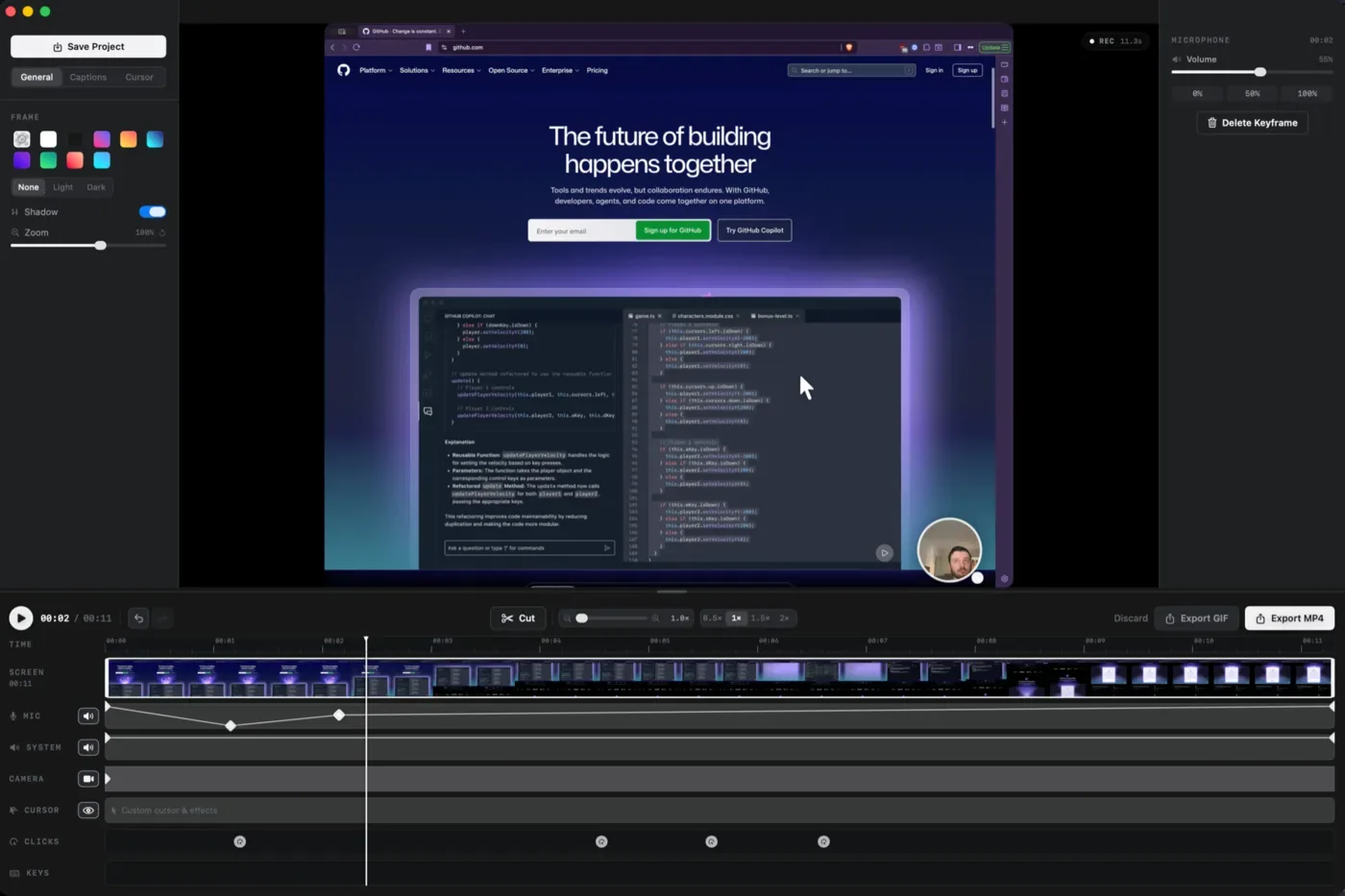
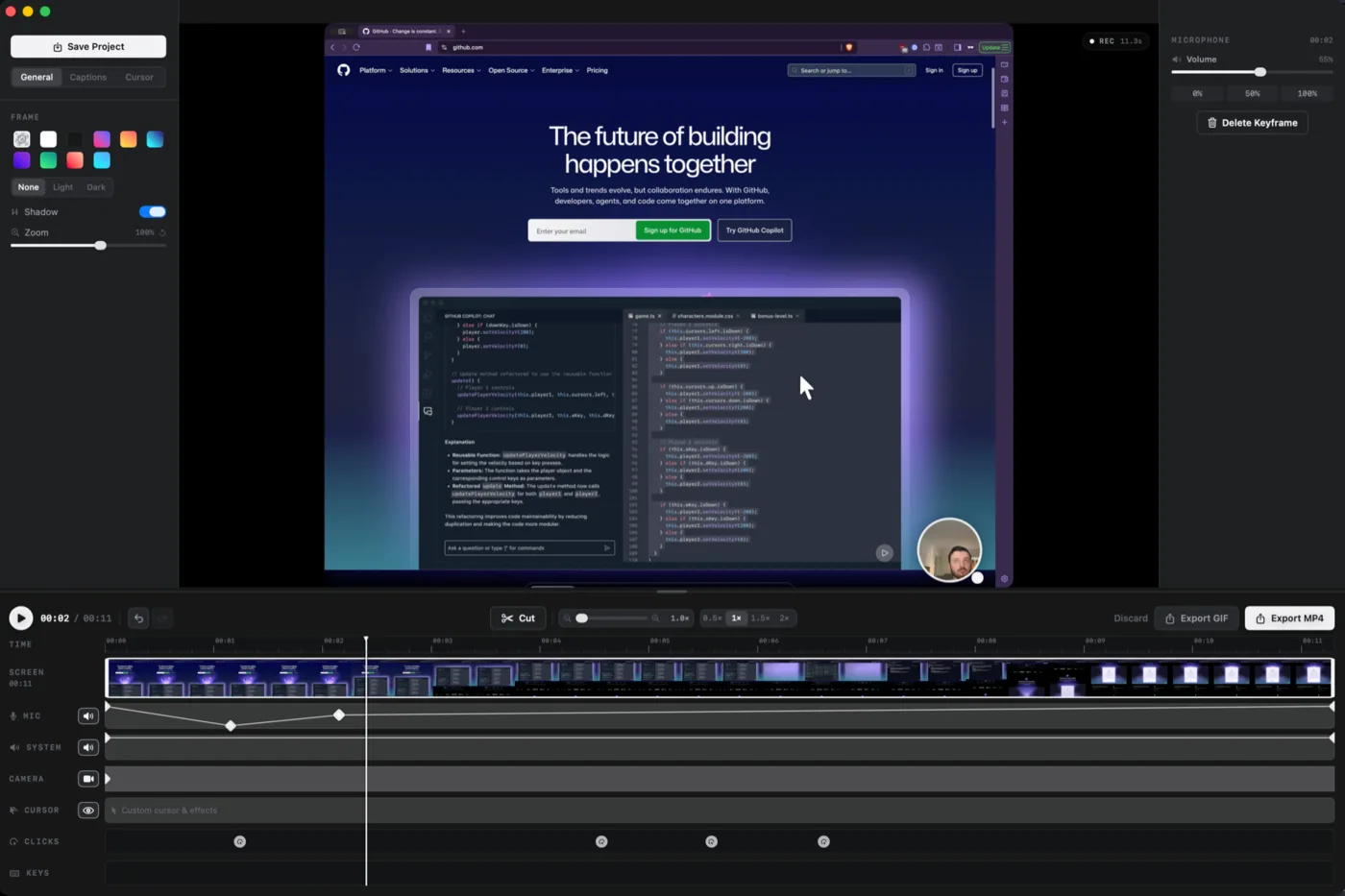
- Record screen activity and work with a timeline for cursor, click, keystroke and caption effects; advanced studio tools require Pro.
- Search the capture library by name or text inside screenshots.
- Export PNG and JPEG screenshots and MP4 recordings on the free plan; Pro adds formats including GIF and higher-resolution recording output.
Good to know
- Requires macOS 15 or later; AI features require Apple Silicon even though the app also supports Intel Macs.
- Voice Commander, AI Markup, Scan & Redact, advanced studio tools and 4K, 60 fps, HEVC and GIF exports require paid Pro after the seven-day trial.
- Optional share links require your own Cloudflare Worker.
Product images
Sources
References used for this listing. Retrieval dates do not indicate hands-on testing.
More in multimedia & graphics
View category ↗
1by1 2.17
Play music directly from folders with 1by1, a free Windows audio player with resume, gapless playback and file tools. Formats beyond MP3 need additional decoders.
3DVista Virtual Tour Pro
Build interactive 360° virtual tours from panoramas, videos and 3D models with 3DVista Virtual Tour Pro for Windows. Commercial software with a 30-day trial.

4DDiG Video Repair
Repair corrupted or unplayable videos in batches with the Video Repair tool in 4DDiG File Repair for Windows. A free trial is available; advanced features require a paid license.