

Multimedia & graphics Windows
qView for Windows
View photos and animated GIFs in a minimal image window with qView, a free, open-source viewer. This download is the Windows x64 installer.
- Operating system
- Windows; minimum supported version not established from the observed publisher sources
- Architecture
- x64 (64-bit Intel/AMD)
- Download package
- EXE installer
Selected asset: qView-7.1-win64.exe. Separate win32 and winarm64 EXE and ZIP packages are listed in the release.
Link checked · Download guidance
What is qView?
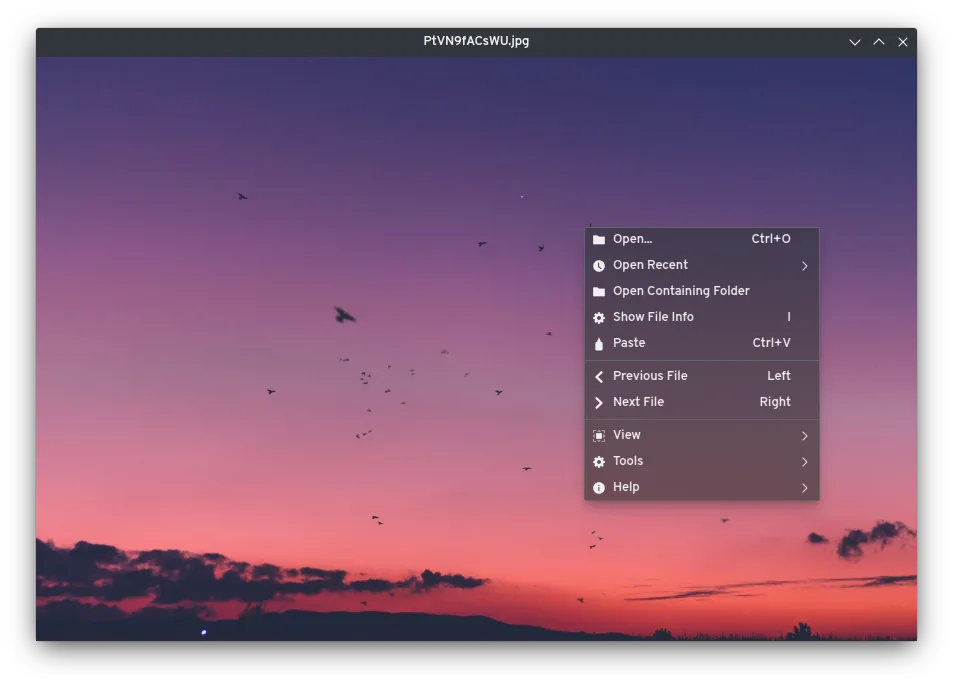
qView is an image viewer for opening pictures without an always-visible toolbar. It keeps the image and titlebar in view, with file navigation and other actions available through the context menu and keyboard shortcuts. It suits browsing images when you want a small interface rather than a toolbar-filled workspace.
The publisher lists support for BMP, GIF, JPG, PNG, TIFF and WebP, along with animated GIF controls, recent-file history, rotation and mirroring. Configurable preferences and image preloading provide additional control over viewing. Version 7.1 adds an option to force trackpad scroll or zoom behavior instead of relying on automatic detection.
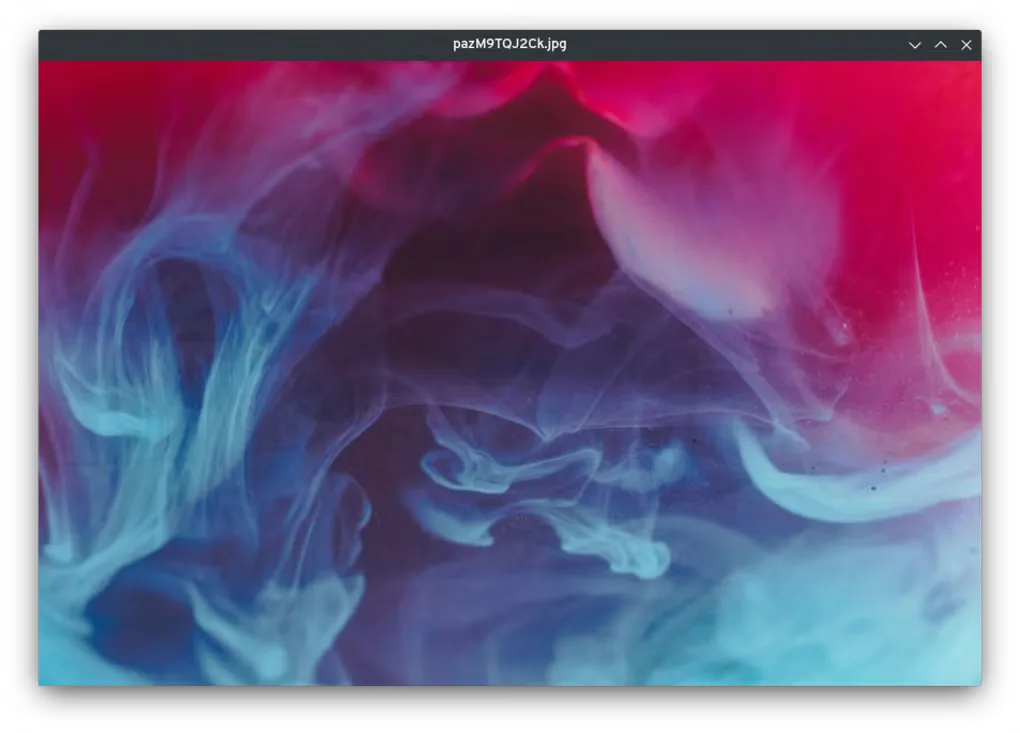
This entry links to the publisher’s qView 7.1 Windows x64 EXE installer. The release also provides separate 32-bit and ARM64 packages. The screenshots illustrate qView’s cross-platform interface; they are not verified captures of Windows version 7.1. The minimal design means there is no permanent toolbar: use the context menu or shortcuts for viewing commands.
What it offers
- Open BMP, GIF, JPG, PNG, TIFF and WebP images.
- Control animated GIF playback and revisit files through recent-file history.
- Rotate or mirror the displayed image.
- Use configurable viewing preferences and multithreaded image preloading.
- Choose forced trackpad scroll or zoom behavior in version 7.1.
Good to know
- No always-visible toolbar; viewing commands are accessed through the context menu or keyboard shortcuts.
- The linked installer is x64; 32-bit and ARM64 Windows use separate release packages.
Product images
Sources
References used for this listing. Retrieval dates do not indicate hands-on testing.
More in multimedia & graphics
View category ↗
1by1 2.17
Play music directly from folders with 1by1, a free Windows audio player with resume, gapless playback and file tools. Formats beyond MP3 need additional decoders.
3DVista Virtual Tour Pro
Build interactive 360° virtual tours from panoramas, videos and 3D models with 3DVista Virtual Tour Pro for Windows. Commercial software with a 30-day trial.


4DDiG Video Repair
Repair corrupted or unplayable videos in batches with the Video Repair tool in 4DDiG File Repair for Windows. A free trial is available; advanced features require a paid license.