

Multimedia & graphics Windows
reaConverter for Windows
Convert folders of images, PDFs, CAD drawings and other supported files on Windows with reaConverter. Apply batch edits locally, with Watch Folders and command-line automation in Pro.
- Operating system
- Windows 10 and Windows 11
- Architecture
- Not specified on the cited publisher pages
- Download package
- EXE installer (Pro trial)
Publisher-listed desktop version. The separate free edition and web converter are not the linked package.
Link checked · Download guidance
What is reaConverter?
reaConverter is a Windows desktop file converter for processing batches rather than opening and exporting each file separately. Add files or folders, choose an output format and apply conversion settings across the batch. The publisher lists support for more than 800 formats, spanning common images, camera RAW, PDF, CAD, DICOM and 3D files. Processing takes place on your computer rather than uploading the files to a conversion service.
The editing tools can resize, crop, rotate, watermark and adjust colour across a batch. This makes the application useful when a collection needs both a different format and consistent image adjustments. Explorer context-menu integration offers another way to start a conversion; Pro adds Watch Folders and a command-line interface for recurring jobs.
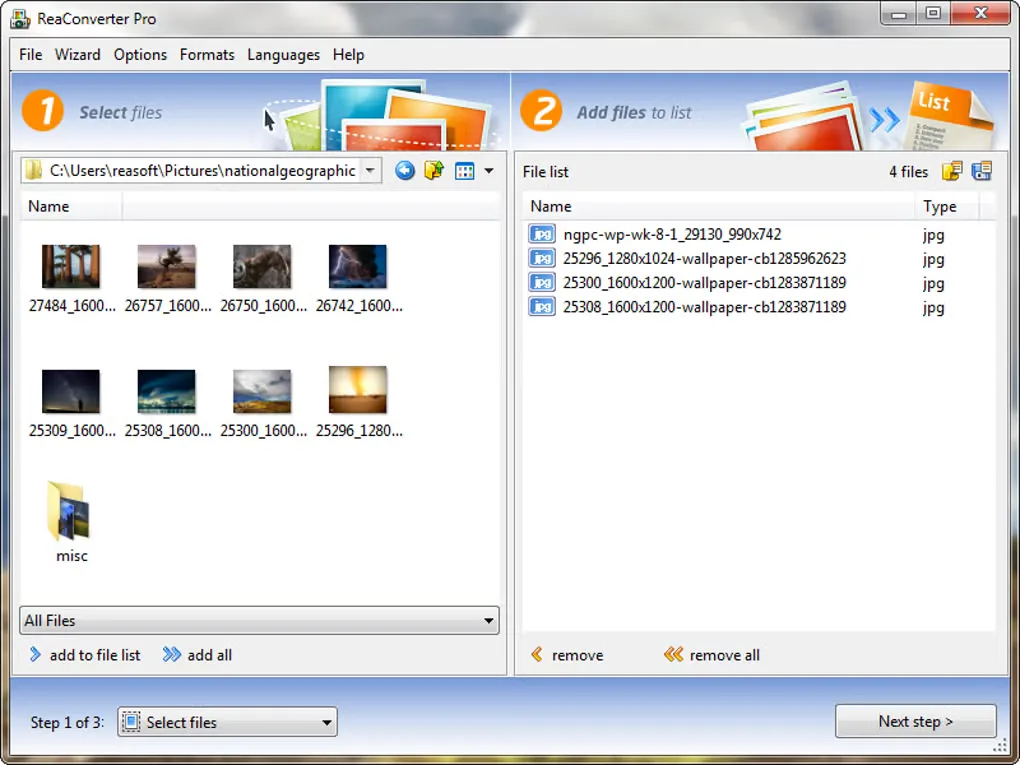
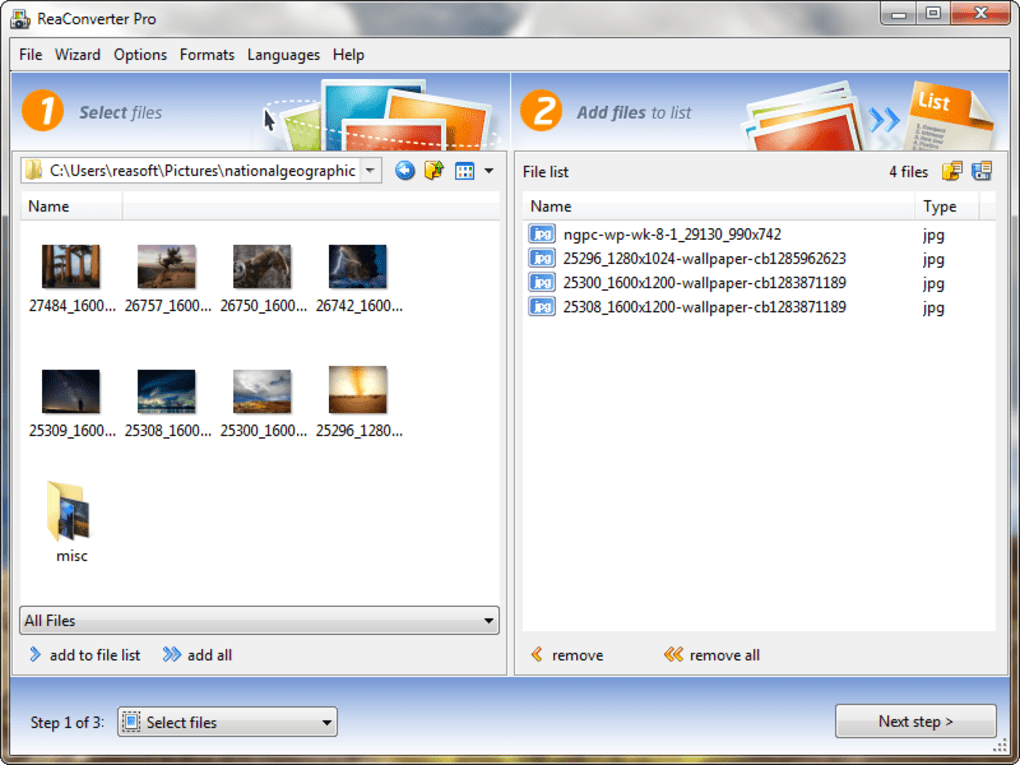
The linked EXE is the publisher's Pro trial, not the separate free edition. Paid licenses are offered, and Watch Folders and command-line tools are Pro features rather than standard-edition features. The screenshot shows an older ReaConverter Pro file-selection interface supplied in Softonic's Windows gallery; it illustrates the workflow, not the appearance of the current release.
What it offers
- Convert batches of files from folders using shared output settings.
- Work with a publisher-listed range of 800+ formats, including images, RAW, PDF, CAD, DICOM and 3D files.
- Resize, crop, rotate, watermark and adjust colour as batch editing actions.
- Process files locally and start conversions through Windows Explorer integration.
- Use Watch Folders and a command-line interface in the Pro edition.
Good to know
- The linked Pro installer is a trial of paid software, not the separate free edition.
- Watch Folders and command-line automation require the Pro edition.
Product images
Sources
References used for this listing. Retrieval dates do not indicate hands-on testing.
More in multimedia & graphics
View category ↗
1by1 2.17
Play music directly from folders with 1by1, a free Windows audio player with resume, gapless playback and file tools. Formats beyond MP3 need additional decoders.
3DVista Virtual Tour Pro
Build interactive 360° virtual tours from panoramas, videos and 3D models with 3DVista Virtual Tour Pro for Windows. Commercial software with a 30-day trial.

4DDiG Video Repair
Repair corrupted or unplayable videos in batches with the Video Repair tool in 4DDiG File Repair for Windows. A free trial is available; advanced features require a paid license.