

Multimedia & graphics Windows
REAPER for Windows
Record, edit and mix multitrack audio and MIDI with REAPER for Windows. The publisher offers a fully functional 60-day evaluation and a separate Windows x64 installer.
- Operating system
- Publisher lists Windows XP through Windows 11
- Architecture
- x64 (64-bit)
- Download package
- EXE installer
Selected download is Windows x64. Separate 32-bit Windows and Windows 11 ARM64EC beta packages are listed by the publisher; not installed or compatibility-tested here.
Link checked · Download guidance
What is REAPER?
REAPER is a digital audio workstation for recording, arranging, editing, processing, mixing and mastering audio and MIDI. It combines a multitrack timeline with routing, effects and automation, making it useful for building a recording from several takes or mixing a project with software instruments and audio tracks. Track lanes organize alternate takes, while swipe comping lets you combine selected parts into a composite performance.
The application supports third-party effects and virtual instruments, including VST3 and CLAP plug-ins, alongside built-in audio and MIDI effects. Custom layouts, keyboard shortcuts and scripting let you adapt its workflow. This entry links to the publisher's Windows x64 EXE installer; 32-bit Windows and a Windows 11 ARM64EC beta are separate downloads.
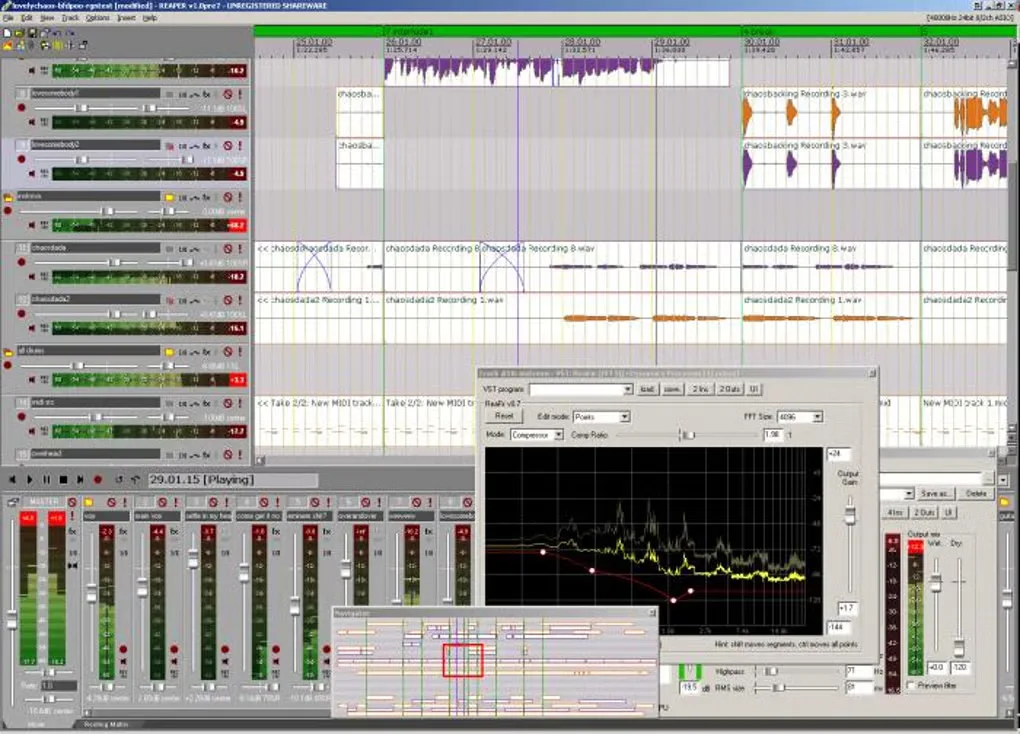
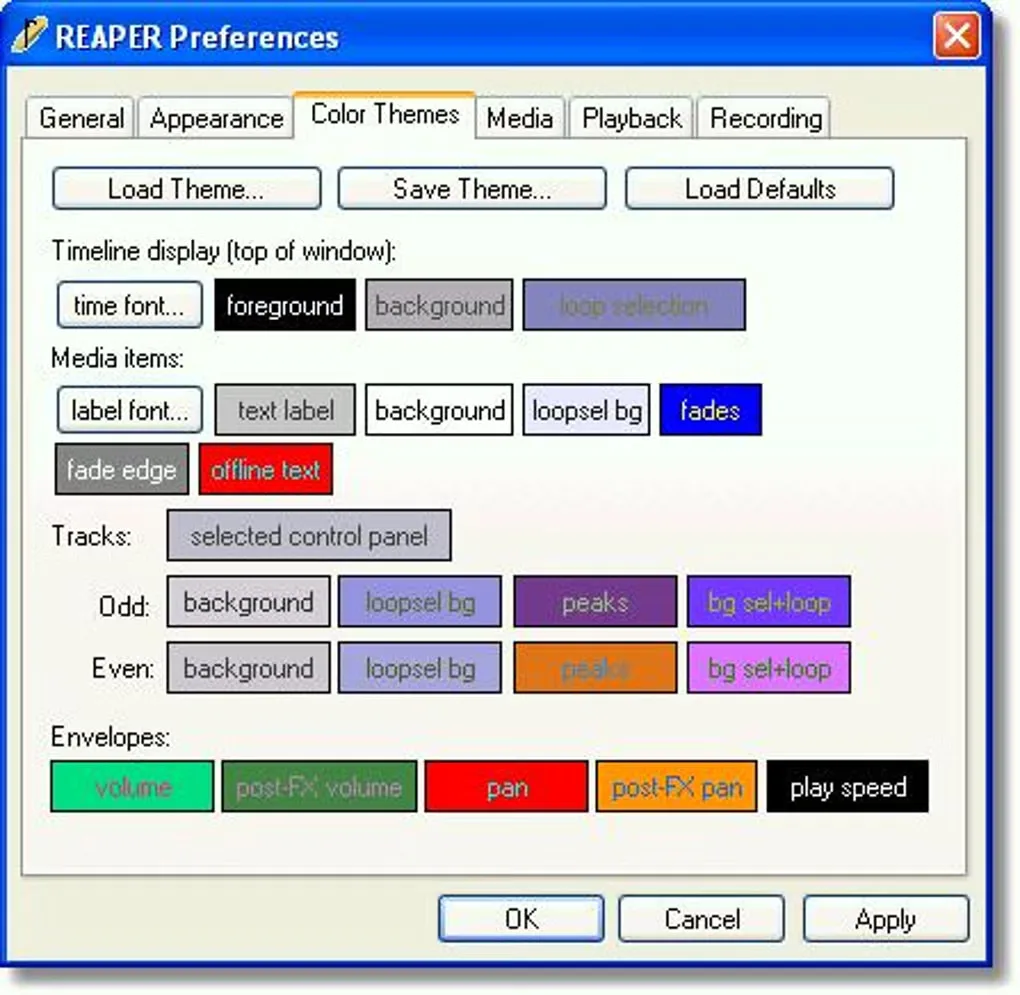
REAPER is paid software with a fully functional 60-day evaluation, not permanently free software. The publisher offers discounted and commercial licenses with different eligibility terms. The screenshots show an older Windows interface from the source gallery, not the current 7.83 appearance.
What it offers
- Record, arrange, edit, mix and master multitrack audio and MIDI.
- Organize alternate takes in track lanes and combine selected passages with swipe comping.
- Route audio and MIDI between tracks with multichannel support.
- Use built-in effects and third-party plug-ins, including VST3 and CLAP effects and instruments.
- Customize layouts and keyboard shortcuts, and extend workflows with scripting.
Good to know
- The free evaluation lasts 60 days; continued licensed use requires a paid license rather than a freeware license.
- The discounted license has eligibility conditions; commercial users outside those conditions need the commercial license.
Product images
Sources
References used for this listing. Retrieval dates do not indicate hands-on testing.
- REAPER | Download ↗Retrieved
- REAPER | Audio Production Without Limits ↗Retrieved
- REAPER | Purchase ↗Retrieved
- REAPER - Download — normal browser product page and gallery ↗Retrieved
More in multimedia & graphics
View category ↗
1by1 2.17
Play music directly from folders with 1by1, a free Windows audio player with resume, gapless playback and file tools. Formats beyond MP3 need additional decoders.
3DVista Virtual Tour Pro
Build interactive 360° virtual tours from panoramas, videos and 3D models with 3DVista Virtual Tour Pro for Windows. Commercial software with a 30-day trial.

4DDiG Video Repair
Repair corrupted or unplayable videos in batches with the Video Repair tool in 4DDiG File Repair for Windows. A free trial is available; advanced features require a paid license.