
Multimedia & graphics macOS
ScreenFlow for macOS
Record your Mac screen, camera and microphone, then edit tutorials and demos with ScreenFlow’s multi-track video tools. The trial watermarks exported videos.
- Operating system
- macOS Tahoe 26 and macOS Sequoia 15
- Architecture
- Apple Silicon and 64-bit Intel Macs
- Download package
- DMG disk image
Publisher lists at least 4 GB RAM, 20 GB storage and an Apple-supported GPU. This entry links to the Telestream distribution, not the Mac App Store version.
Link checked · Download guidance
What is ScreenFlow?
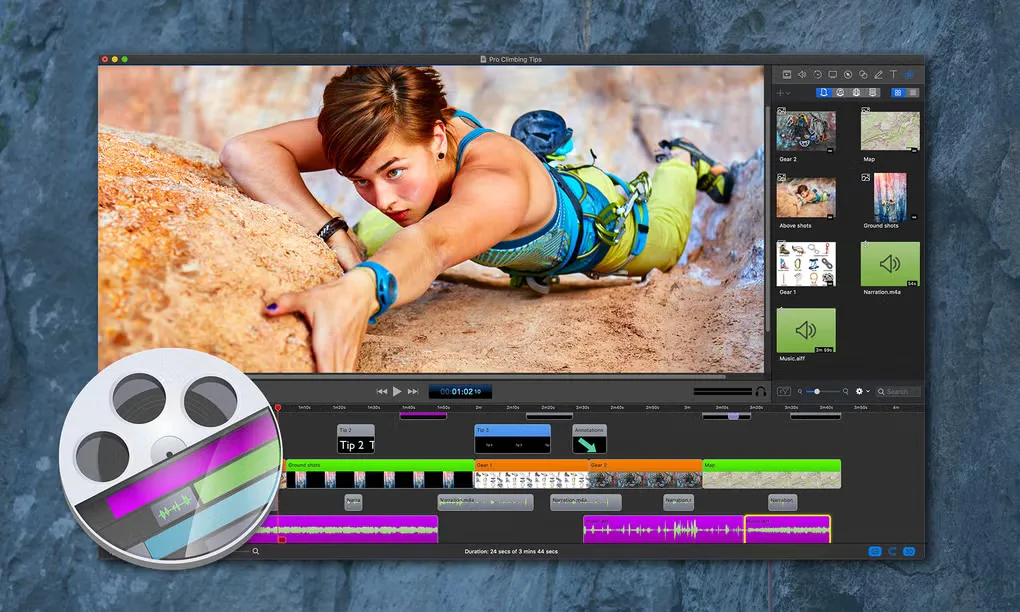
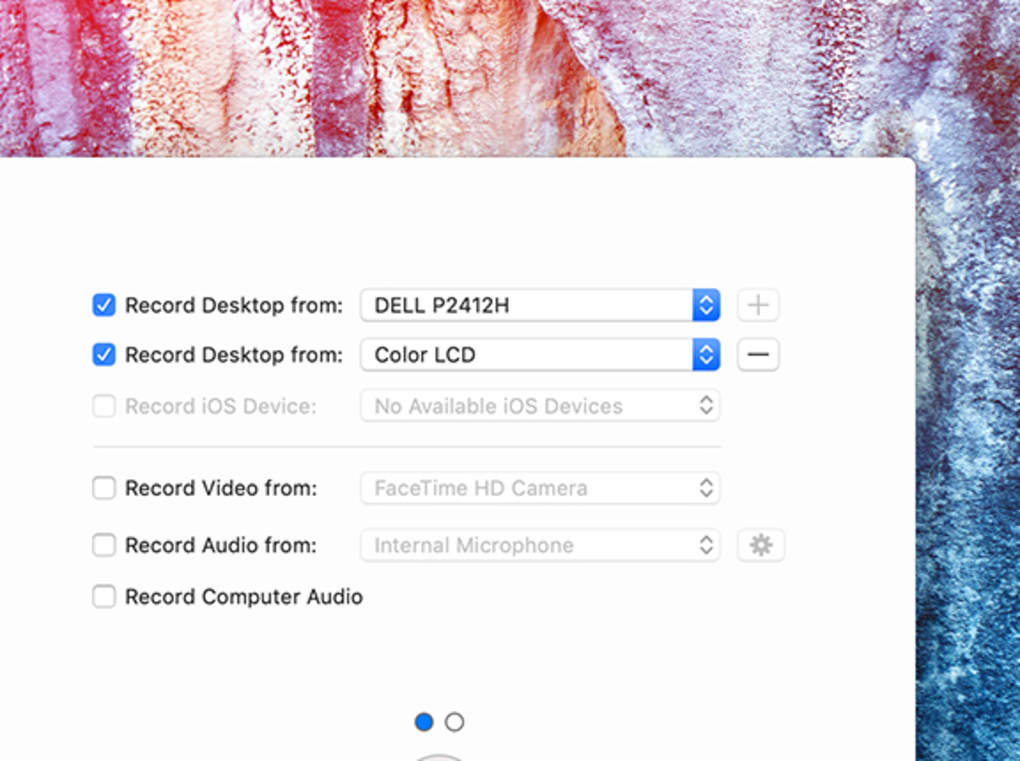
ScreenFlow combines screen recording and video editing for Mac. Capture your screen alongside camera and microphone input, then arrange clips, audio and titles in a multi-track project. It suits software demonstrations, lessons and narrated presentations that need editing after the recording.
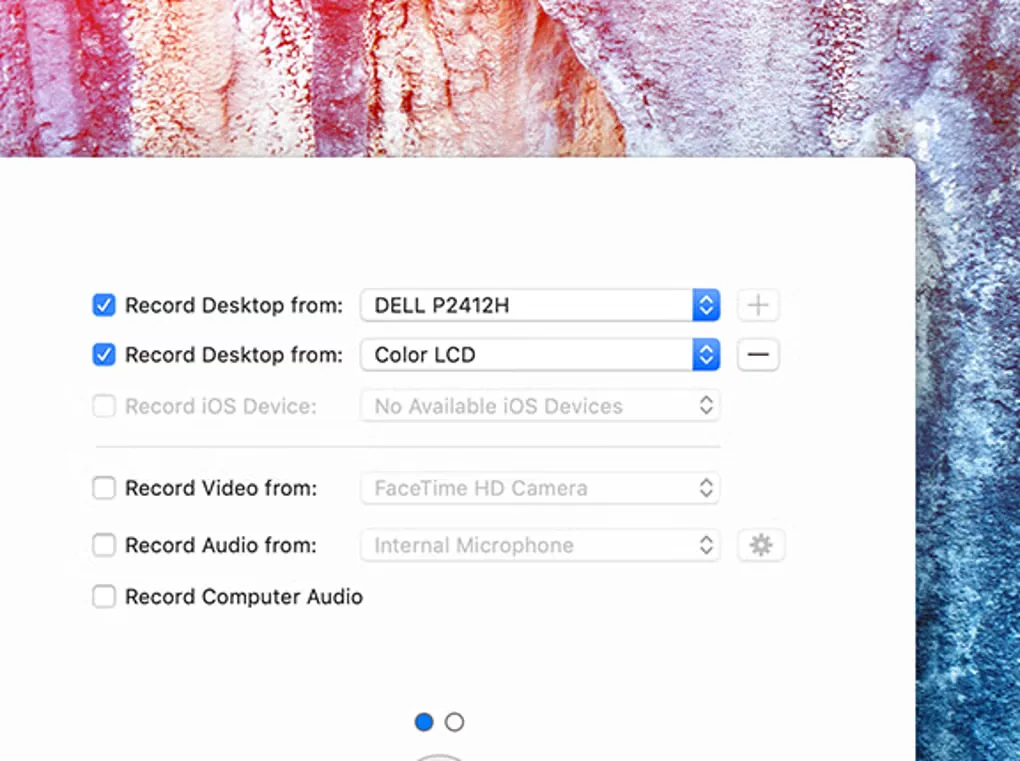
The editor includes transitions, text and video animations, freehand annotations and a caption editor. Styles and templates help keep a series of tutorials consistent. ScreenFlow also records connected iPhone and iPad screens and exports animated GIFs or APNGs as well as video.
ScreenFlow is paid software with a trial that has no time limit but adds a watermark to exported movies. Stock Media Library access is a separate paid subscription. The linked DMG is the publisher’s ScreenFlow 10.5.2 package; the publisher currently lists macOS Tahoe 26 and Sequoia 15 for Apple Silicon and Intel-based Macs.
What it offers
- Record screen, camera and microphone simultaneously.
- Edit with multi-track timelines, transitions, annotations and animated titles.
- Use styles and templates for recurring tutorials.
- Record iPhone or iPad screens and add captions to projects.
- Export video, animated GIFs and animated PNGs.
Good to know
- Trial exports include a watermark, although the trial has no time limit.
- Stock Media Library access requires a separate paid subscription.
- Cameras using DV or HDV codecs are not supported.
Product images
Sources
References used for this listing. Retrieval dates do not indicate hands-on testing.
More in multimedia & graphics
View category ↗
1by1 2.17
Play music directly from folders with 1by1, a free Windows audio player with resume, gapless playback and file tools. Formats beyond MP3 need additional decoders.
3DVista Virtual Tour Pro
Build interactive 360° virtual tours from panoramas, videos and 3D models with 3DVista Virtual Tour Pro for Windows. Commercial software with a 30-day trial.

4DDiG Video Repair
Repair corrupted or unplayable videos in batches with the Video Repair tool in 4DDiG File Repair for Windows. A free trial is available; advanced features require a paid license.