

Multimedia & graphics Windows
ScreenRec for Windows
Record your Windows screen with microphone, system audio or webcam, take annotated screenshots, and share captures by link with ScreenRec.
- Operating system
- Windows 7 or above, according to the publisher's requirements
- Architecture
- 32-bit and 64-bit Windows supported by publisher
- Download package
- EXE web installer
Publisher requirements: SSE2-capable Pentium 4 or later, 1 GB RAM (2 GB recommended), and Visual C++ Redistributable 2015. Header also names older Windows versions; this card follows the explicit requirements.
Link checked · Download guidance
What is ScreenRec?
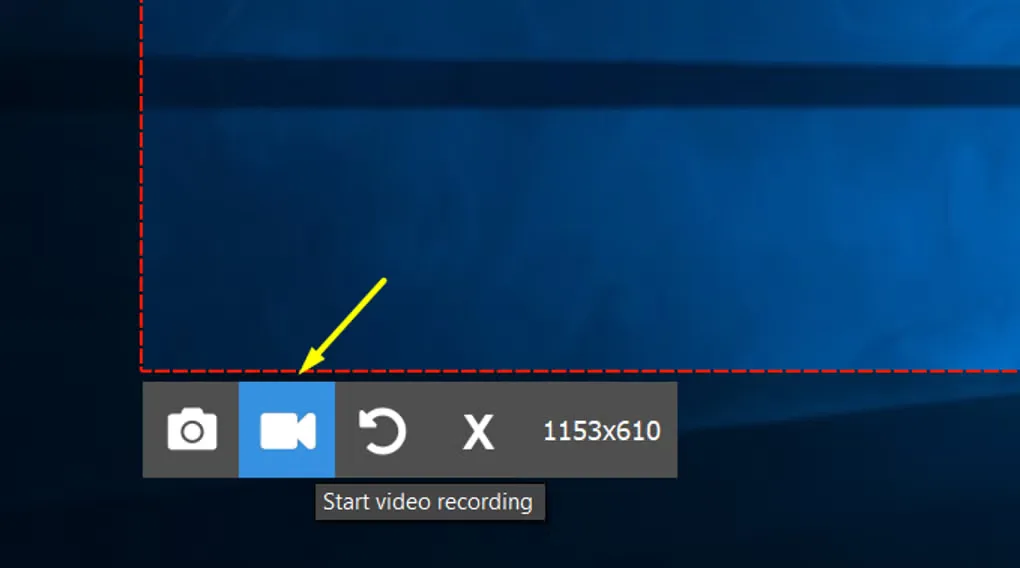
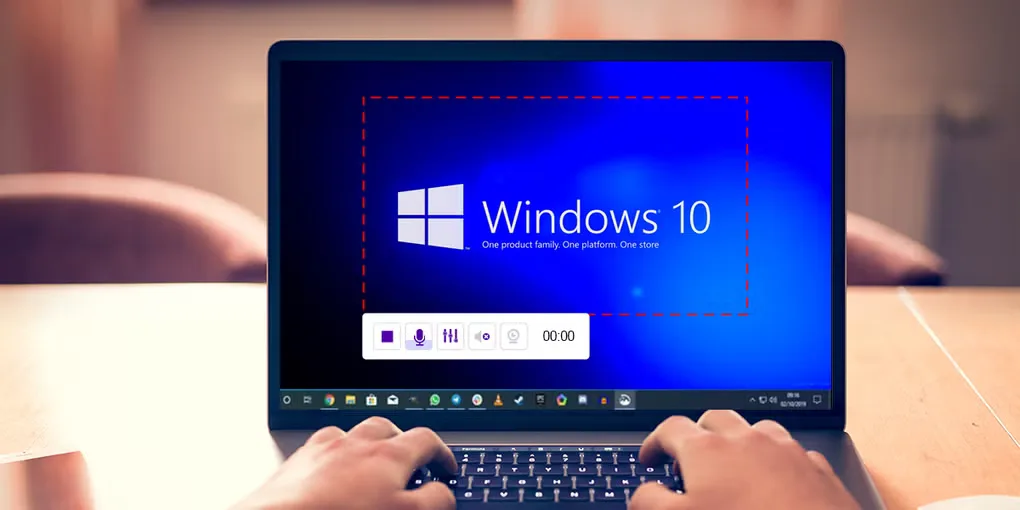
ScreenRec captures a Windows desktop or selected area for video explanations, tutorials and bug reports. You can include microphone narration, computer audio and webcam video, or take an annotated screenshot when a still image is enough. Captures can be saved locally; its cloud-sharing workflow creates a link to send to another person.
The free account matters: the publisher limits recordings to five minutes when you are not logged in. Creating a free account removes that recording-time limit and includes 2 GB of cloud storage for sharing. Offline capture and local saving are supported, but cloud uploads need a connection.
The download here is the publisher's Windows EXE web installer, not its separately offered offline installer. The publisher lists version 5.0.13, dated July 20, 2025, and marks that release as beta in its release notes. The versionless installer URL was checked for availability, not downloaded or run; its embedded version was not independently inspected.
What it offers
- Capture the whole desktop or a selected screen area.
- Record microphone narration, system audio and webcam video.
- Take annotated screenshots as an alternative to recording a video.
- Share captures through a generated link or save screenshots and videos locally.
Good to know
- Recordings are limited to five minutes when you are not logged in; a free account removes that time limit.
- The free account includes 2 GB of cloud storage, and uploading captures requires an internet connection.
- The linked EXE is a web installer rather than the separate offline package; the publisher labels the listed 5.0.13 release as beta.
Product images
Sources
References used for this listing. Retrieval dates do not indicate hands-on testing.
More in multimedia & graphics
View category ↗
1by1 2.17
Play music directly from folders with 1by1, a free Windows audio player with resume, gapless playback and file tools. Formats beyond MP3 need additional decoders.
3DVista Virtual Tour Pro
Build interactive 360° virtual tours from panoramas, videos and 3D models with 3DVista Virtual Tour Pro for Windows. Commercial software with a 30-day trial.

4DDiG Video Repair
Repair corrupted or unplayable videos in batches with the Video Repair tool in 4DDiG File Repair for Windows. A free trial is available; advanced features require a paid license.