

Multimedia & graphics Windows
ScreenToGif for Windows
Record a screen region, webcam feed or sketchboard, then edit and export the recording as a GIF or video with ScreenToGif for Windows.
- Operating system
- Windows 11
- Architecture
- x64
- Download package
- Light MSI installer
Requires .NET 9 Desktop Runtime or above according to the project README. Separate x86 and ARM64 downloads are listed by the publisher.
Link checked · Download guidance
What is ScreenToGif?
ScreenToGif combines recording and editing for short visual demonstrations. Capture a selected area of your screen, a webcam feed or drawings on its sketchboard, then edit the result before exporting. The publisher lists GIF, APNG, video, PSD and PNG among the output options. This makes it useful for showing a sequence of on-screen actions without sharing a full desktop recording.
This entry links to the publisher's ScreenToGif 2.43.2 Light x64 MSI installer. The project requires .NET 9 Desktop Runtime or above; check that dependency before choosing this package. Separate x86 and ARM64 packages are available on the release page. Version 2.43.2 addresses FFmpeg 7-and-newer video import/export issues and possible memory leaks, according to the release notes.
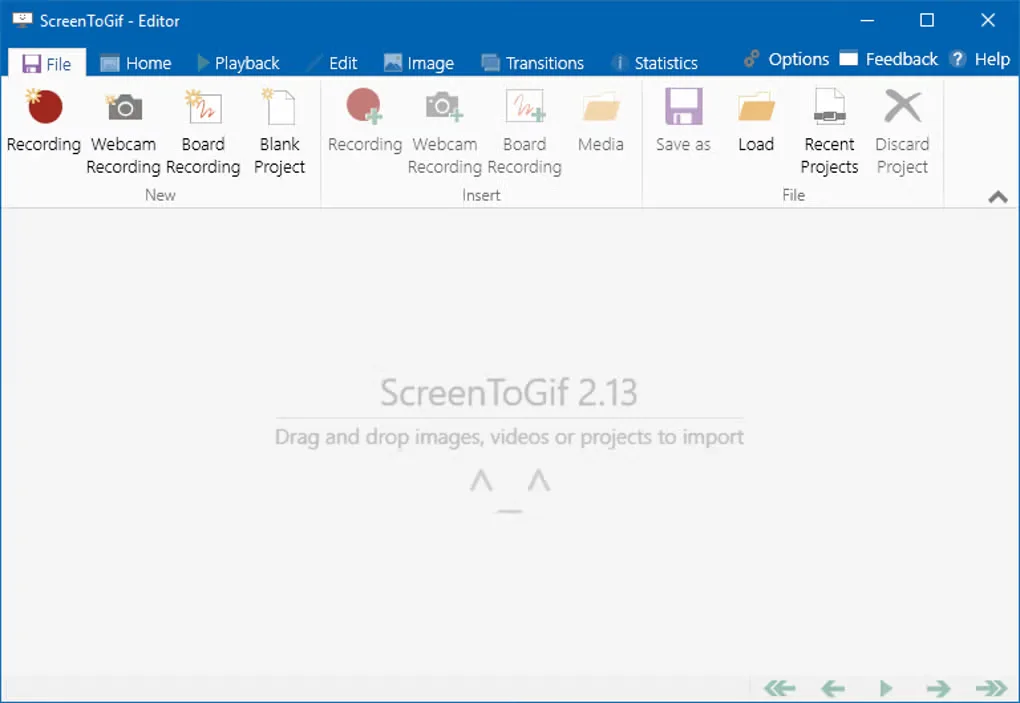
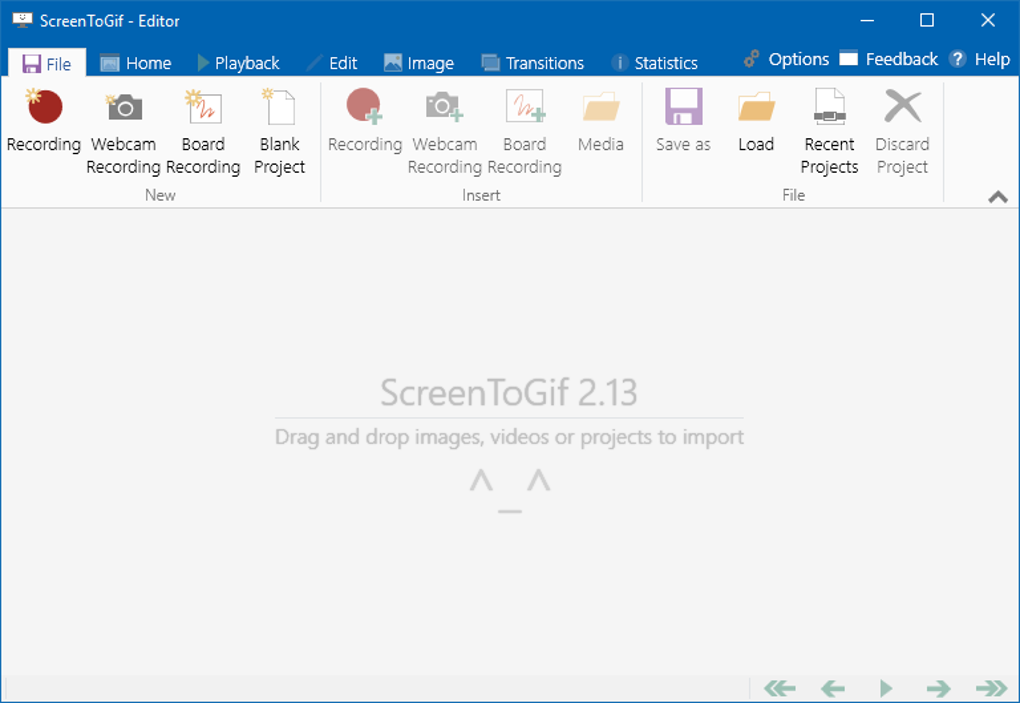
The screenshot shows the older 2.13 editor interface from Softonic's Windows gallery. It illustrates the application, not the exact appearance of version 2.43.2.
What it offers
- Capture a selected screen area rather than the entire desktop.
- Record a webcam feed or live drawings on a sketchboard.
- Edit a recording before saving the animation.
- Export to GIF, APNG, video, PSD or PNG, as listed by the publisher.
Good to know
- The project requires .NET 9 Desktop Runtime or above; the linked download is the Light package.
- The linked MSI is for x64 Windows, not the separate x86 or ARM64 builds.
Product images
Sources
References used for this listing. Retrieval dates do not indicate hands-on testing.
More in multimedia & graphics
View category ↗
1by1 2.17
Play music directly from folders with 1by1, a free Windows audio player with resume, gapless playback and file tools. Formats beyond MP3 need additional decoders.
3DVista Virtual Tour Pro
Build interactive 360° virtual tours from panoramas, videos and 3D models with 3DVista Virtual Tour Pro for Windows. Commercial software with a 30-day trial.

4DDiG Video Repair
Repair corrupted or unplayable videos in batches with the Video Repair tool in 4DDiG File Repair for Windows. A free trial is available; advanced features require a paid license.