

Multimedia & graphics macOS
Sketch for macOS
Design app interfaces, reusable components and interactive prototypes with Sketch for Mac. Work locally or use a subscription Workspace for collaboration.
- Operating system
- macOS Sequoia 15.0.0 or newer
- Architecture
- Apple Silicon supported; Intel compatibility not confirmed in the fetched publisher pages
- Download package
- ZIP archive for the Mac app
Download: Sketch 2026.3.1. Trial requires an account and Workspace. The publisher does not support running Sketch in virtual machines.
Link checked · Download guidance
What is Sketch?
Sketch is a native Mac design tool for creating app screens, icons and interactive prototypes. Its vector editor handles detailed shapes and typography, while frames and stack layouts help arrange interfaces that adapt to their content. Symbols and Libraries let you reuse components, colors and styles instead of maintaining each screen separately. You can save documents locally and design offline, or use a subscription Workspace to co-edit and share work with others.
The linked download is the Sketch 2026.3.1 ZIP for macOS Sequoia 15 or newer. The 30-day trial requires an account and Workspace; it is not an unrestricted free editor. A subscription includes web collaboration and developer handoff, while a one-time Mac-only license is for local work and excludes online sharing and real-time collaboration. Browser access lets collaborators review and inspect designs; the design editor runs on macOS.
What it offers
- Create interface graphics with vector paths, non-destructive boolean operations and typography tools.
- Arrange screens with nestable frames and stacks that adjust to content or container size.
- Reuse Symbols, colors and styles across documents with Libraries.
- Build interactive prototypes with animation, overlays and scrolling; share designs for browser feedback and developer handoff with a subscription.
Good to know
- The editor requires macOS; browser review and inspection are not a replacement for the Mac design app. Virtual machines are not supported.
- The 30-day trial requires an account and Workspace; continued use needs an appropriate subscription or license, apart from qualifying education access.
- The Mac-only license excludes collaboration and online document sharing; real-time collaboration requires an active subscription.
Product images
Sources
References used for this listing. Retrieval dates do not indicate hands-on testing.
- Download Sketch — official Mac download ↗Retrieved
- Design Tools for macOS — official Sketch features ↗Retrieved
- Sketch — design, prototype, collaborate and handoff ↗Retrieved
- Sketch pricing — trial, subscriptions and Mac-only license ↗Retrieved
- Setting up Sketch — system requirements and trial ↗Retrieved
- Sketch 2026.3.1 — official changelog ↗Retrieved
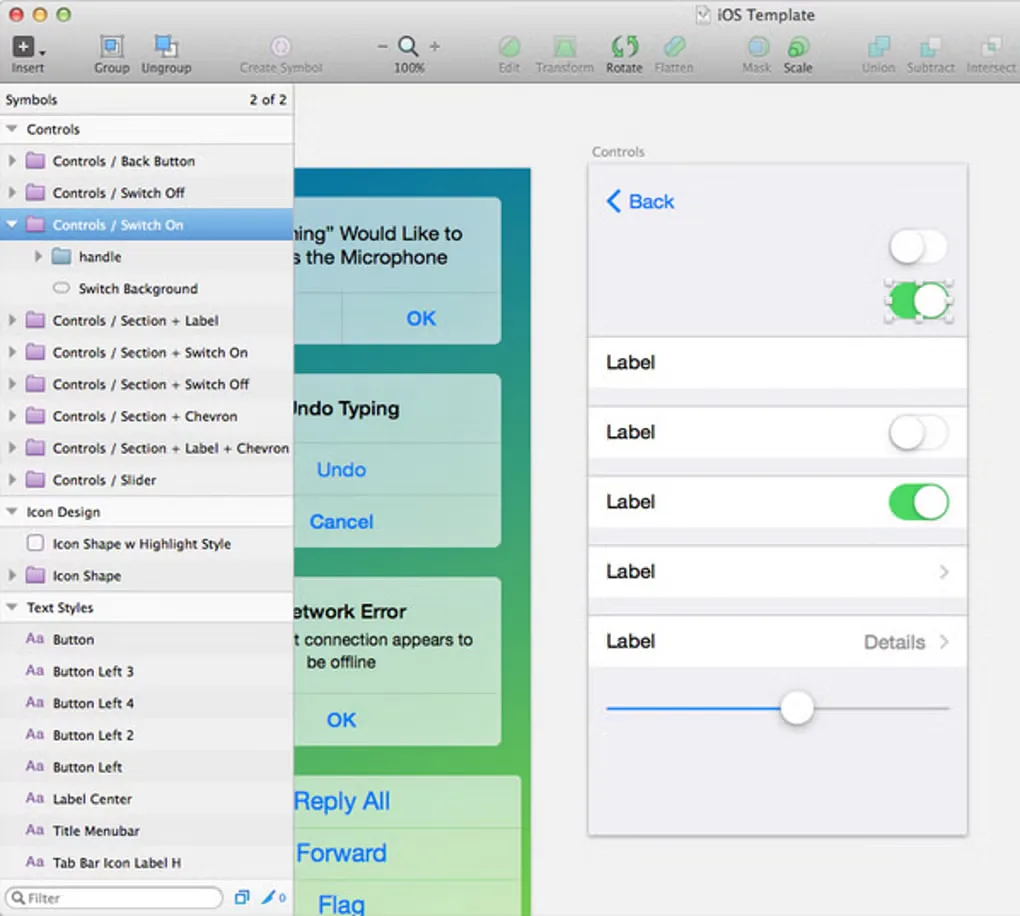
- Sketch for Mac - Download — historical UI screenshot gallery ↗Retrieved
More in multimedia & graphics
View category ↗
1by1 2.17
Play music directly from folders with 1by1, a free Windows audio player with resume, gapless playback and file tools. Formats beyond MP3 need additional decoders.
3DVista Virtual Tour Pro
Build interactive 360° virtual tours from panoramas, videos and 3D models with 3DVista Virtual Tour Pro for Windows. Commercial software with a 30-day trial.

4DDiG Video Repair
Repair corrupted or unplayable videos in batches with the Video Repair tool in 4DDiG File Repair for Windows. A free trial is available; advanced features require a paid license.