
Multimedia & graphics Windows
Snooper
Record sound-triggered audio in MP3 or WAV with Snooper Standard for Windows. Includes scheduling and hotkeys, with a 30-day trial.
- Operating system
- Windows Vista, 7, 8, 10 and 11 (publisher-listed)
- Architecture
- Not specified by the publisher for this installer
- Download package
- EXE installer
Requires .NET Framework 4, a compatible sound card and a suitable microphone. No minimum Windows build is stated; publisher compatibility claims were not installation-tested.
Link checked · Download guidance
What is Snooper?
Snooper Standard records audio when sound rises above an adjustable trigger level, then saves timestamped recordings when silence returns. It suits capturing intermittent sound without keeping a continuous recording. MP3 and WAV output, a recording scheduler and system-wide hotkeys provide different ways to manage recording sessions. Automatic gain control and noise cancellation are listed for the Standard edition.
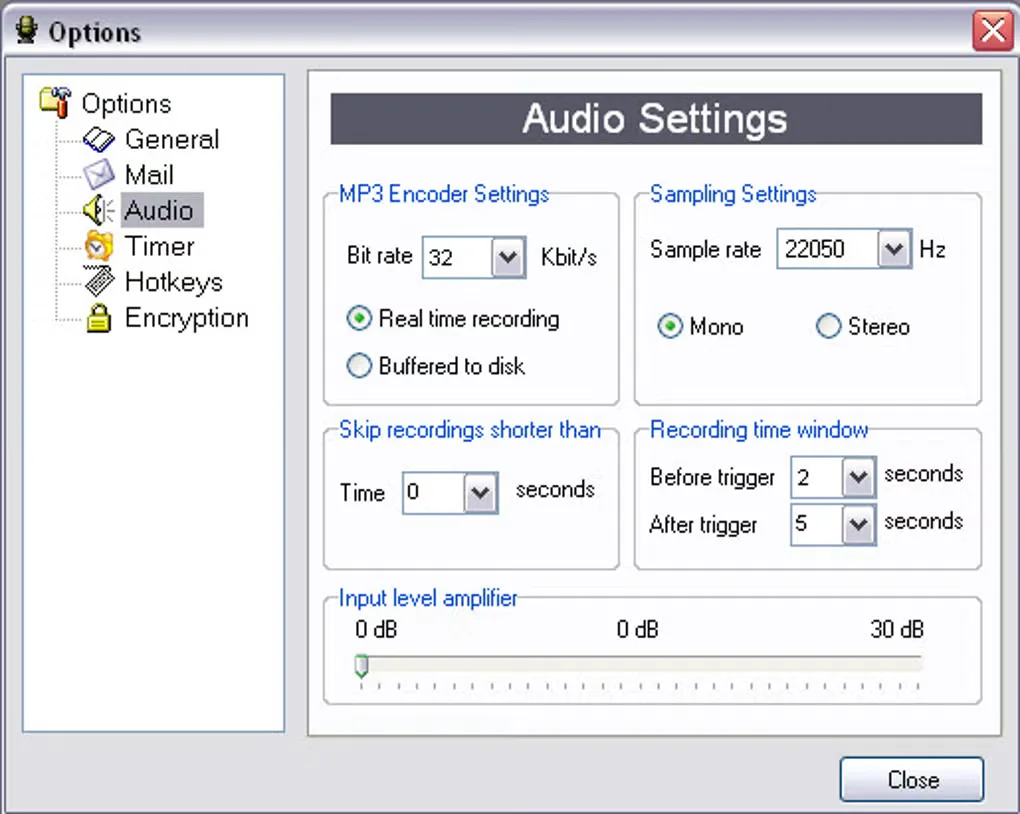
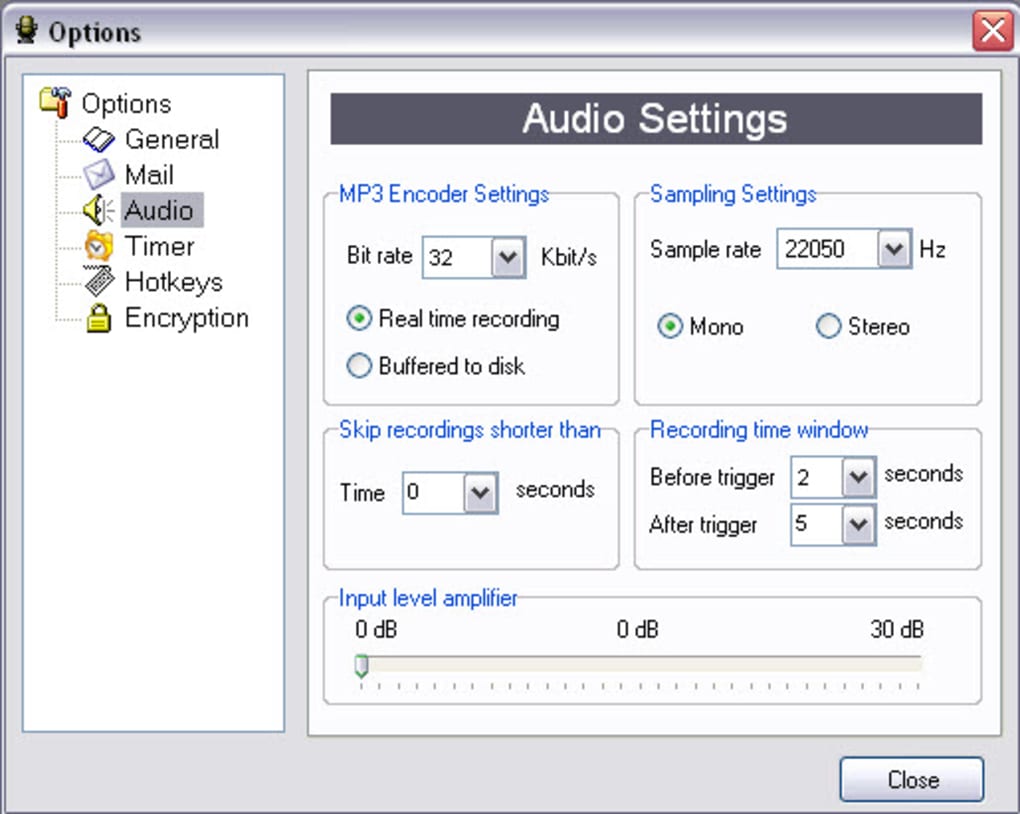
This entry links to Snooper Standard 1.48.15, not Snooper Professional or the Multi-Channel edition. Standard is a paid application with a 30-day trial. The publisher lists one recording channel and does not include the sound editor, Windows service mode, FLAC encoding or speech-to-text features in Standard. The gallery image shows an Audio Settings dialog supplied through Softonic; its exact software build is not identified.
What it offers
- Start recording when sound exceeds an adjustable threshold and save timestamped recordings after silence.
- Save audio in MP3 or WAV; the publisher also lists dual-format saving for Standard.
- Schedule recordings or control the program with system-wide hotkeys.
- Use the Standard edition’s listed automatic gain control and noise cancellation.
Good to know
- The Standard trial lasts 30 days; unrestricted use requires a paid registration.
- Standard is listed for one recording channel. Its feature table excludes the built-in sound editor, Windows service mode, FLAC encoding and speech-to-text transcription available in other editions.
- Requires .NET Framework 4, a Windows-compatible sound card and a suitable microphone; network features such as email and FTP need an internet connection.
Product images
Sources
References used for this listing. Retrieval dates do not indicate hands-on testing.
- Snooper - Download ↗Retrieved
- Sound/Voice activated recorder software - Snooper ↗Retrieved
- Download Snooper recorder, free trial! - Snooper ↗Retrieved
- Comparison Snooper products - Snooper ↗Retrieved
- License agreement - Snooper ↗Retrieved
More in multimedia & graphics
View category ↗
1by1 2.17
Play music directly from folders with 1by1, a free Windows audio player with resume, gapless playback and file tools. Formats beyond MP3 need additional decoders.
3DVista Virtual Tour Pro
Build interactive 360° virtual tours from panoramas, videos and 3D models with 3DVista Virtual Tour Pro for Windows. Commercial software with a 30-day trial.

4DDiG Video Repair
Repair corrupted or unplayable videos in batches with the Video Repair tool in 4DDiG File Repair for Windows. A free trial is available; advanced features require a paid license.