

Multimedia & graphics Windows
SoftOrbits Photo to Sketch Converter for Windows
Turn photos into pencil, ink or colored sketches with SoftOrbits Sketch Drawer for Windows. Choose presets, adjust strokes and convert folders in a batch; trial exports are watermarked.
- Operating system
- Windows 11 and 10; publisher also lists Windows 8.1, 8 and 7
- Architecture
- Publisher lists 32-bit and 64-bit Windows; the linked EXE's architecture is not specified
- Download package
- EXE installer
Publisher lists version 13.2. HEAD verifies the download endpoint, not the EXE's embedded version, architecture or installation behavior.
Link checked · Download guidance
What is SoftOrbits Photo to Sketch Converter?
SoftOrbits Photo to Sketch Converter is offered by its publisher as Sketch Drawer, a Windows desktop application for turning photographs into drawing-style images. It suits making a pencil portrait, a colored sketch or a set of illustrations from an existing photo folder. The desktop program is separate from the online converter advertised on the same publisher site.
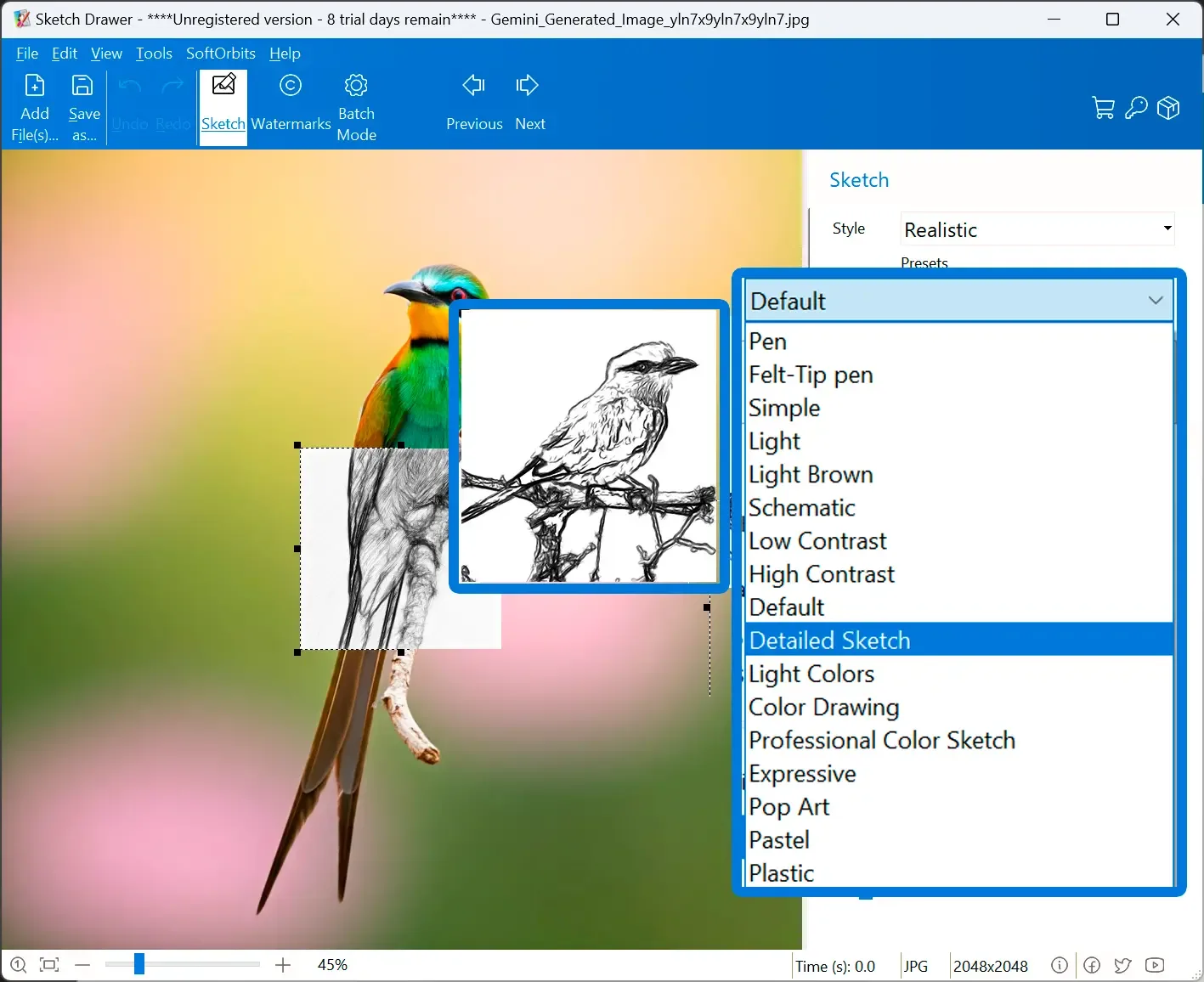
Add photos, choose a drawing preset and adjust the strokes before running the conversion. The publisher lists more than 30 presets, controls for stroke length, width and density, and batch processing for whole folders. Its desktop guide lists JPG, PNG, TIFF and RAW input and describes local, offline photo processing.
The Windows download is a free trial, not an unrestricted free edition. The publisher says trial exports carry a watermark and that a license removes it. Use photographs you own or have permission to adapt. The linked EXE is a publisher-hosted download; it has not been installed or run for this entry.
What it offers
- Choose from more than 30 drawing presets, including pencil, pen and colored sketch styles.
- Adjust stroke length, width, hardness, density and curvature, plus contour and hatching colors.
- Convert a folder of photos in a batch instead of processing every image separately.
- Open JPG, PNG, TIFF and RAW images in the Windows desktop program.
- Process photos locally and offline, according to the publisher's desktop guide.
Good to know
- Trial exports include a watermark; the publisher says a license is required to remove it.
- The Windows desktop program and the publisher's online converter are separate products; this download is for Windows.
Product images
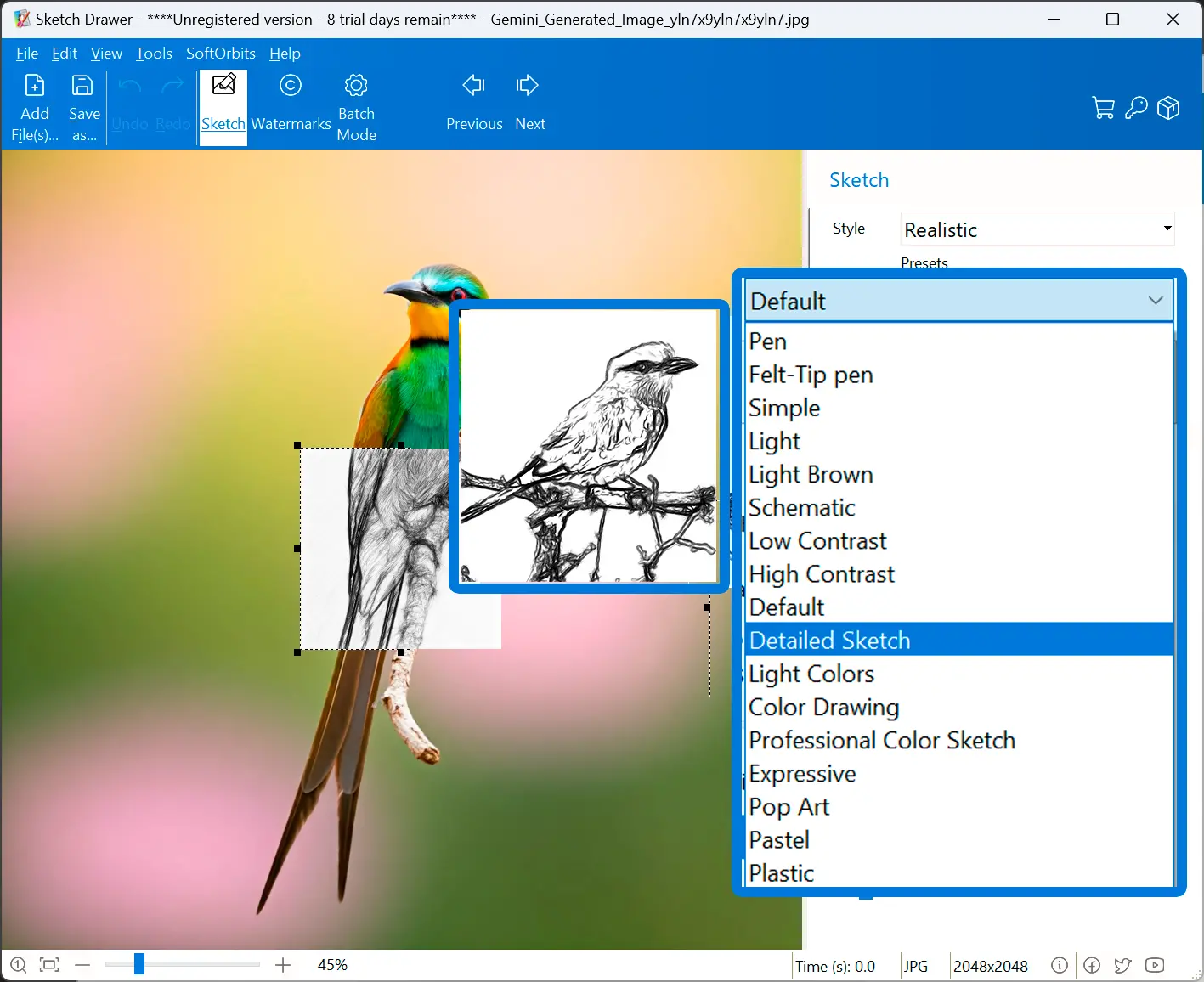
Sources
References used for this listing. Retrieval dates do not indicate hands-on testing.
More in multimedia & graphics
View category ↗
1by1 2.17
Play music directly from folders with 1by1, a free Windows audio player with resume, gapless playback and file tools. Formats beyond MP3 need additional decoders.
3DVista Virtual Tour Pro
Build interactive 360° virtual tours from panoramas, videos and 3D models with 3DVista Virtual Tour Pro for Windows. Commercial software with a 30-day trial.

4DDiG Video Repair
Repair corrupted or unplayable videos in batches with the Video Repair tool in 4DDiG File Repair for Windows. A free trial is available; advanced features require a paid license.