
Multimedia & graphics Windows
Sound Lock
Limit sudden loud playback on Windows with Sound Lock, a free utility with separate limits for audio channels and output devices.
- Operating system
- Windows Vista or higher, as listed by the publisher
- Architecture
- Not specified by the publisher
- Download package
- MSI installer
Installer filename Sound_Lock_Setup.msi is confirmed by the download response. Architecture and compatibility with current Windows builds were not independently verified.
Link checked · Download guidance
What is Sound Lock?
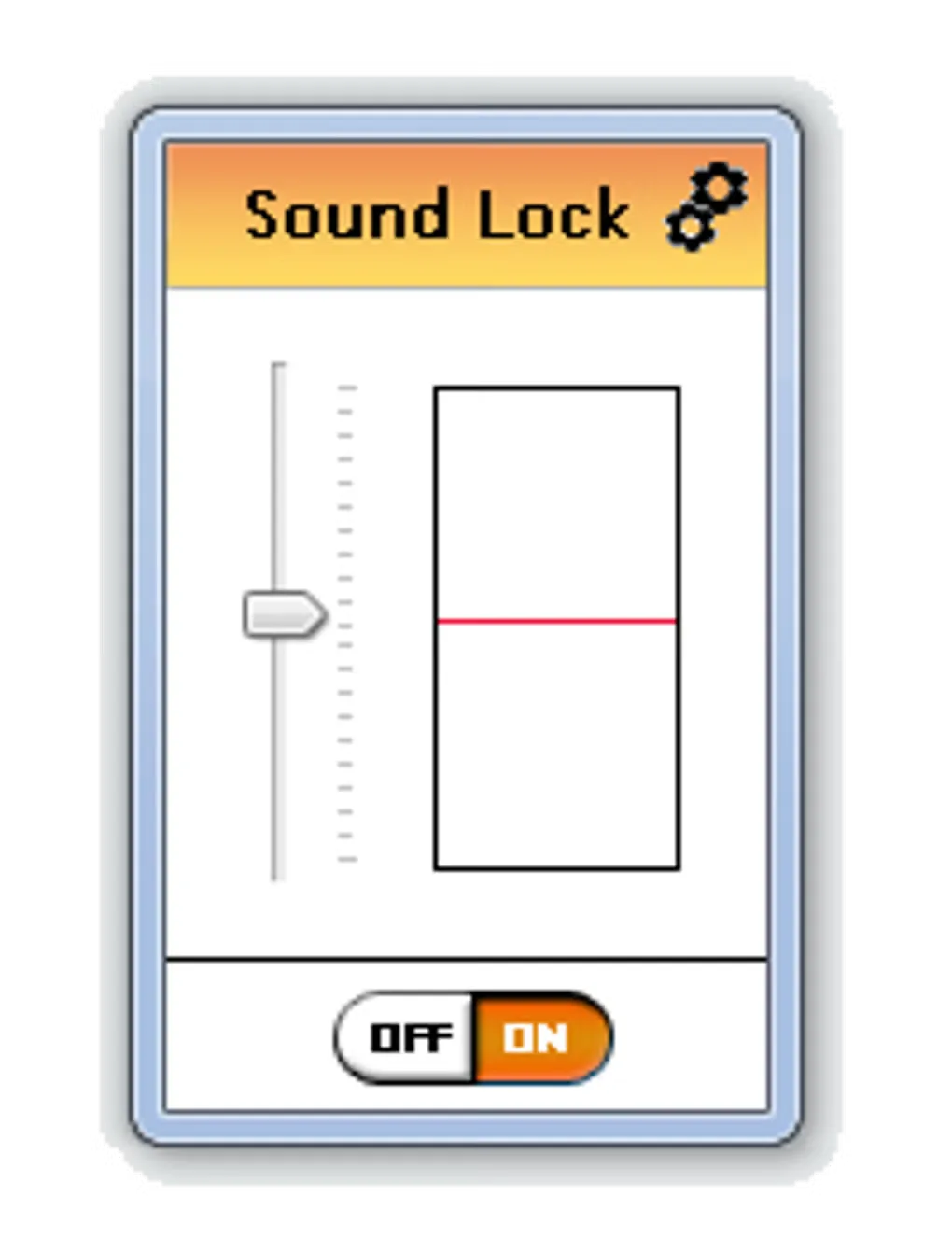
Sound Lock lowers system playback volume when sound exceeds a limit you choose. It is intended for watching movies or shows without repeatedly reaching for the volume control during loud scenes. Drag the limit indicator, switch Sound Lock on, and use the settings control for more detailed options.
The publisher describes support for up to 14 channels and separate limits for different output devices. You can filter individual channels or use master filtering, which takes the highest limit set across the channels. Use per-channel mode when those channels need different limits.
The publisher lists Windows Vista or higher and offers a free download. Softonic lists occasional crashes as a drawback; that report was not independently reproduced here. The linked MSI was checked for download availability using HEAD requests only, not installed or tested for compatibility.
What it offers
- Set a playback volume limit with a draggable indicator and an on/off control.
- Adjust sound output limits for up to 14 channels.
- Set different playback limits for different output devices.
- Choose individual-channel filtering or master filtering.
Good to know
- Master filtering uses the highest limit set across the channels; use per-channel filtering for individual limits.
- Softonic reports occasional crashes; this source-reported limitation has not been independently reproduced.
Product images
Sources
References used for this listing. Retrieval dates do not indicate hands-on testing.
- Soundlock App - 3 APPES ↗Retrieved
- Sound Lock - Download ↗Retrieved
- Sound Lock publisher download — HEAD-only availability receipt ↗Retrieved
More in multimedia & graphics
View category ↗
1by1 2.17
Play music directly from folders with 1by1, a free Windows audio player with resume, gapless playback and file tools. Formats beyond MP3 need additional decoders.
3DVista Virtual Tour Pro
Build interactive 360° virtual tours from panoramas, videos and 3D models with 3DVista Virtual Tour Pro for Windows. Commercial software with a 30-day trial.

4DDiG Video Repair
Repair corrupted or unplayable videos in batches with the Video Repair tool in 4DDiG File Repair for Windows. A free trial is available; advanced features require a paid license.