

Multimedia & graphics Windows
Soundpad for Windows
Play audio clips through your microphone in voice chats with Soundpad for Windows. Assign hotkeys, normalize volume, and record or trim sounds; the free trial limits your sound list and playback.
- Operating system
- Windows 7, 8, 8.1, 10 and 11
- Architecture
- 64-bit (x64)
- Download package
- MSI installer
Selected download is the Windows 64-bit trial. The publisher offers a separate 32-bit package and requires an audio recording device and administrator privileges for installation.
Link checked · Download guidance
What is Soundpad?
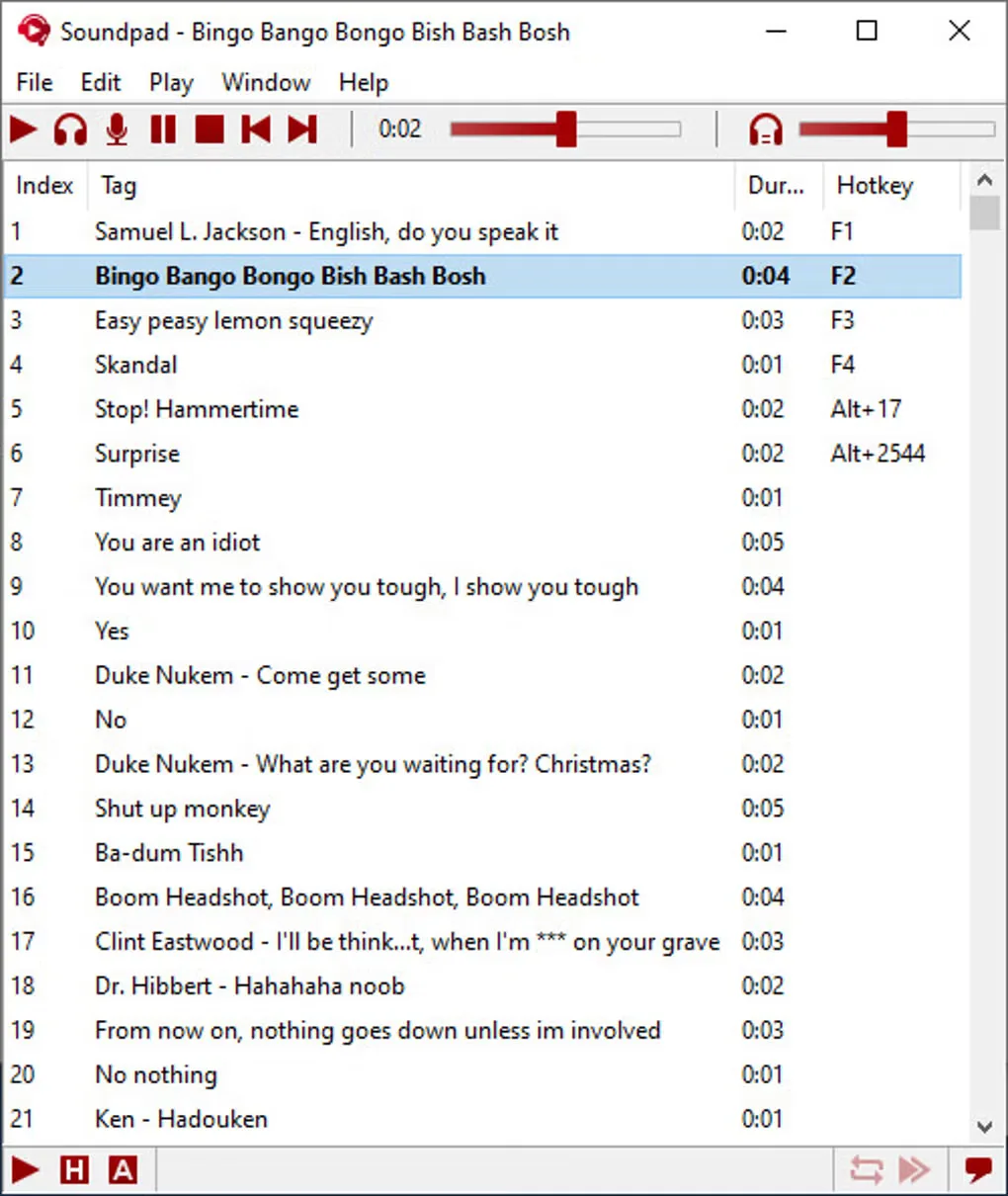
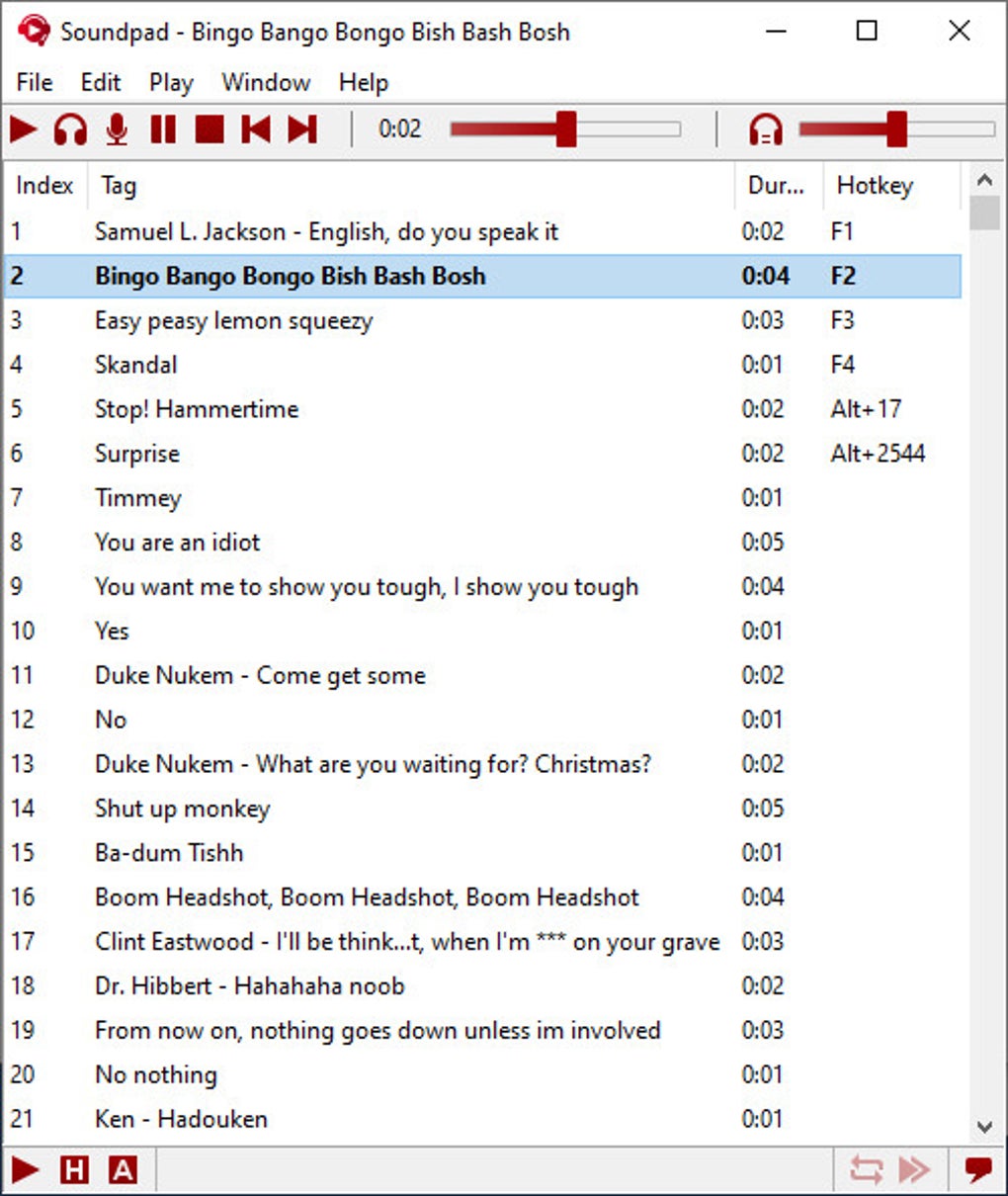
Soundpad is a Windows soundboard for playing audio files through the microphone signal used by voice-chat applications. It suits sharing a short clip during a Discord conversation or a game without switching away to a separate player. You can send playback to your headphones, your microphone, or both, and assign individual hotkeys to sounds in your list.
The built-in volume normalization adjusts clips toward the volume of your voice. A recorder captures what you hear on the computer, while the sound editor trims recordings or existing files. Supported audio formats include AAC, FLAC, M4A, MP3, OGG, Opus, WAV and WMA.
The linked Windows 64-bit MSI is the publisher's trial package. The trial holds up to 10 sounds and allows 10 plays each time Soundpad starts; a paid license removes those limits. Installation and changes to device preferences require administrator privileges, and you need an audio recording device such as a microphone. The publisher also lists a Windows Audio DRM validation restriction specifically for Windows 7 through 8.1, not for Windows 10 or 11.
What it offers
- Play audio files through the microphone signal, headphones, or both.
- Assign hotkeys to individual sounds for playback while another application is in the foreground.
- Normalize sound volume toward the volume of your voice.
- Record computer audio and trim clips with the built-in recorder and editor.
- Save and load sound lists; open AAC, FLAC, M4A, MP3, OGG, Opus, WAV and WMA files.
Good to know
- The free trial permits up to 10 sounds in the list and 10 plays per application restart; removing these limits requires a paid license.
- An audio recording device is required. Installation and changes to device preferences require administrator privileges.
- On Windows 7, 8 and 8.1, Soundpad requires disabled Windows Audio DRM validation, which can conflict with protected DVD or Blu-ray playback.
Product images
Sources
References used for this listing. Retrieval dates do not indicate hands-on testing.
- Soundpad - Download ↗Retrieved
- Soundpad - Play sounds in voice chats ↗Retrieved
- Download - Soundpad ↗Retrieved
- License Terms - Soundpad ↗Retrieved
More in multimedia & graphics
View category ↗
1by1 2.17
Play music directly from folders with 1by1, a free Windows audio player with resume, gapless playback and file tools. Formats beyond MP3 need additional decoders.
3DVista Virtual Tour Pro
Build interactive 360° virtual tours from panoramas, videos and 3D models with 3DVista Virtual Tour Pro for Windows. Commercial software with a 30-day trial.

4DDiG Video Repair
Repair corrupted or unplayable videos in batches with the Video Repair tool in 4DDiG File Repair for Windows. A free trial is available; advanced features require a paid license.