

Multimedia & graphics Windows
Spin 3D for Windows
Convert 3D mesh files between STL, OBJ, PLY and other supported formats on Windows, with model previews and batch conversion. A free version is available for non-commercial use.
- Operating system
- Windows 7 to 11, as listed by the publisher
- Architecture
- Not specified on the cited publisher pages
- Download package
- EXE setup package
Publisher-listed compatibility, not installation-tested. The selected link is the free non-commercial Windows setup.
Link checked · Download guidance
What is Spin 3D?
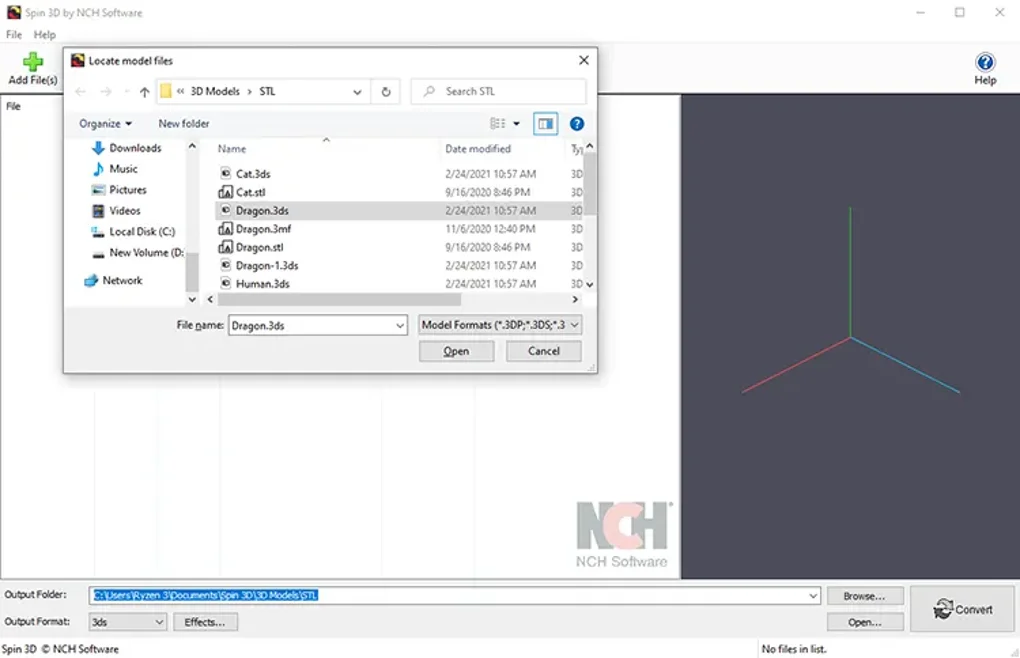
Spin 3D is NCH Software’s 3D model file converter for Windows. It helps move an existing mesh into a format needed by a 3D printing workflow, game tool or another design application. Add model files, choose an output format and output folder, then convert them individually or as a batch. The publisher lists previews before conversion and multithreaded batch processing.
The supported output formats include STL, OBJ, PLY, 3DS, 3MF and NCH’s 3DP format. Additional input formats such as Blender, FBX and glTF require an optional component. A longer input list does not mean every format is available as an export target.
Check format limitations before moving a model between applications: NCH’s support table says OBJ material files are not supported. The publisher also lists translation, rotation and scale offsets, plus mesh corrections for normals and duplicate triangles or vertices. These are publisher-described features, not results of a software test.
The linked Windows EXE is the publisher’s free setup package. NCH limits the free version to non-commercial use; do not assume that it covers a commercial workflow.
What it offers
- Convert meshes to STL, OBJ, PLY, 3DS, 3MF or 3DP.
- Preview 3D models before conversion.
- Process multiple models with multithreaded batch conversion.
- Apply translation, rotation and scale offsets.
- Recalculate normals and remove duplicate triangles and vertices.
Good to know
- The free version is for non-commercial use.
- OBJ material files are not supported, according to the publisher’s format-support table.
- Additional input formats, including BLEND, FBX and glTF, require an optional component; supported inputs and outputs differ.
Product images
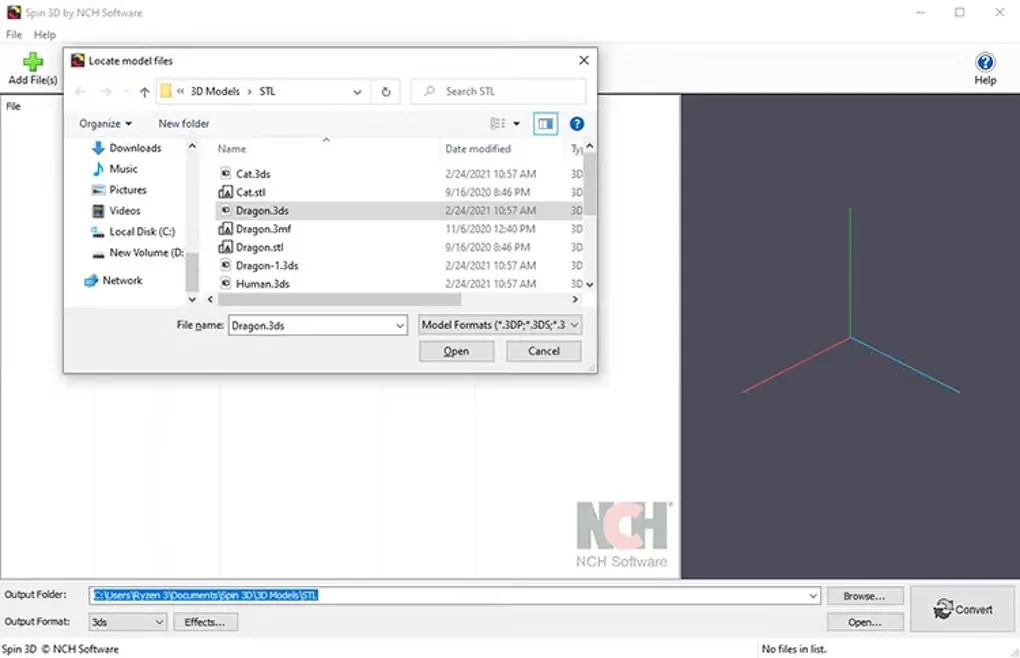
Sources
References used for this listing. Retrieval dates do not indicate hands-on testing.
More in multimedia & graphics
View category ↗
1by1 2.17
Play music directly from folders with 1by1, a free Windows audio player with resume, gapless playback and file tools. Formats beyond MP3 need additional decoders.
3DVista Virtual Tour Pro
Build interactive 360° virtual tours from panoramas, videos and 3D models with 3DVista Virtual Tour Pro for Windows. Commercial software with a 30-day trial.

4DDiG Video Repair
Repair corrupted or unplayable videos in batches with the Video Repair tool in 4DDiG File Repair for Windows. A free trial is available; advanced features require a paid license.