

Multimedia & graphics macOS
Spotify for macOS
Stream music and podcasts on your Mac, browse recommendations and organize playlists with Spotify. Music downloads for offline listening require Premium.
What is Spotify?
Spotify brings music and podcasts to a dedicated Mac application. Search for something specific, browse personalized recommendations or organize tracks into playlists for later listening. The service also supports listening across computers, phones, tablets and other devices through one account.
The free service and paid Premium subscriptions do not offer the same offline access. Premium lets you download albums and playlists as well as podcasts; the free version only permits podcast downloads. Downloads stay inside Spotify, and you must connect online at least once every 30 days to keep them.
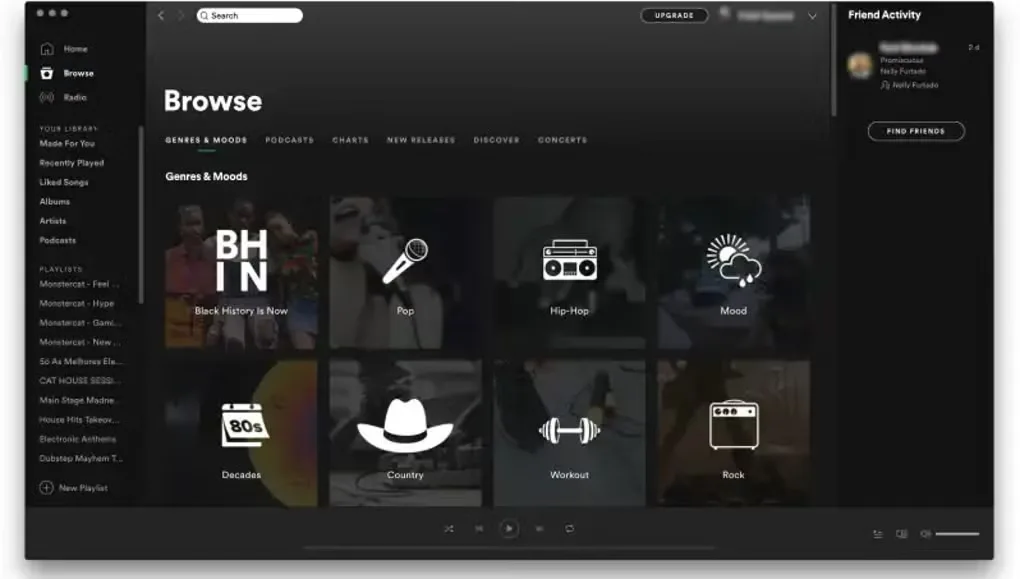
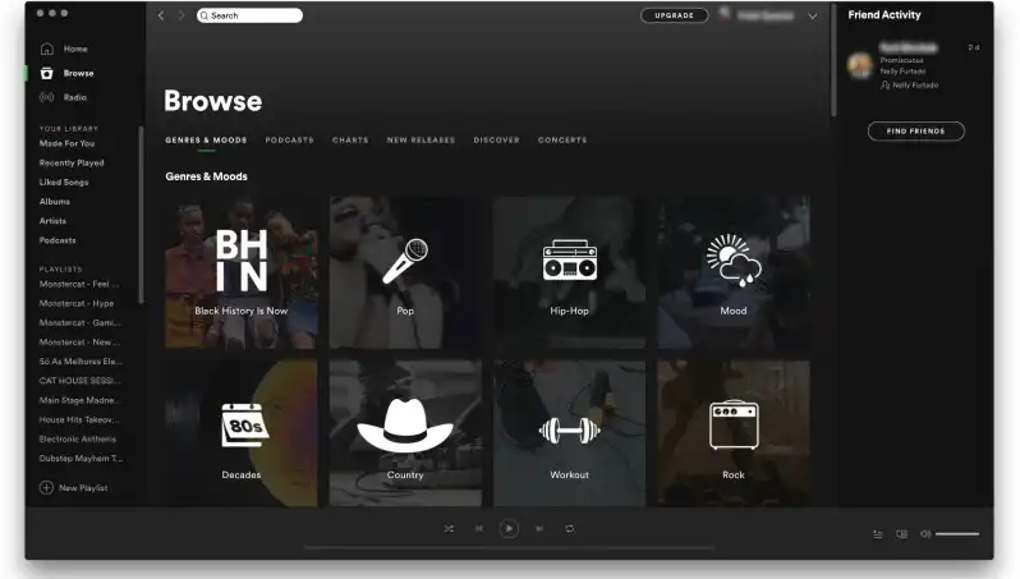
The download linked here is the Mac ZIP installer offered by Spotify’s own download page. The gallery image shows an older Mac desktop interface, not a promise that the current application looks identical.
What it offers
- Stream music and podcasts in the Mac desktop application.
- Browse personalized recommendations and organize music into playlists.
- Use one account across computers, phones, tablets and other supported devices.
- Download albums and playlists for offline listening with Premium; podcast downloads are also available on the free service.
Good to know
- Music downloads require Premium; the free version only permits podcast downloads.
- Go online at least once every 30 days to keep downloaded content.
- Available content and service features can change; Spotify does not guarantee continued availability of particular songs or shows.
Product images
Sources
References used for this listing. Retrieval dates do not indicate hands-on testing.
More in multimedia & graphics
View category ↗
1by1 2.17
Play music directly from folders with 1by1, a free Windows audio player with resume, gapless playback and file tools. Formats beyond MP3 need additional decoders.
3DVista Virtual Tour Pro
Build interactive 360° virtual tours from panoramas, videos and 3D models with 3DVista Virtual Tour Pro for Windows. Commercial software with a 30-day trial.

4DDiG Video Repair
Repair corrupted or unplayable videos in batches with the Video Repair tool in 4DDiG File Repair for Windows. A free trial is available; advanced features require a paid license.