

Multimedia & graphics Windows
Stream What You Hear for Windows
Send audio playing on a Windows PC to compatible UPnP/DLNA speakers, TVs or receivers, or record it as MP3. This download is the stable SWYH 1.5.0 release.
- Operating system
- Windows Vista, 7, 8 and 8.1 (publisher release README)
- Architecture
- x86/x64 (publisher requirements); release notes list AnyCPU
- Download package
- EXE installer
Requires .NET Framework 4.0 according to the 1.5.0 README. Compatible UPnP/DLNA receiver or HTTP-stream player needed for remote playback. Windows 10/11 not verified here.
Link checked · Download guidance
What is Stream What You Hear?
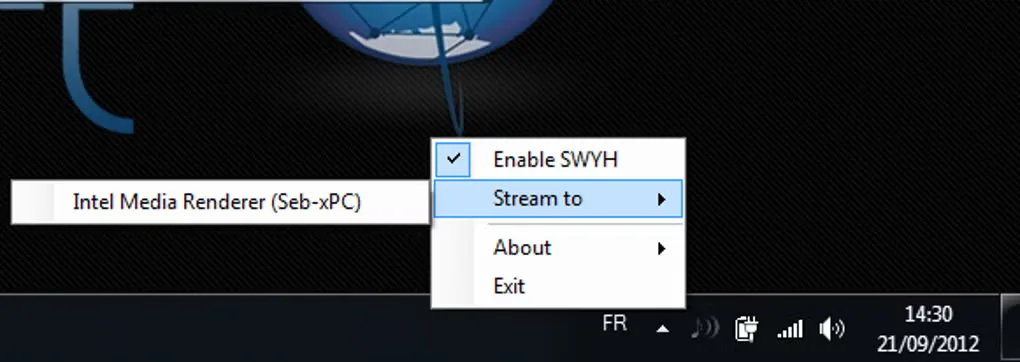
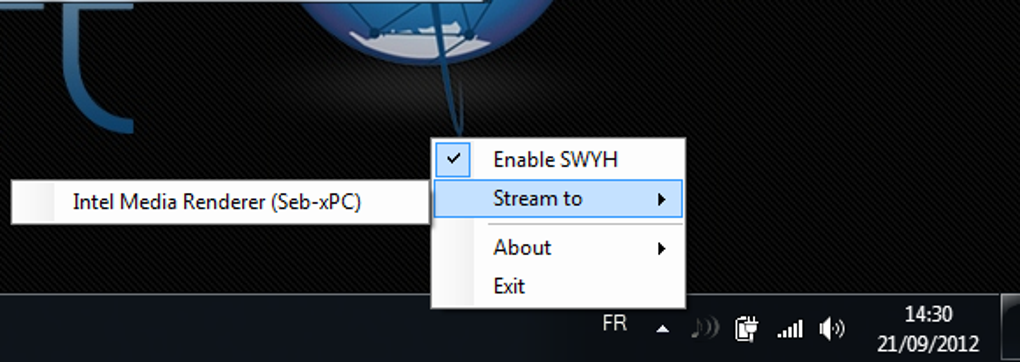
Stream What You Hear (SWYH) captures sound playing on your Windows computer and sends it to compatible UPnP/DLNA equipment. It can carry audio from a browser, music application or local player to a network receiver instead of the PC speakers. The application runs from the notification area: its Stream to menu lists detected renderers and lets you request playback.
SWYH 1.5.0 supports MP3 and WAV/PCM (L16) streams over HTTP, and can record captured audio to an MP3 file. Device support is not universal, and some players accept only a particular stream format. Audio latency also makes this a poor choice when picture and sound must stay synchronized.
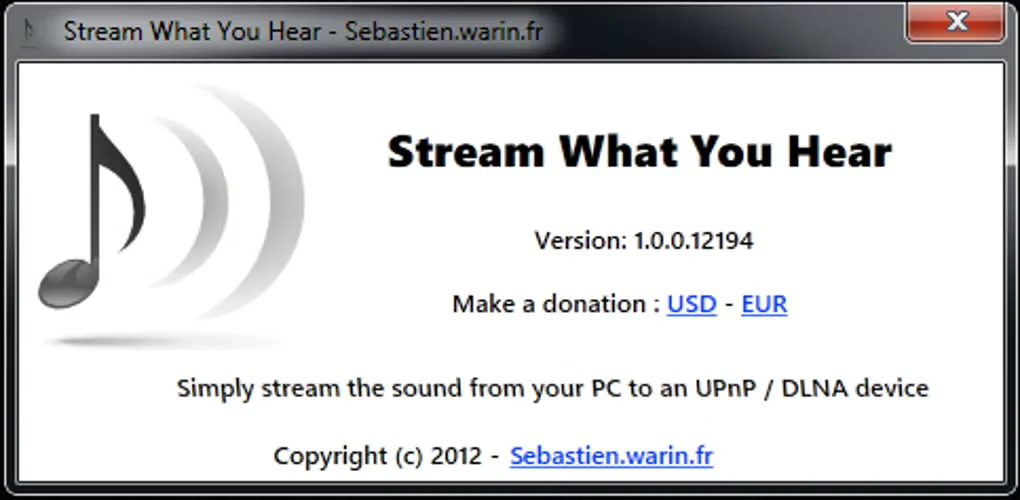
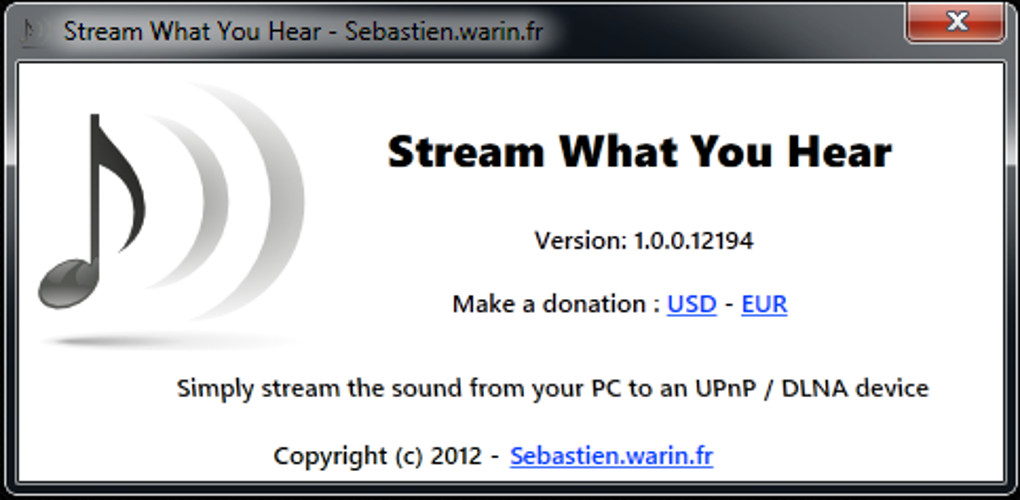
The linked EXE is the publisher-listed stable 1.5.0 release, published on 19 May 2020, not the separately offered SWYH 2 beta. The gallery images show the older tray interface and About dialog; they are historical illustrations, not screenshots of the 1.5.0 package running in this session. The release README lists Windows Vista, 7 and 8/8.1 with .NET Framework 4.0; Windows 10/11 compatibility has not been verified here.
What it offers
- Capture audio playing on the Windows PC for network streaming.
- Discover UPnP/DLNA media renderers and request playback from the system-tray Stream to menu.
- Serve MP3 or WAV/PCM (L16) audio streams over HTTP.
- Record captured audio to an MP3 file.
- Select an input or output audio source in release 1.5.0.
Good to know
- Playback has latency; do not assume synchronized audio for video.
- Not every UPnP/DLNA device is supported, and some players require MP3 or PCM/L16 specifically.
- The stable 1.5.0 documentation lists older Windows releases and .NET Framework 4.0; Windows 10/11 compatibility is unverified here.
Product images
Sources
References used for this listing. Retrieval dates do not indicate hands-on testing.
More in multimedia & graphics
View category ↗
1by1 2.17
Play music directly from folders with 1by1, a free Windows audio player with resume, gapless playback and file tools. Formats beyond MP3 need additional decoders.
3DVista Virtual Tour Pro
Build interactive 360° virtual tours from panoramas, videos and 3D models with 3DVista Virtual Tour Pro for Windows. Commercial software with a 30-day trial.

4DDiG Video Repair
Repair corrupted or unplayable videos in batches with the Video Repair tool in 4DDiG File Repair for Windows. A free trial is available; advanced features require a paid license.