

Multimedia & graphics Windows
Subtitle Edit for Windows
Create, correct and synchronize video subtitles with Subtitle Edit, a free, open-source Windows editor with waveform timing, format conversion and OCR tools.
- Operating system
- Windows 10 version 22H2 (build 19045) or newer, fully updated
- Architecture
- x64
- Download package
- EXE installer (Inno Setup)
This link is the x64 installer; the publisher also offers separate x64 and ARM64 ZIP packages. Builds are self-contained and do not require a separate .NET installation. Video features need additional components.
Link checked · Download guidance
What is Subtitle Edit?
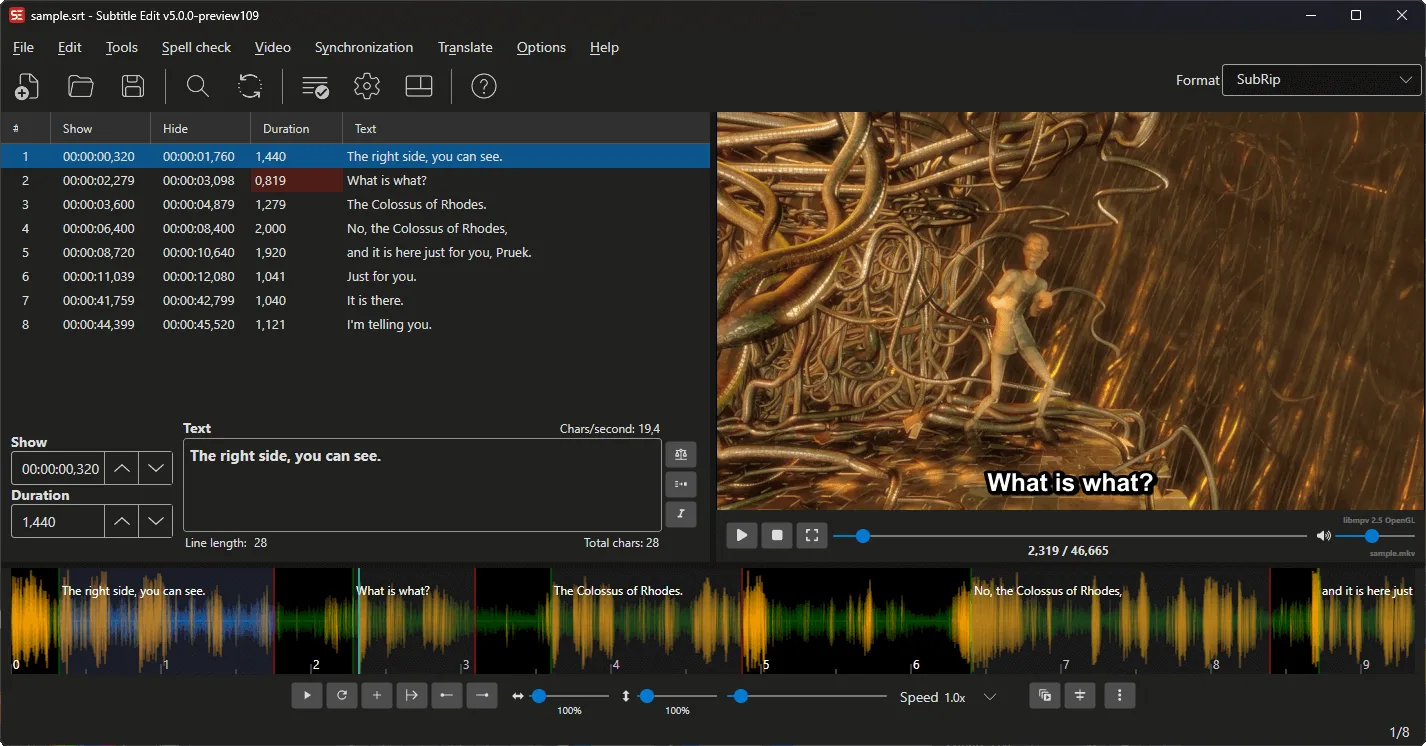
Subtitle Edit helps you fix subtitle text and timing without rebuilding a video project. Its subtitle grid and text editor let you work line by line, while a video preview and audio waveform help place captions against dialogue. Synchronization tools can shift an entire file or align it using reference points; batch conversion handles multiple subtitle files.
It also offers spell checking, common-error correction and OCR for converting image-based subtitles into editable text. The linked download is the publisher's Windows x64 installer for version 5.3.0, not a beta package.
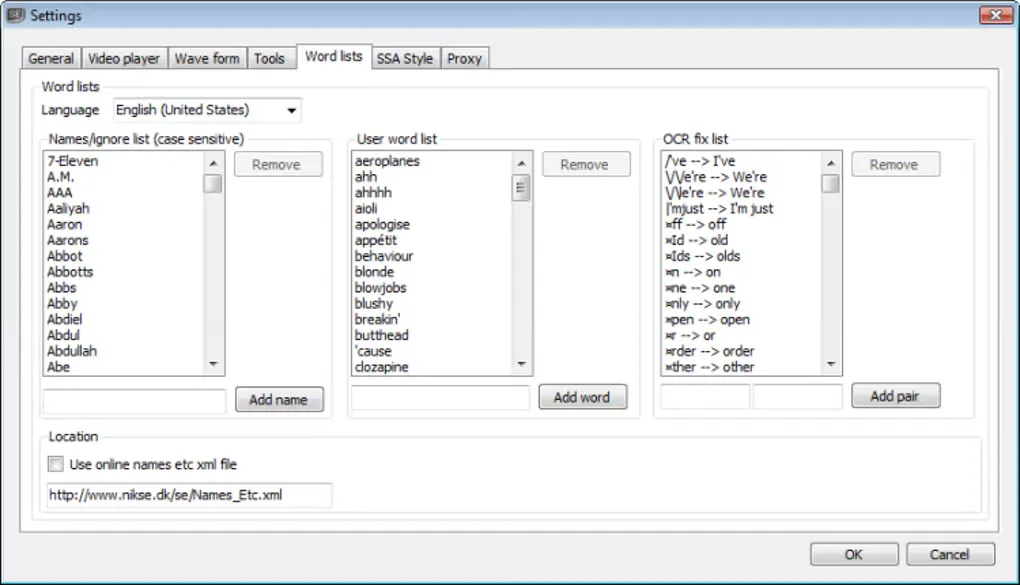
Windows video playback needs libmpv, and waveform generation and other media processing need FFmpeg. These components are not bundled in the Windows build; the application offers to download them when needed. Core editing runs locally, but optional online translation, recognition and other services send the required data to the chosen provider. The screenshots are source illustrations, not proof of installing or running the linked release: the publisher main-window image identifies a 5.0.0 preview, and the Softonic settings image shows an earlier interface.
What it offers
- Create and edit subtitle text, start times and durations in a subtitle grid and text editor.
- Synchronize captions using a video preview, waveform or spectrogram, and reference-point tools.
- Convert subtitle formats, including batch conversion of multiple files.
- Check spelling, fix common errors and convert image-based subtitles to text with OCR.
- Use optional speech-to-text and automatic translation tools with local or online engines.
Good to know
- Windows video playback requires libmpv, and waveform generation and other media processing require FFmpeg; these are separate downloads rather than bundled Windows components.
- Optional third-party online services send the data needed for the request to the selected provider under that provider's privacy policy.
Product images
Sources
References used for this listing. Retrieval dates do not indicate hands-on testing.
- Subtitle Edit — official repository and Windows requirements ↗Retrieved
- Subtitle Edit v5.3.0 — publisher release and download links ↗Retrieved
- Subtitle Edit — official overview, features and dependencies ↗Retrieved
- Subtitle Edit — MIT License ↗Retrieved
- Subtitle Edit — publisher main-window documentation and screenshot ↗Retrieved
- Subtitle Edit - Download — normally browsed Windows page and gallery ↗Retrieved
More in multimedia & graphics
View category ↗
1by1 2.17
Play music directly from folders with 1by1, a free Windows audio player with resume, gapless playback and file tools. Formats beyond MP3 need additional decoders.
3DVista Virtual Tour Pro
Build interactive 360° virtual tours from panoramas, videos and 3D models with 3DVista Virtual Tour Pro for Windows. Commercial software with a 30-day trial.

4DDiG Video Repair
Repair corrupted or unplayable videos in batches with the Video Repair tool in 4DDiG File Repair for Windows. A free trial is available; advanced features require a paid license.