

Multimedia & graphics Windows
Surge XT for Windows
Design layered synth sounds with Surge XT, a free, open-source hybrid synthesizer for Windows with VST3, CLAP and standalone options.
- Operating system
- Windows 7 or newer; at least 4 GB RAM and an SSE2-capable Intel or AMD processor
- Architecture
- x64 (64-bit)
- Download package
- EXE installer
This download requires 64-bit Windows and an x64 CPU. Plug-in use requires a compatible VST3 or CLAP host; 64-bit plug-ins require a 64-bit host. A standalone executable is also available.
Link checked · Download guidance
What is Surge XT?
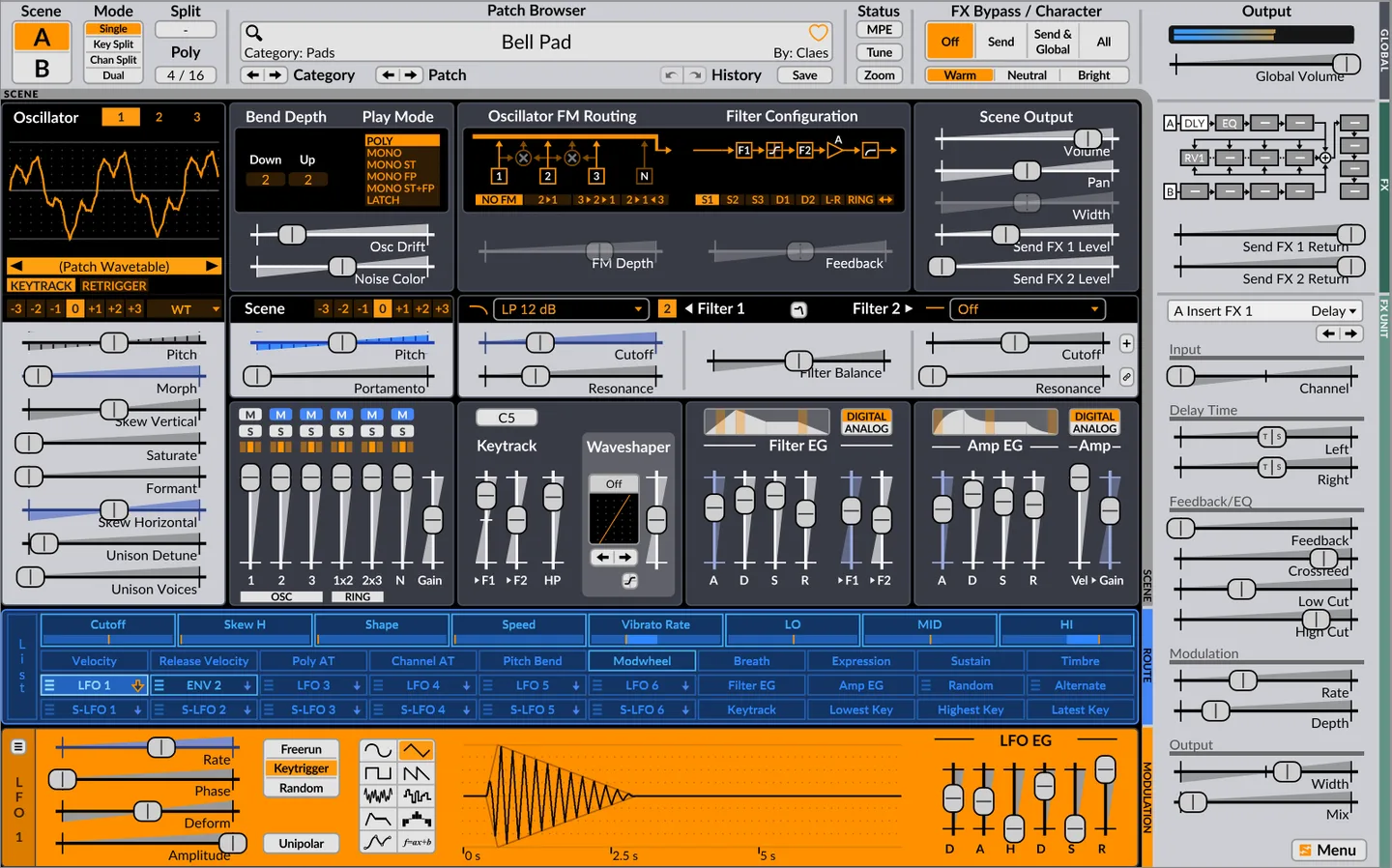
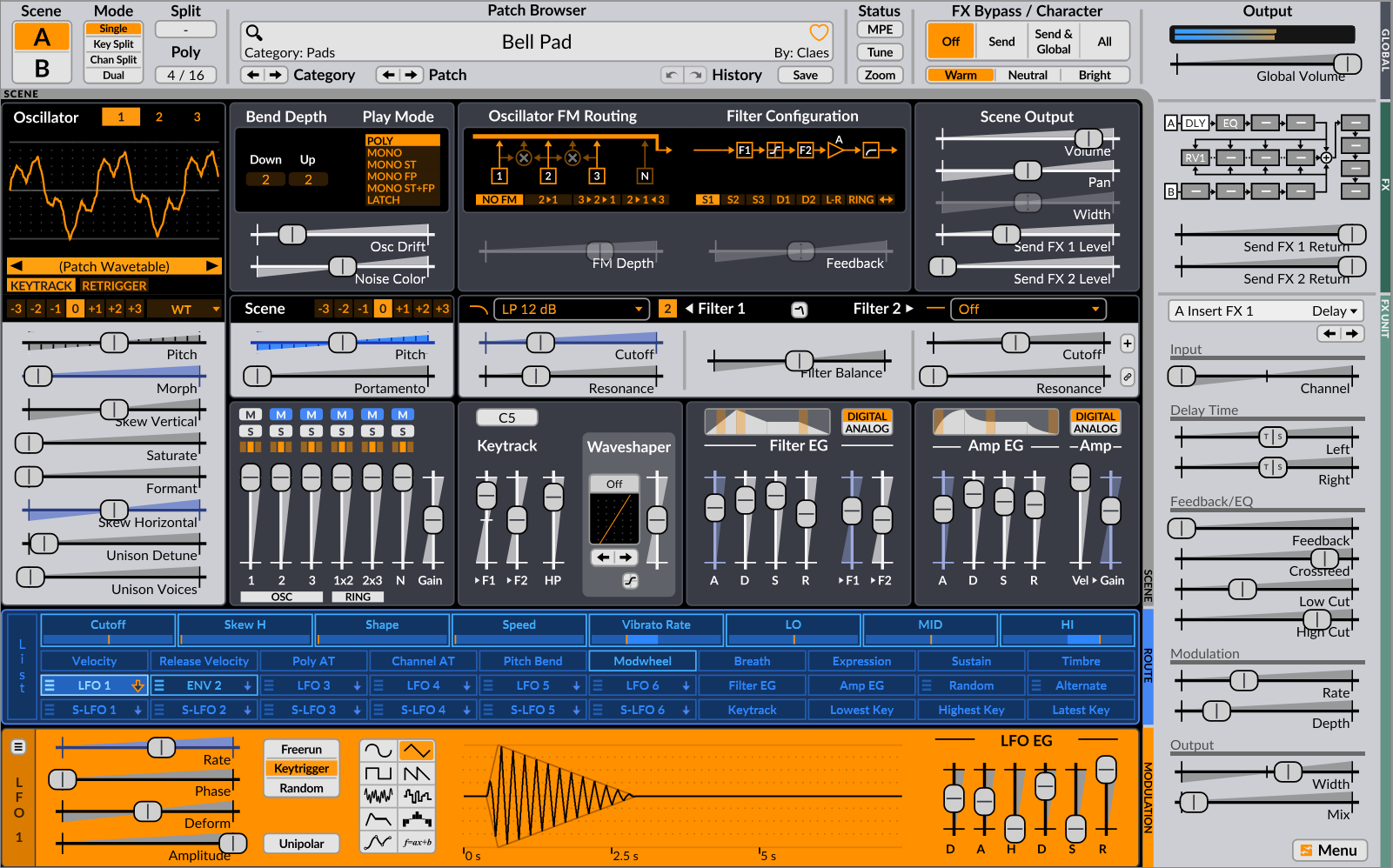
Surge XT is a virtual instrument for building synth patches or playing the supplied sounds. Its two scenes can be layered or split across the keyboard, with three oscillators per scene and synthesis options including wavetable, FM and modeled strings. Filters, modulation routing and effects let you shape a patch within the instrument. The patch browser supports categories, text search and favorites.
On Windows, Surge XT offers VST3 and CLAP plug-ins plus a standalone executable. The linked EXE installer is version 1.3.4 for 64-bit Windows; the publisher also lists a separate 32-bit download. Plug-in use requires a host that supports the selected format, while the standalone version provides its own audio and MIDI settings.
Surge XT is not a drop-in replacement for the original Surge plug-in in older projects. The publisher recommends keeping Surge 1.9 or earlier installed when those projects depend on it. Save custom patches and skins in the user area: reinstalling can overwrite changes in the factory data folder.
What it offers
- Layer two synthesis scenes or split them across a keyboard range.
- Shape sounds with three oscillators per scene, including wavetable, FM and string algorithms.
- Route modulation to synth parameters and build movement with LFOs and envelopes.
- Process patches with scene inserts, sends and master effects.
- Find patches with category browsing, text search and favorites.
Good to know
- Older projects using the original Surge plug-in still need that plug-in installed; Surge XT is a separate instrument.
- Reinstalling can overwrite custom changes in the factory data folder; keep personal patches and skins in the user area.
Product images
Sources
References used for this listing. Retrieval dates do not indicate hands-on testing.
More in multimedia & graphics
View category ↗
1by1 2.17
Play music directly from folders with 1by1, a free Windows audio player with resume, gapless playback and file tools. Formats beyond MP3 need additional decoders.
3DVista Virtual Tour Pro
Build interactive 360° virtual tours from panoramas, videos and 3D models with 3DVista Virtual Tour Pro for Windows. Commercial software with a 30-day trial.

4DDiG Video Repair
Repair corrupted or unplayable videos in batches with the Video Repair tool in 4DDiG File Repair for Windows. A free trial is available; advanced features require a paid license.