
Multimedia & graphics Windows
svtplay-dl
Download videos from supported play services with svtplay-dl, an open-source command-line tool. This Windows download is a 64-bit ZIP; FFmpeg is needed separately to merge audio and video.
- Operating system
- 64-bit Windows; Windows 7 is no longer supported
- Architecture
- x64 (AMD64)
- Download package
- ZIP archive containing svtplay-dl.exe
Extract and run from a command prompt or terminal. Obtain ffmpeg.exe separately for audio/video merging. Exact minimum Windows build is not specified in the cited publisher pages.
Link checked · Download guidance
What is svtplay-dl?
svtplay-dl saves published videos from supported streaming sites to your computer through a command prompt or terminal. The publisher lists services including SVT Play, TV4 Play, UR Play, NRK and DR. It suits users who want to supply a video-page URL and control subtitles, series downloads or stream selection with command-line options rather than a graphical download manager.
For the Windows package linked here, extract the ZIP and run svtplay-dl.exe from a terminal. The publisher instructs Windows users to place a separately obtained ffmpeg.exe in the same folder so that audio and video can be merged into one file. The documented -S option requests subtitles, -A requests a series of episodes and --list-quality shows available stream choices. These are documented capabilities, not results of an installation or download test by SoftGalaxy.
Choose this package only for 64-bit Windows. The project stopped providing 32-bit Windows binaries in version 4.193 and dropped Windows 7 support in 4.113; the cited sources do not establish an exact minimum supported Windows build for 4.211. A supported-service listing does not promise that every video can be downloaded.
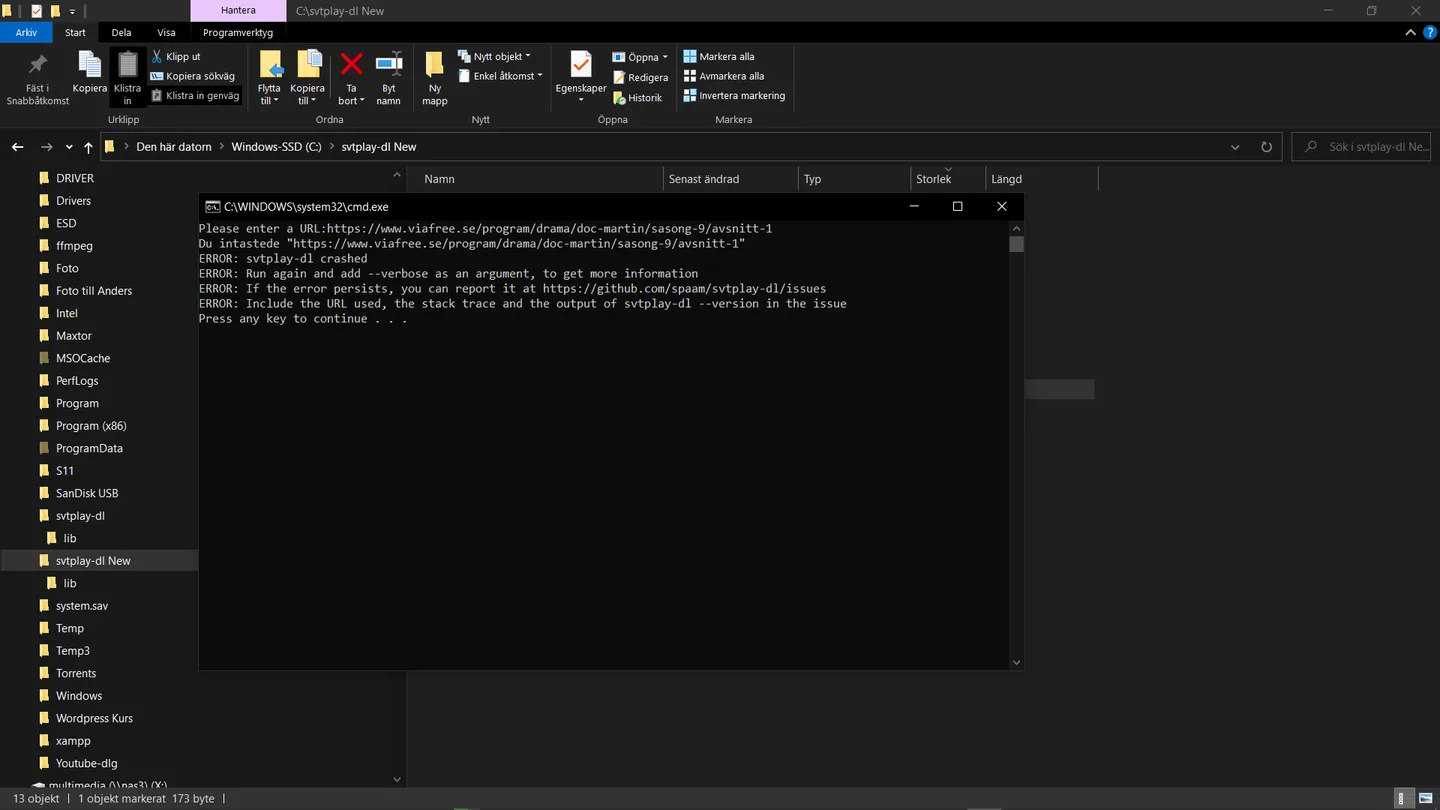
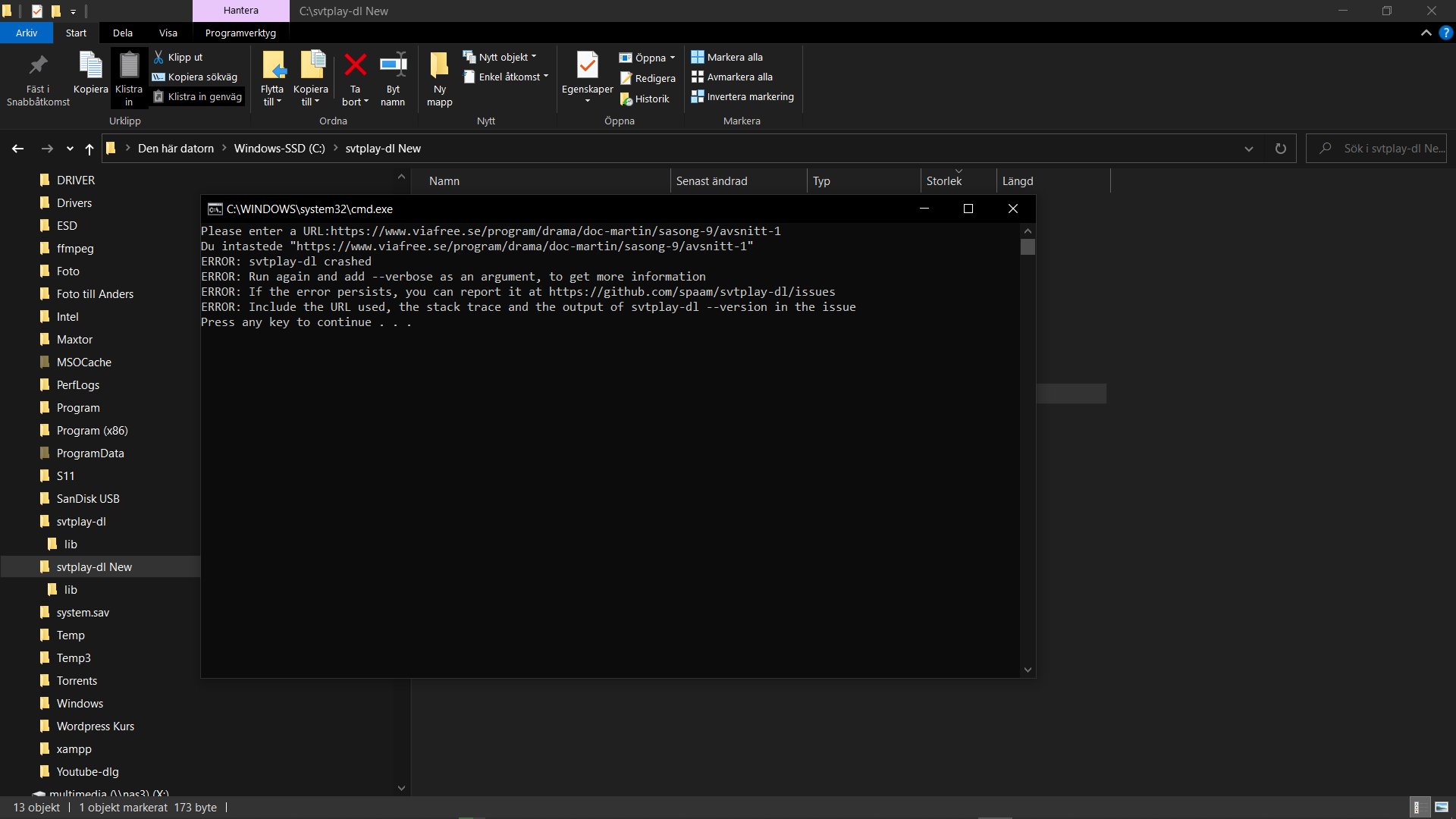
The screenshot is a historical user-contributed Windows capture from an August 2021 issue about version 4.2. It shows the command-line interface reporting an error, not version 4.211 in operation and not a current failure reproduced by SoftGalaxy.
What it offers
- Download videos by passing a supported video-page URL to the command-line program.
- Request subtitles with -S and multiple episodes with -A where supported.
- Inspect available stream quality, codec, resolution and language with --list-quality.
- Select a protocol and target quality with -P, -q and -Q.
- Use separately installed FFmpeg to merge audio and video after downloading.
Good to know
- Requires command-line use; the linked Windows package is not a graphical download manager.
- FFmpeg is a separate prerequisite for merging audio and video into one file.
- Current Windows binaries are 64-bit only; Windows 7 and 32-bit Windows binaries are no longer supported. An exact minimum Windows build is not established by the cited sources.
- Service support and available streams vary by site and video; a publisher-listed service is not a guarantee that every video is downloadable.
Product images
Sources
References used for this listing. Retrieval dates do not indicate hands-on testing.
- svtplay-dl - Download videos from SVT Play, TV4 Play and more ↗Retrieved
- svtplay-dl - Download ↗Retrieved
- svtplay-dl - Install on Windows ↗Retrieved
- svtplay-dl - Usage ↗Retrieved
- svtplay-dl - Supported Sites ↗Retrieved
- Cannot download from Viafree · Issue #1406 · spaam/svtplay-dl ↗Retrieved
More in multimedia & graphics
View category ↗
1by1 2.17
Play music directly from folders with 1by1, a free Windows audio player with resume, gapless playback and file tools. Formats beyond MP3 need additional decoders.
3DVista Virtual Tour Pro
Build interactive 360° virtual tours from panoramas, videos and 3D models with 3DVista Virtual Tour Pro for Windows. Commercial software with a 30-day trial.

4DDiG Video Repair
Repair corrupted or unplayable videos in batches with the Video Repair tool in 4DDiG File Repair for Windows. A free trial is available; advanced features require a paid license.