

Multimedia & graphics Windows
Sweet Home 3D for Windows
Draw a floor plan, arrange furniture and preview rooms in 3D with Sweet Home 3D for Windows. This download is the free desktop installer bundled with Java.
- Operating system
- Windows; publisher FAQ includes Windows 10 and Windows 11
- Architecture
- 32-bit and 64-bit Windows options described in the publisher FAQ
- Download package
- EXE installer bundled with Java
This entry links the free SourceForge installer. Graphics-driver configuration can affect 3D operation; compatibility is publisher-reported, not locally tested.
Link checked · Download guidance
What is Sweet Home 3D?
Sweet Home 3D helps you plan a home interior by drawing walls and arranging doors, windows and furniture on a 2D floor plan. A simultaneous 3D view lets you inspect the layout from above or from a visitor's viewpoint. You can change object dimensions, colors and textures to compare different room arrangements.
For an existing space, import a blueprint as a tracing reference, then add room areas, measurements and text. Additional furniture models and textures can extend the catalog. The desktop application also exports plans and creates rendered images and videos, with lighting controls for the time of day and geographic location.
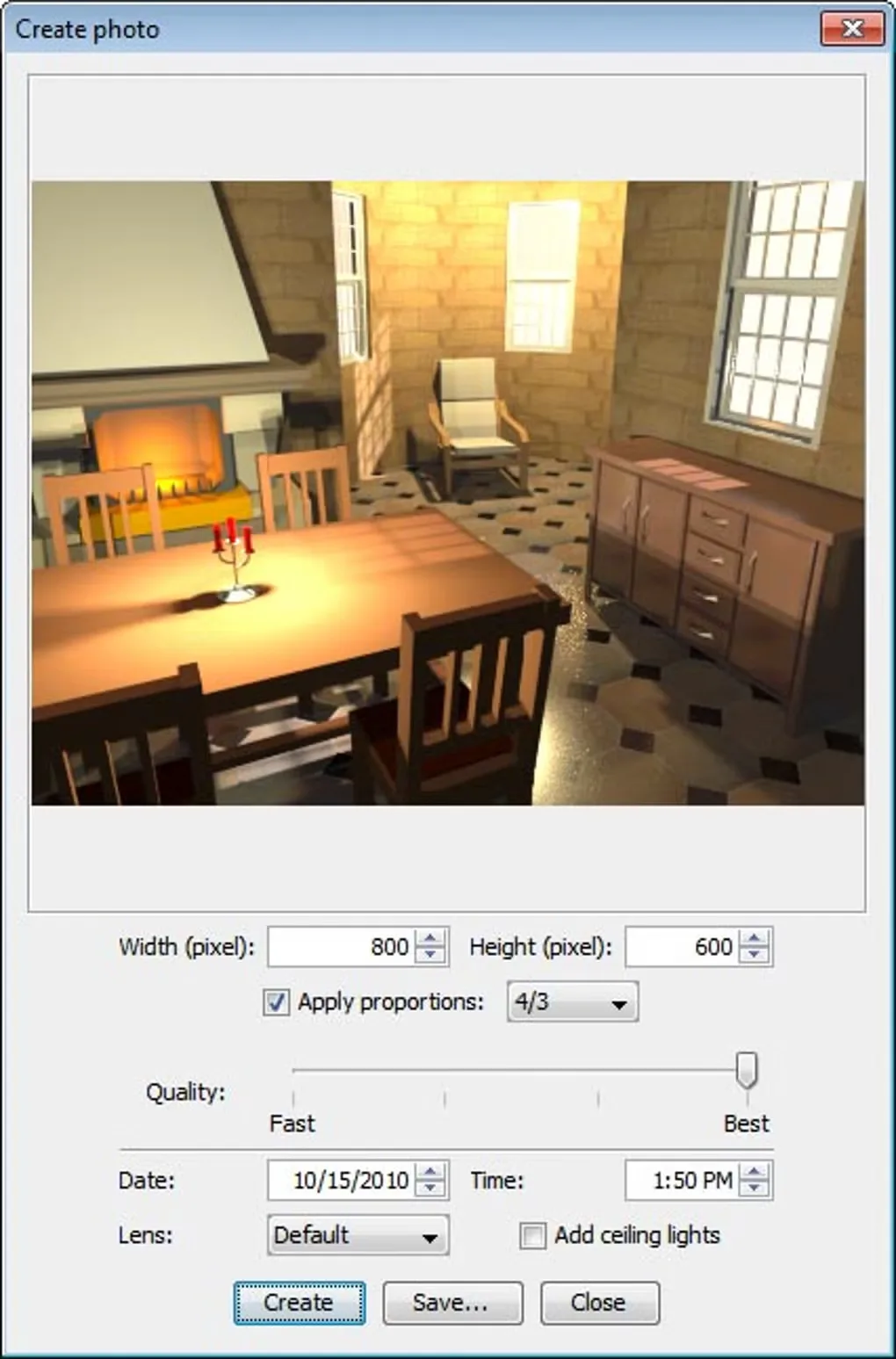
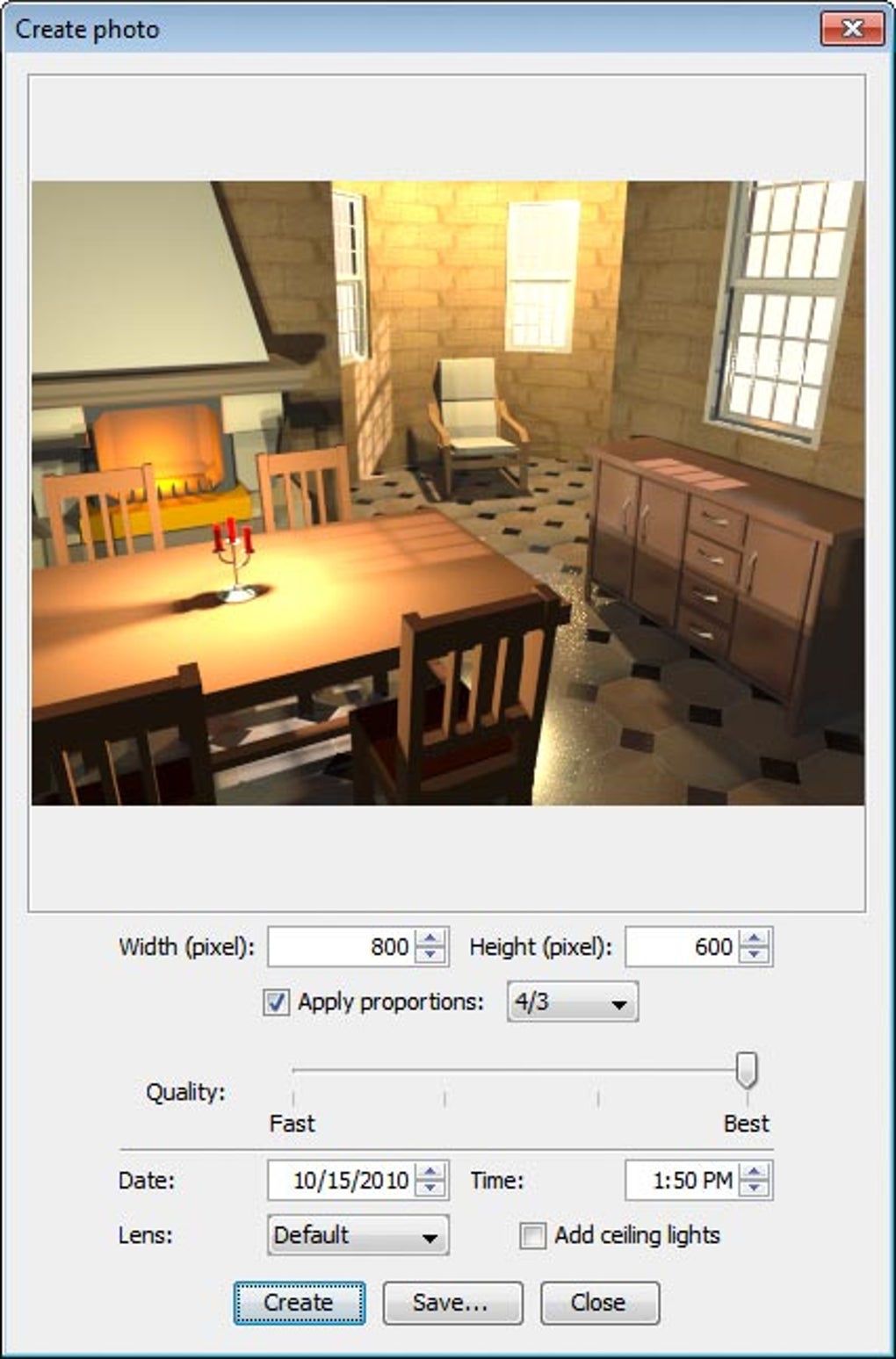
The linked download is the publisher-listed free Windows 7.5 EXE installer, not the paid Microsoft Store edition or the browser-based designer. Java is included. The free Windows package has a smaller built-in furniture and texture collection than the store edition; additional resources can be imported separately. High-quality photo and video rendering can take substantial time, as the publisher's FAQ explains. The gallery image shows a historical Windows Create photo dialog, not a verified screenshot of this exact release.
What it offers
- Draw straight, round or sloping walls and annotate plans with room areas, dimension lines and text.
- Place doors, windows and furniture, then change their size, position, color and texture.
- Preview a 2D layout in 3D from an aerial view or a virtual visitor's viewpoint.
- Import a home blueprint, additional furniture models and surface textures.
- Export plans and create rendered images or videos with adjustable lighting.
Good to know
- The free Windows download includes fewer furniture models and textures than the paid Microsoft Store edition.
- The publisher warns that the two highest rendering quality levels can take minutes for photos and many hours for videos, depending on the scene and computer.
Product images
Sources
References used for this listing. Retrieval dates do not indicate hands-on testing.
- Download - Sweet Home 3D ↗Retrieved
- Sweet Home 3D Features - Sweet Home 3D ↗Retrieved
- FAQ - Sweet Home 3D ↗Retrieved
- Legal Notice - Sweet Home 3D ↗Retrieved
- Sweet Home 3D - Download — normal browser and gallery observation ↗Retrieved
More in multimedia & graphics
View category ↗
1by1 2.17
Play music directly from folders with 1by1, a free Windows audio player with resume, gapless playback and file tools. Formats beyond MP3 need additional decoders.
3DVista Virtual Tour Pro
Build interactive 360° virtual tours from panoramas, videos and 3D models with 3DVista Virtual Tour Pro for Windows. Commercial software with a 30-day trial.

4DDiG Video Repair
Repair corrupted or unplayable videos in batches with the Video Repair tool in 4DDiG File Repair for Windows. A free trial is available; advanced features require a paid license.